Optical reflectometer with CCTV tester CS-R5-50H
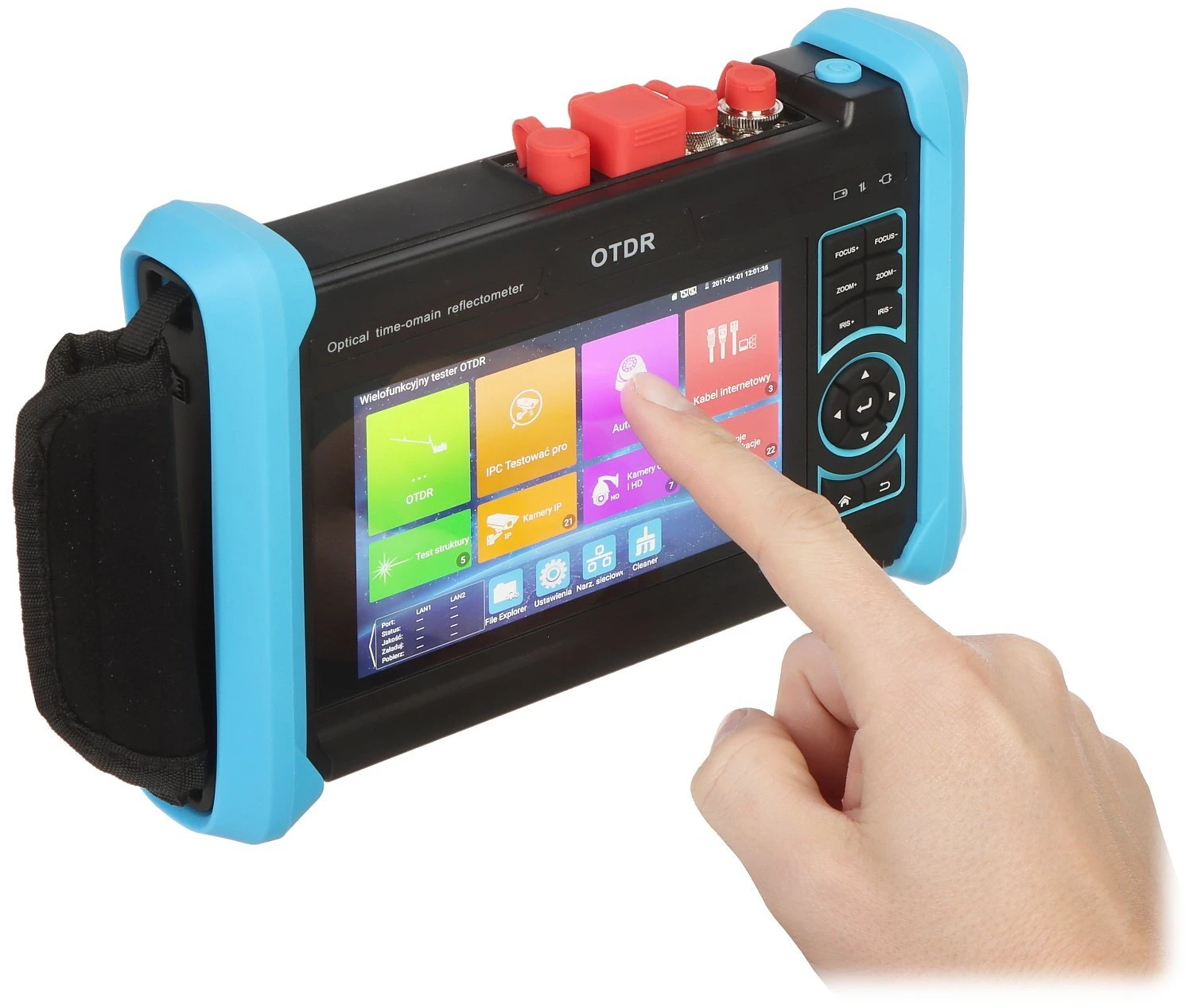
A handheld optical time-domain reflectometer (OTDR) with a touchscreen interface, featuring a durable design with blue protective corners. The device is equipped with multiple ports and buttons for versatile connectivity and operation.
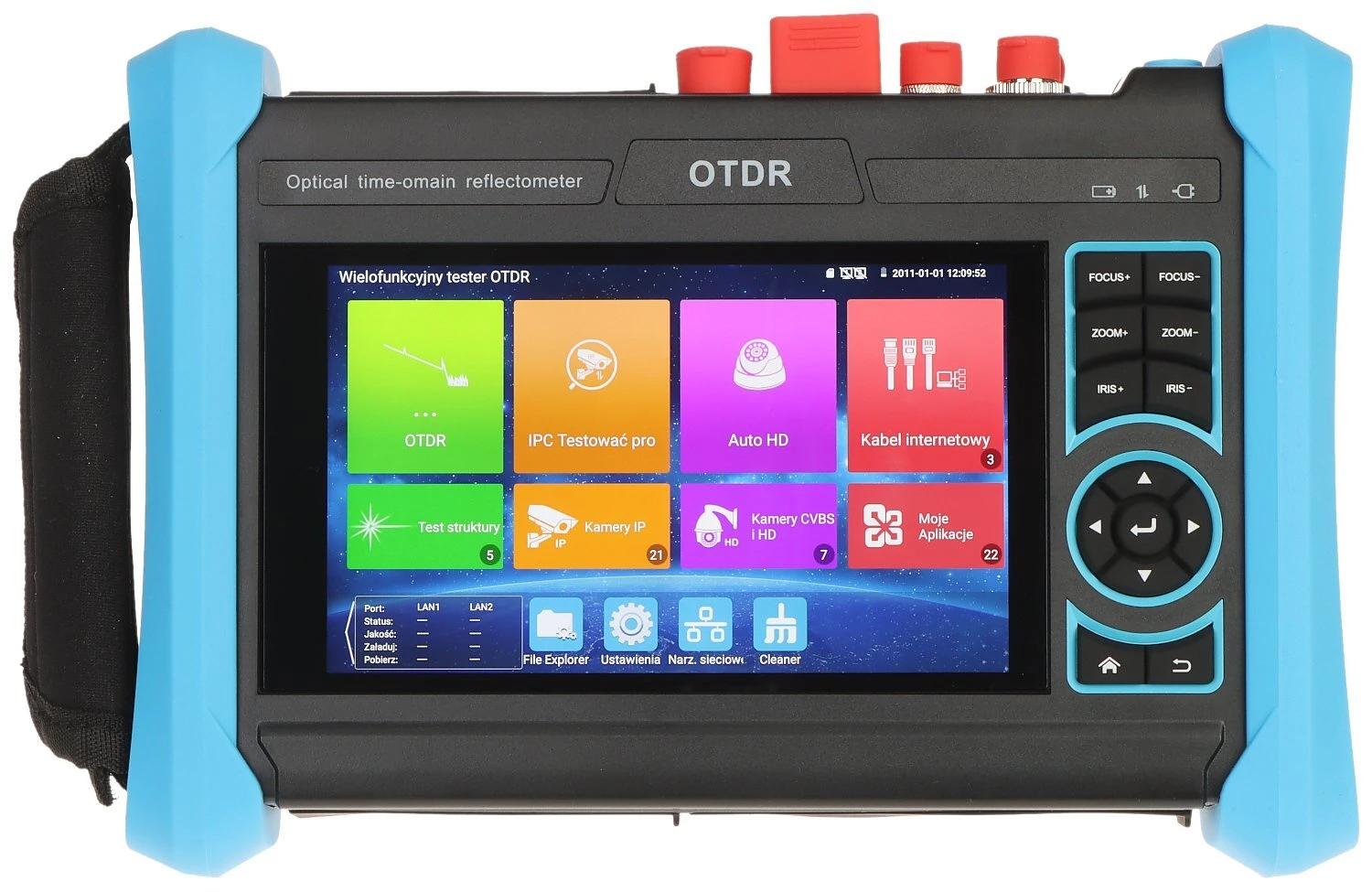
The image shows an optical time-domain reflectometer (OTDR) with a vibrant touchscreen interface displaying various testing options and applications. The device features a rugged design with blue protective corners and a side strap for easy handling.
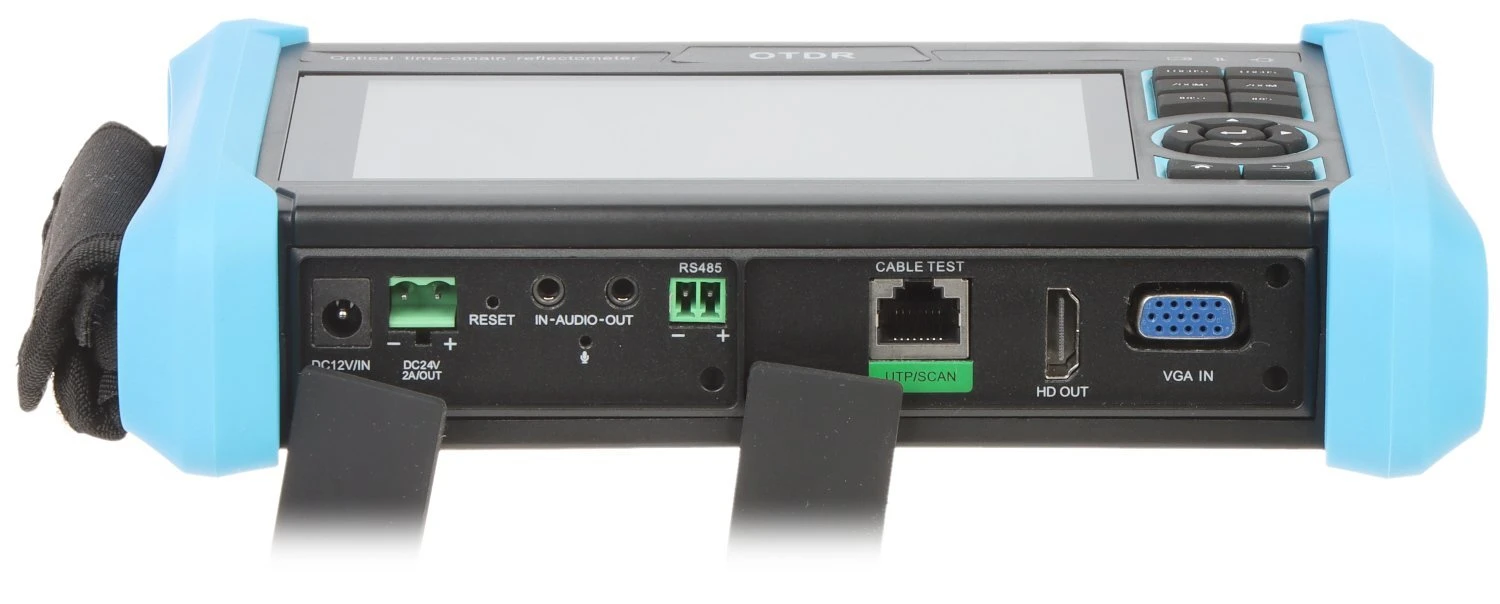
The image shows an OTDR device with a variety of ports including HDMI, VGA, and RS485, as well as audio input and output. The device features a durable design with blue protective corners and a strap for easy handling.
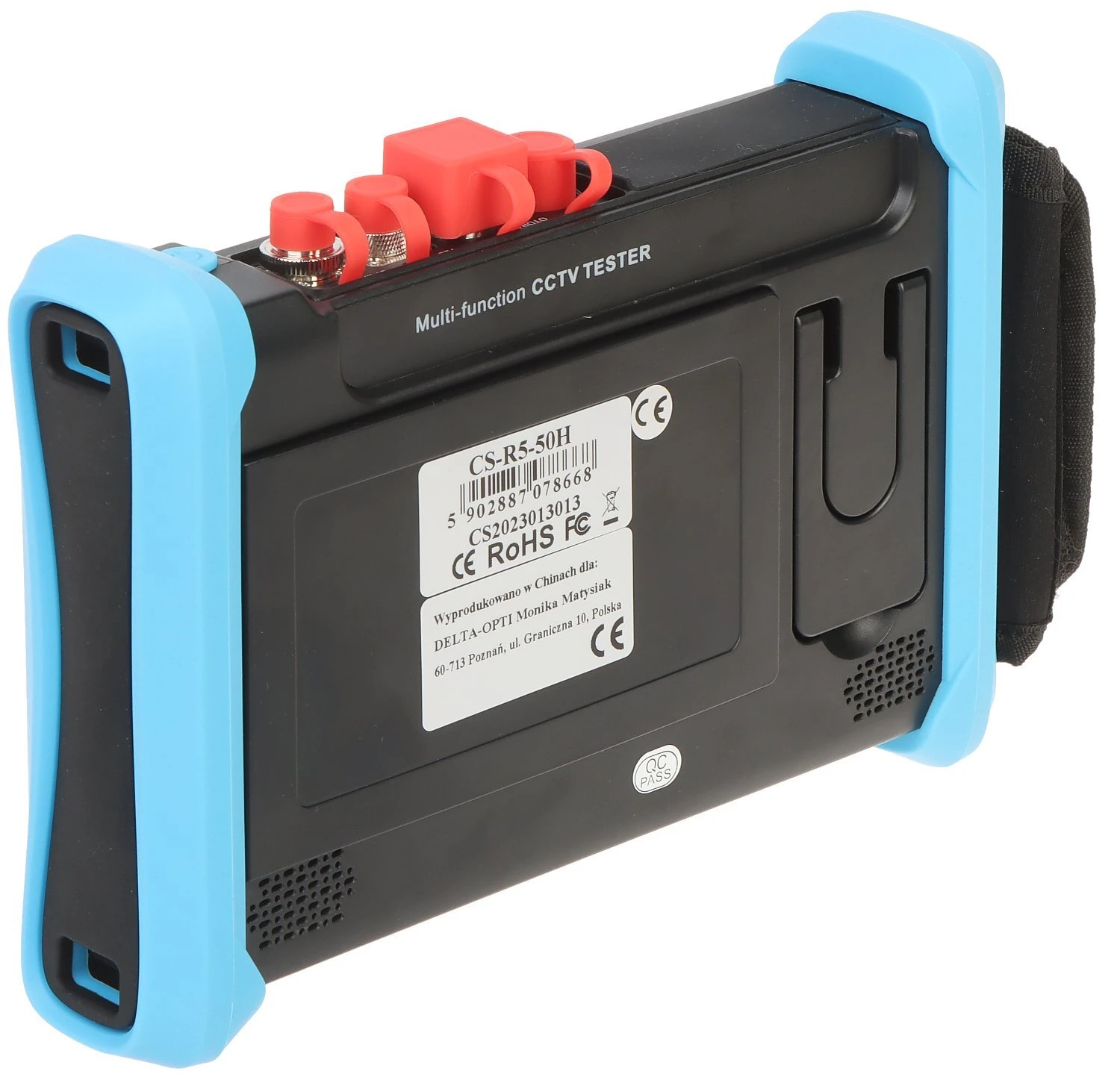
The image shows a handheld OTDR device with a large display screen and multiple ports, including USB and LAN connections. It features protective red caps on the optical ports and has a blue and black casing with a strap for easy handling.
The image shows a multi-function CCTV tester with a black body and blue protective edges. It features various ports and connectors on the top, designed for testing and troubleshooting security camera systems.
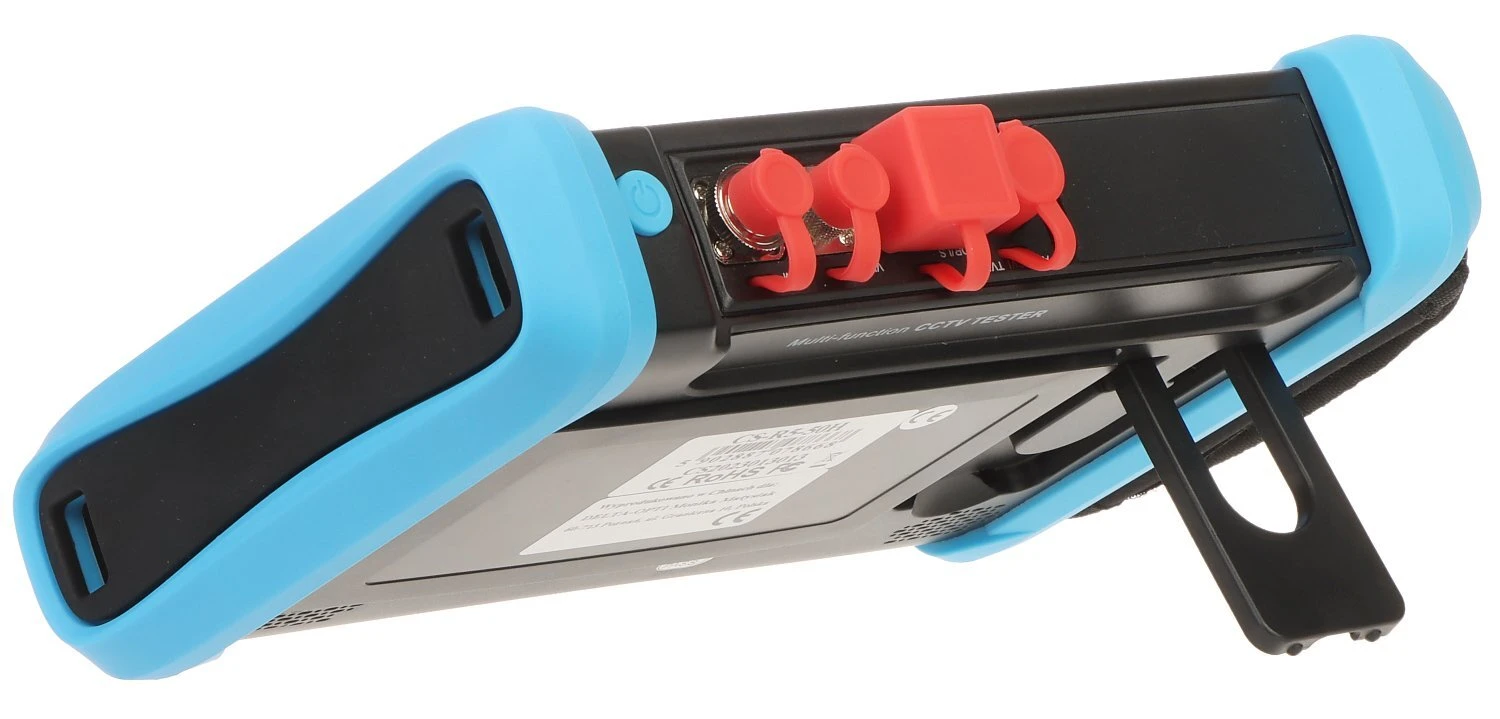
A handheld electronic device with a blue protective casing and a foldable stand, featuring red protective covers over its input ports. The device is designed for durability and ease of use, ideal for fieldwork or technical diagnostics.
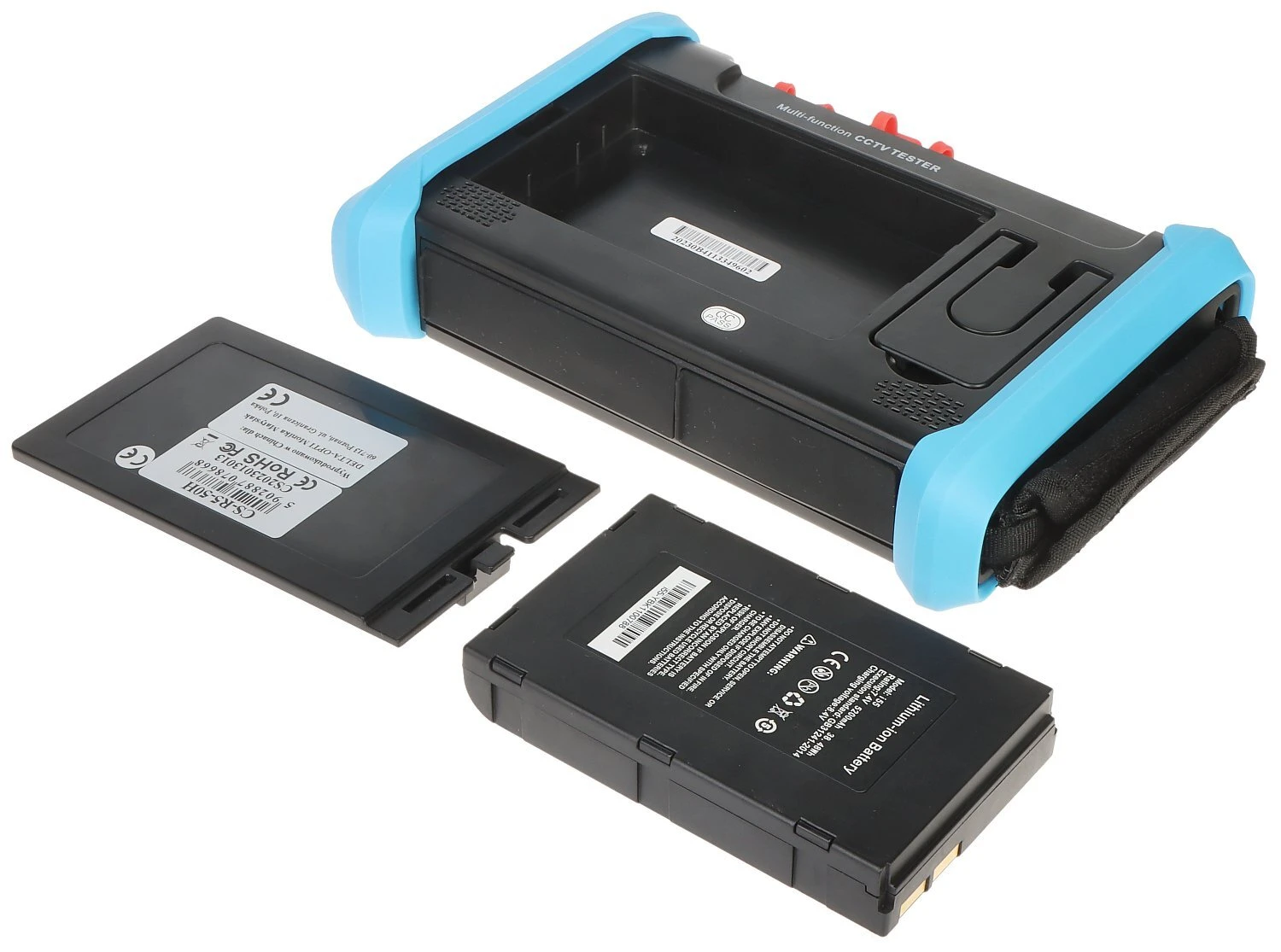
A black and blue battery holder with a compartment for secure placement is shown alongside two separate batteries. The holder features red buttons and a black strap for easy handling and transport.
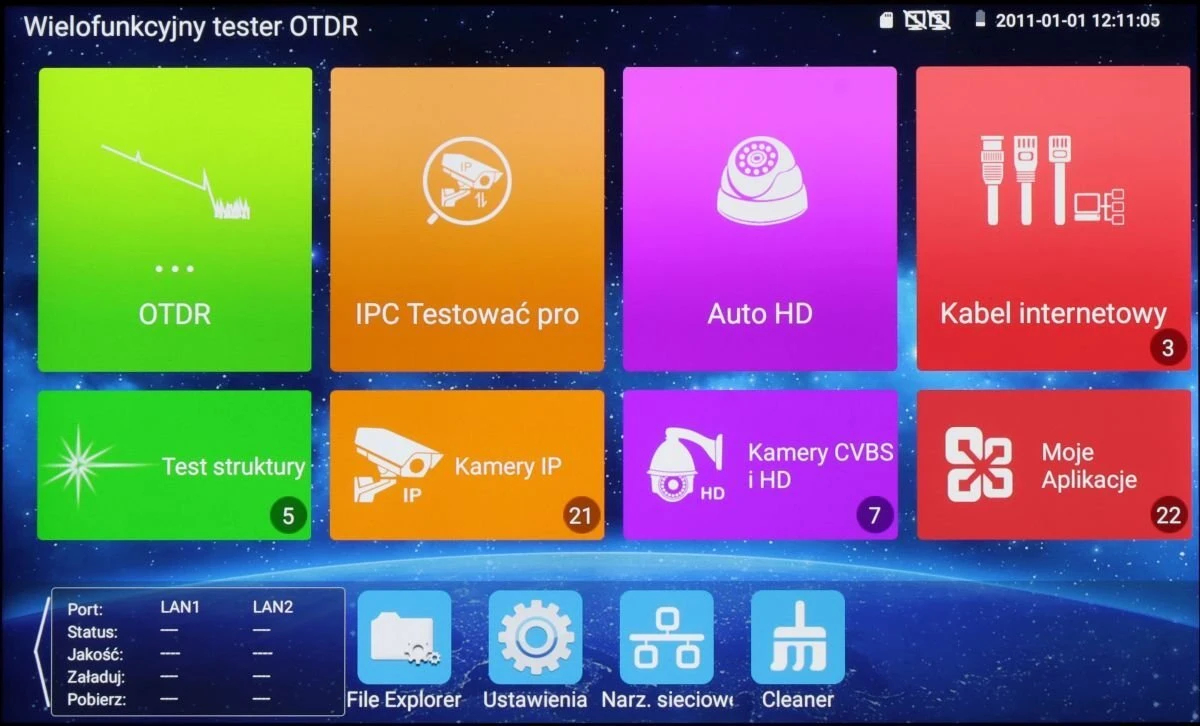
The image displays a multifunctional OTDR tester interface with various colorful icons for different testing and application options, including OTDR, IPC testing, Auto HD, and internet cable testing. The screen also shows additional features like file explorer, settings, and network tools at the bottom.
The image shows the interface of an OTDR device, featuring a graph display and various control options on the right side, including settings, data saving, and file management. Below the graph, there are adjustable dials for setting parameters such as wavelength and pulse width.
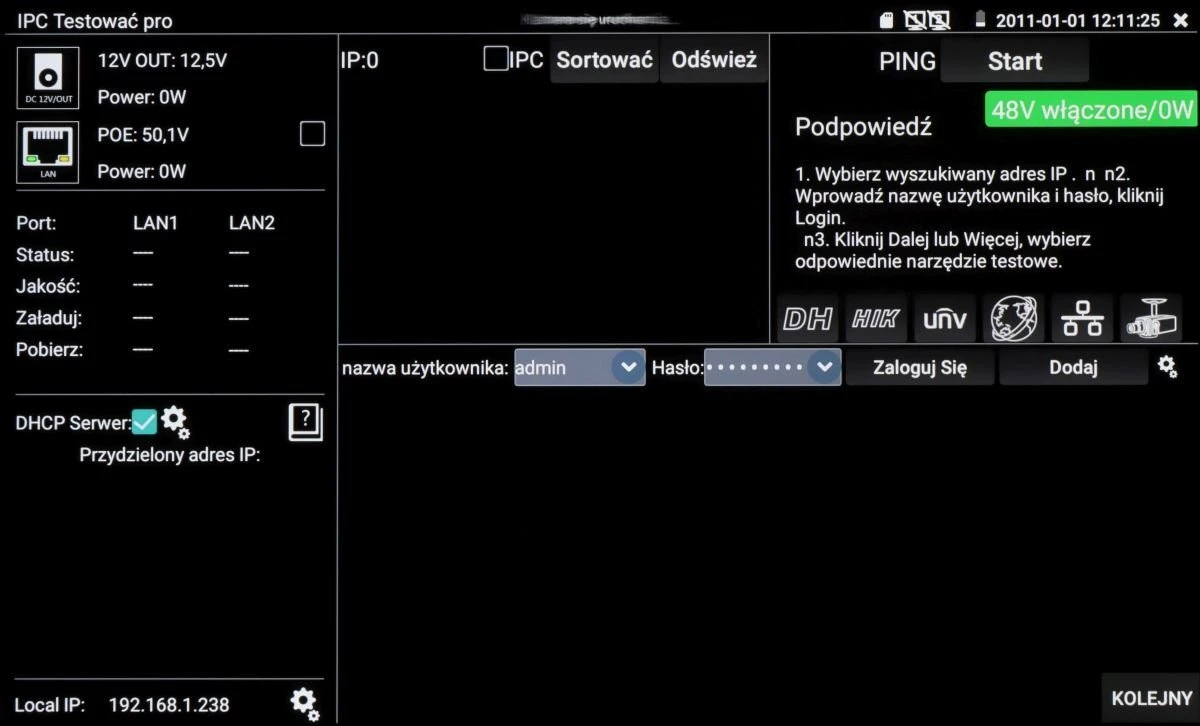
A digital interface screen displays network settings and options for a device, including IP configuration and DHCP server details. The screen shows a login section with fields for username and password, alongside various status indicators and icons.
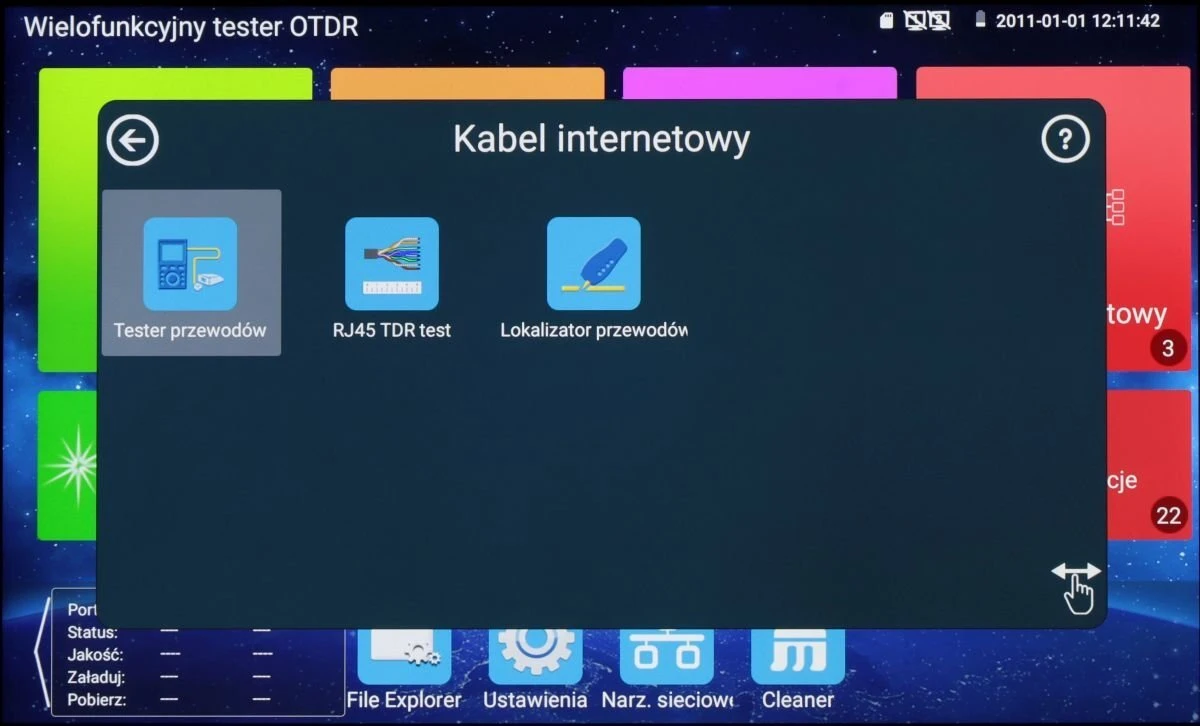
The image displays a multifunctional OTDR tester interface with options for cable testing, including a wire tester, RJ45 TDR test, and cable locator. The screen shows a user-friendly layout with icons for each testing function against a blue background.
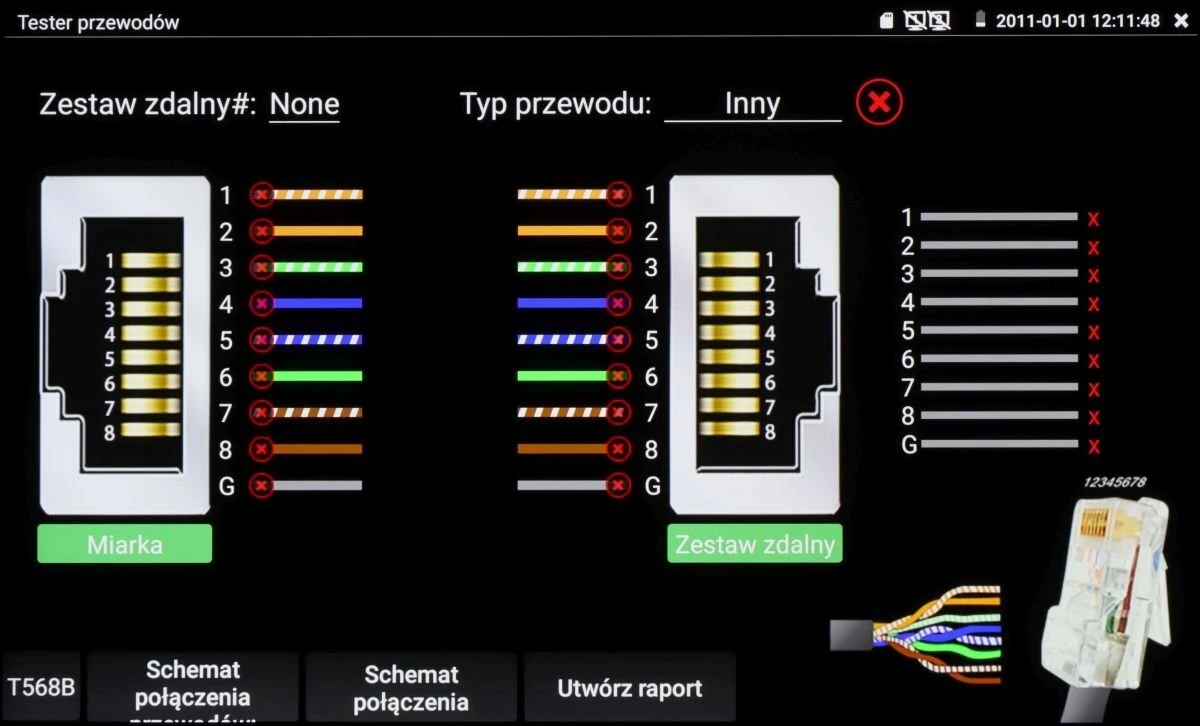
The image displays a cable tester interface with detailed diagrams of wire connections and color-coded indicators. It shows two sets of connectors with corresponding wire sequences and a visual representation of a cable layout.
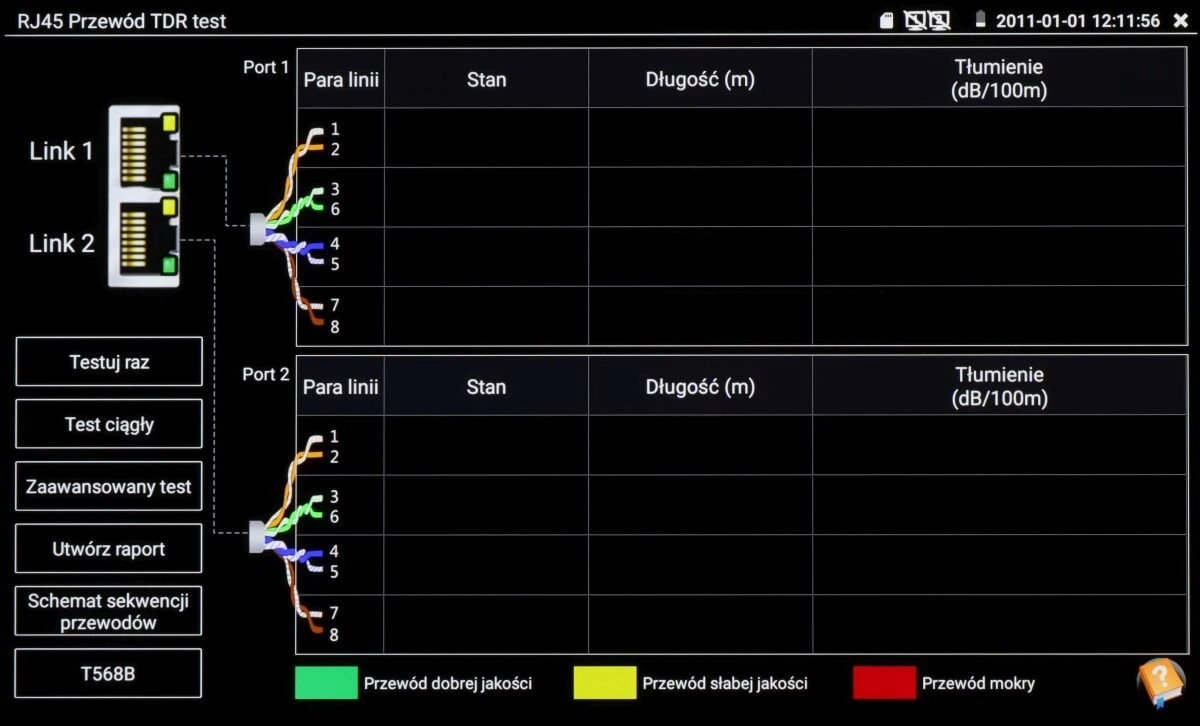
The image displays a digital interface of an RJ45 cable tester, showing detailed diagnostics for two ports, including line pairs, status, length in meters, and attenuation in dB/100m. The screen also features options for continuous testing, advanced testing, report generation, and a wiring diagram, with a color-coded quality indicator for the cables.
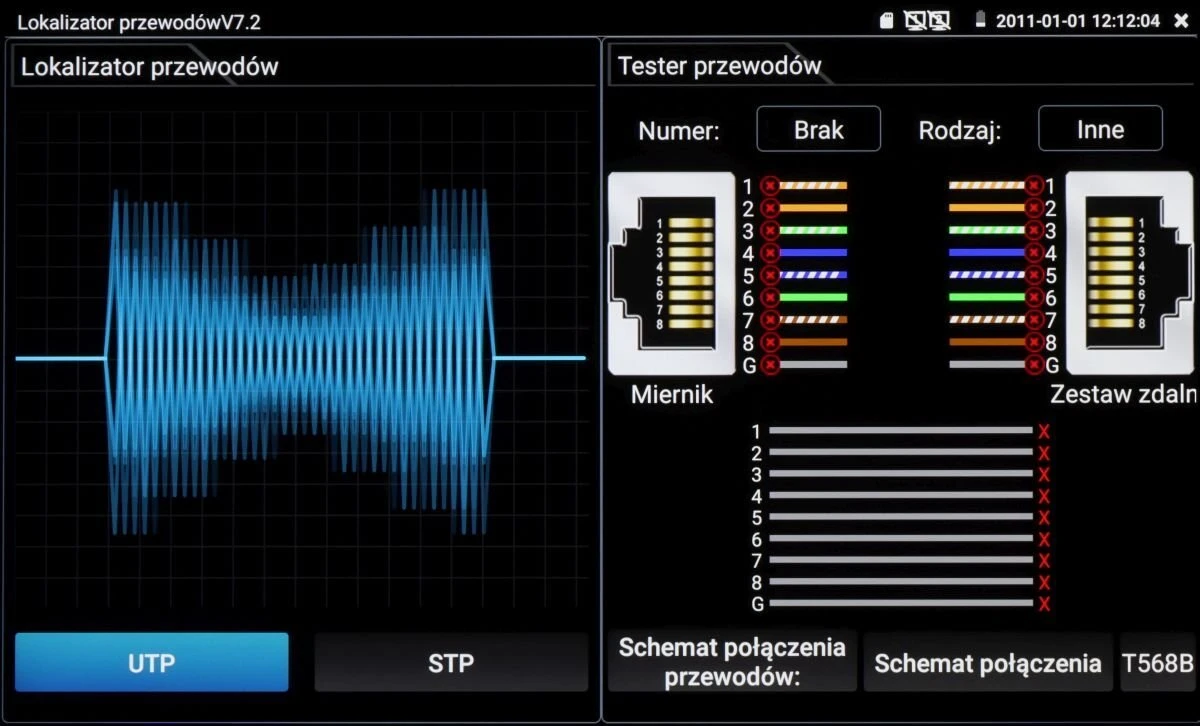
The image displays a cable tester interface with a digital waveform on the left and detailed wiring diagrams on the right, showing various connection types. The screen includes options for UTP and STP testing, along with a visual representation of wire connections and errors.
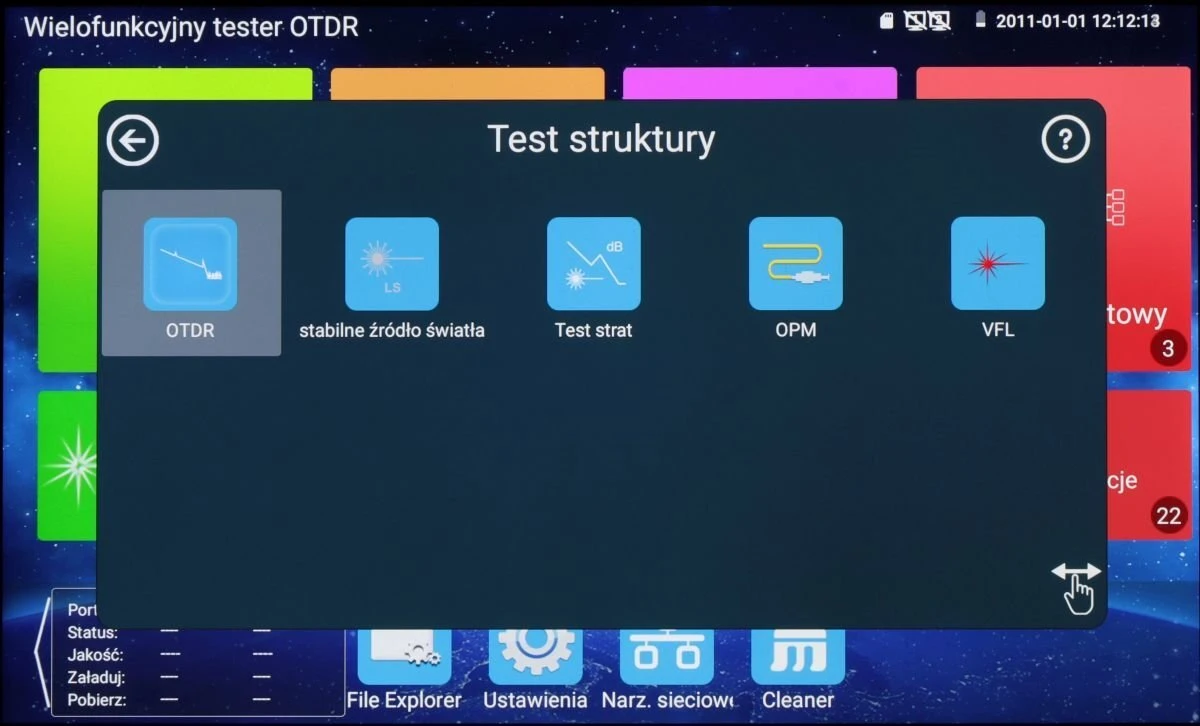
The image displays the interface of a multifunctional OTDR tester, featuring options such as OTDR, stable light source, loss test, OPM, and VFL. The background shows a colorful grid of application icons, enhancing the user-friendly design.
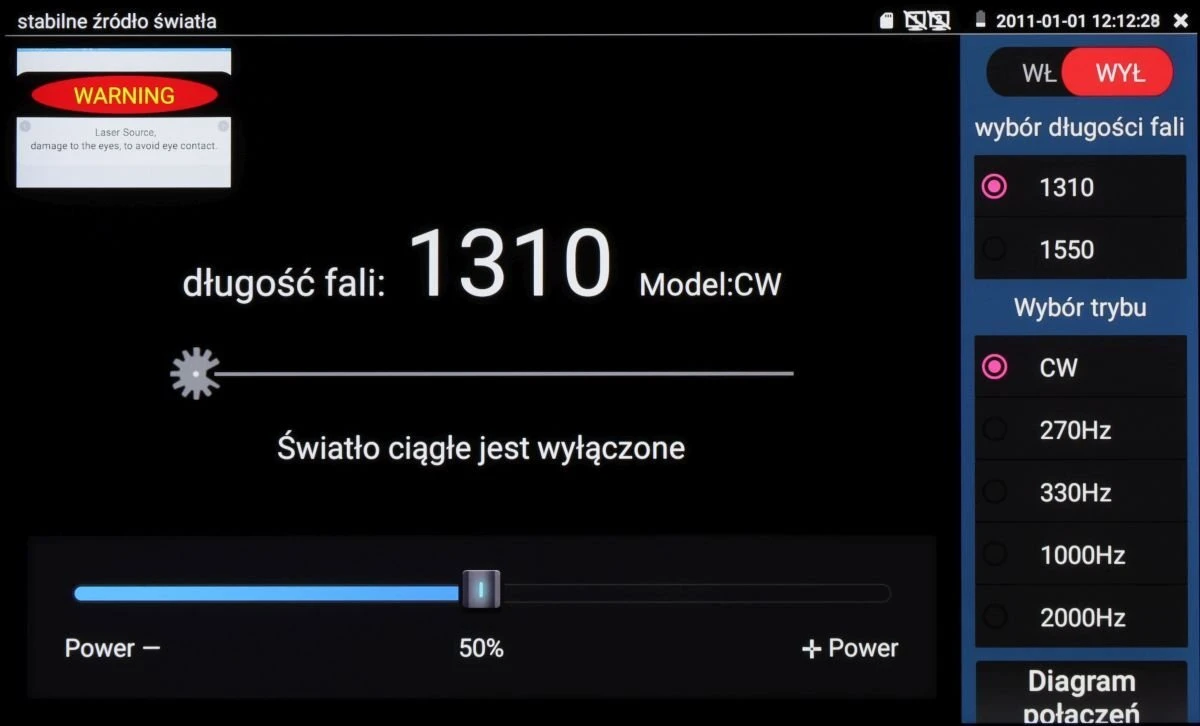
The image displays a digital interface for a stable light source device, featuring options for selecting wavelength and mode. The screen shows a warning message, power adjustment slider, and various frequency settings.
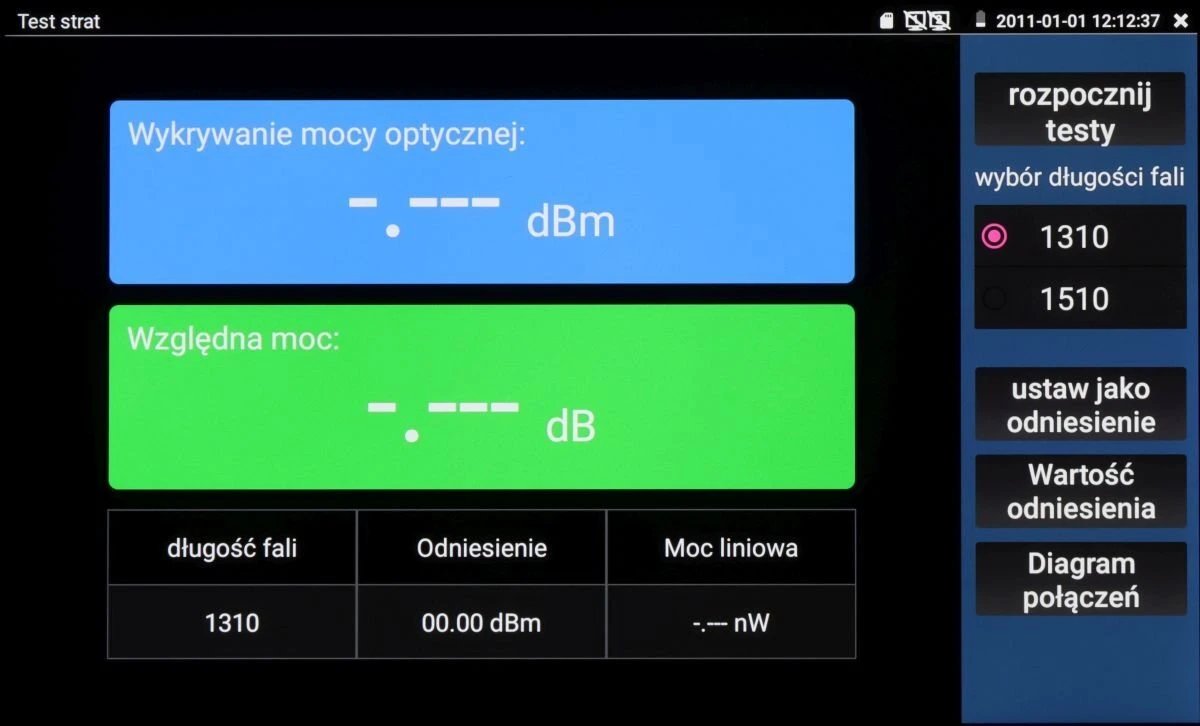
The image displays a digital interface of an optical power meter, featuring sections for optical power detection and relative power measurement. The screen includes options for wavelength selection, reference settings, and power diagrams.
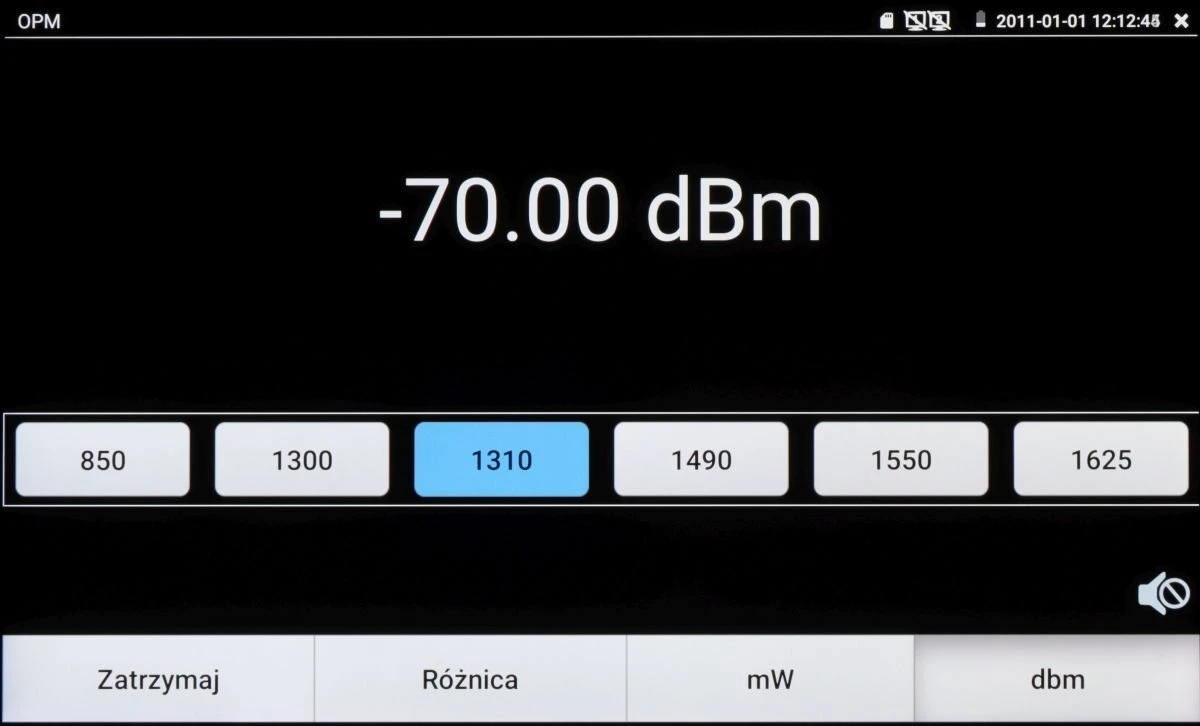
The image displays a digital screen showing a measurement of -70.00 dBm, with selectable wavelength options including 850, 1300, 1310, 1490, 1550, and 1625. Below the measurement, there are buttons labeled "Zatrzymaj," "Różnica," "mW," and "dbm."
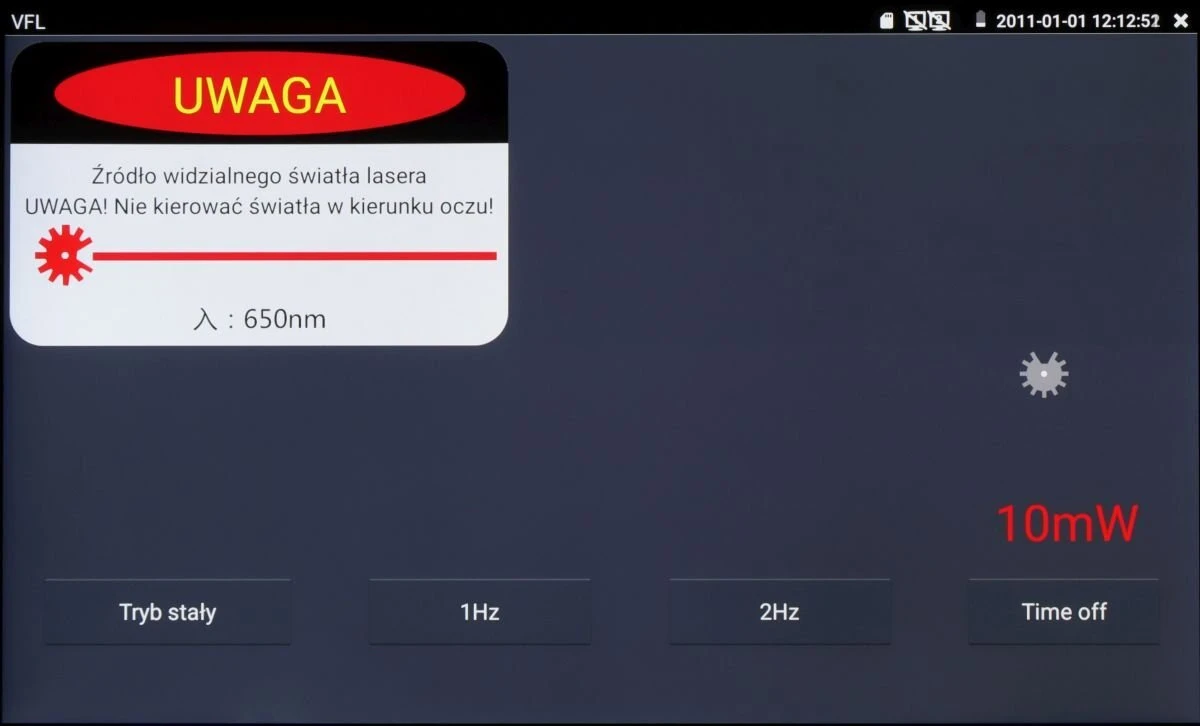
The image displays a control panel screen for a laser device, featuring a warning label in Polish about visible laser light and a power setting of 10mW. The panel includes options for continuous mode, 1Hz, 2Hz, and a time-off setting.
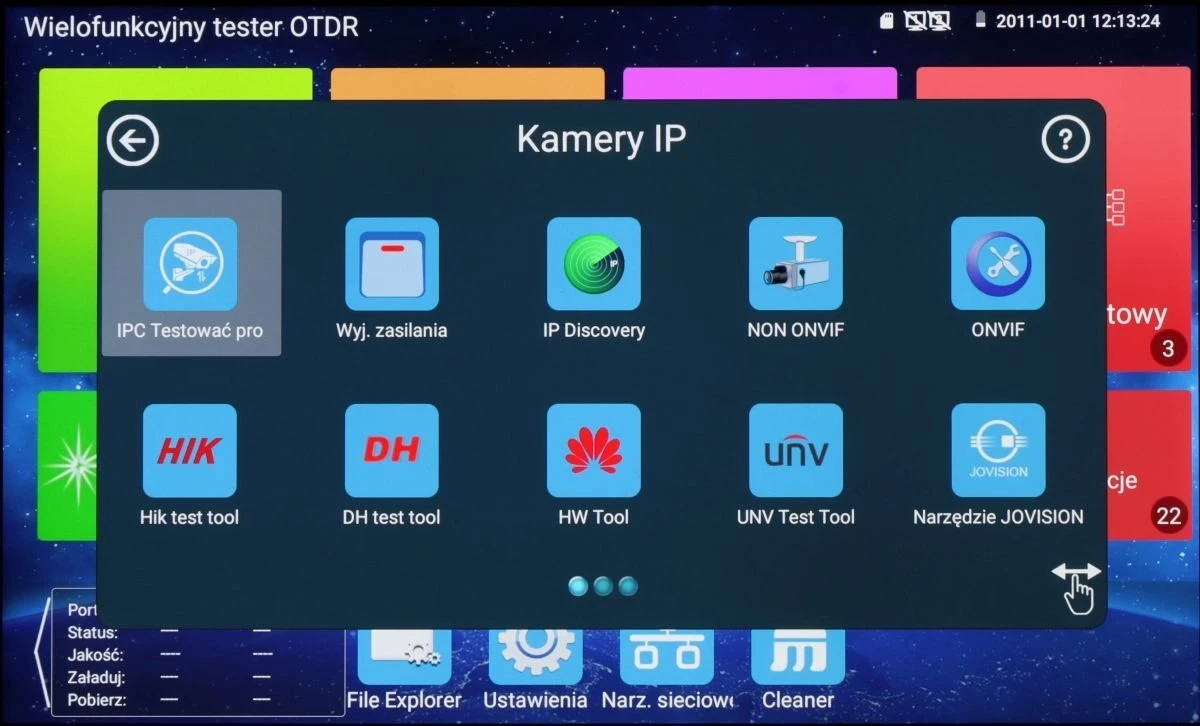
The image displays a digital interface featuring various IP camera testing tools, each represented by distinct icons with labels such as "IPC Testowa" and "ONVIF." The background shows a colorful, grid-like layout with additional menu options at the bottom for file exploration and settings.
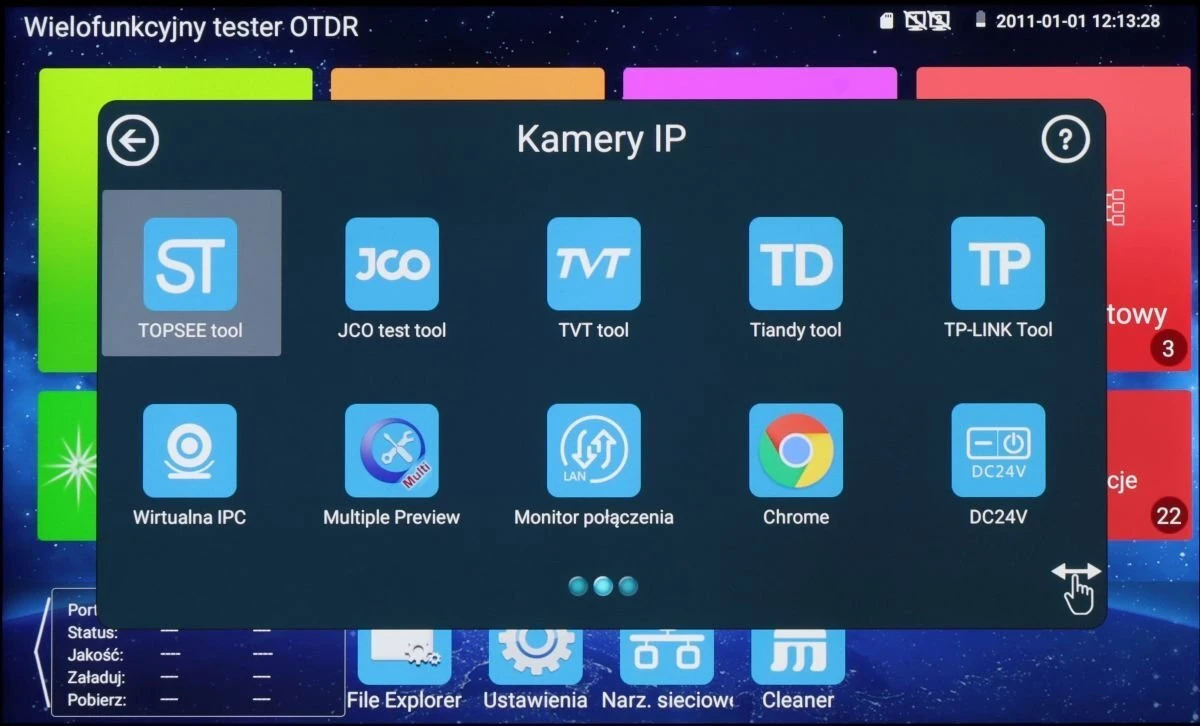
The image displays a digital interface featuring various application icons, including tools for IP cameras and popular software like Chrome. The background shows a vibrant, colorful design with a navigation bar at the bottom for additional settings and options.
The image shows a multifunctional OTDR tester interface with a focus on IP camera tools. The screen displays various application icons, including file explorer, settings, and network tools.
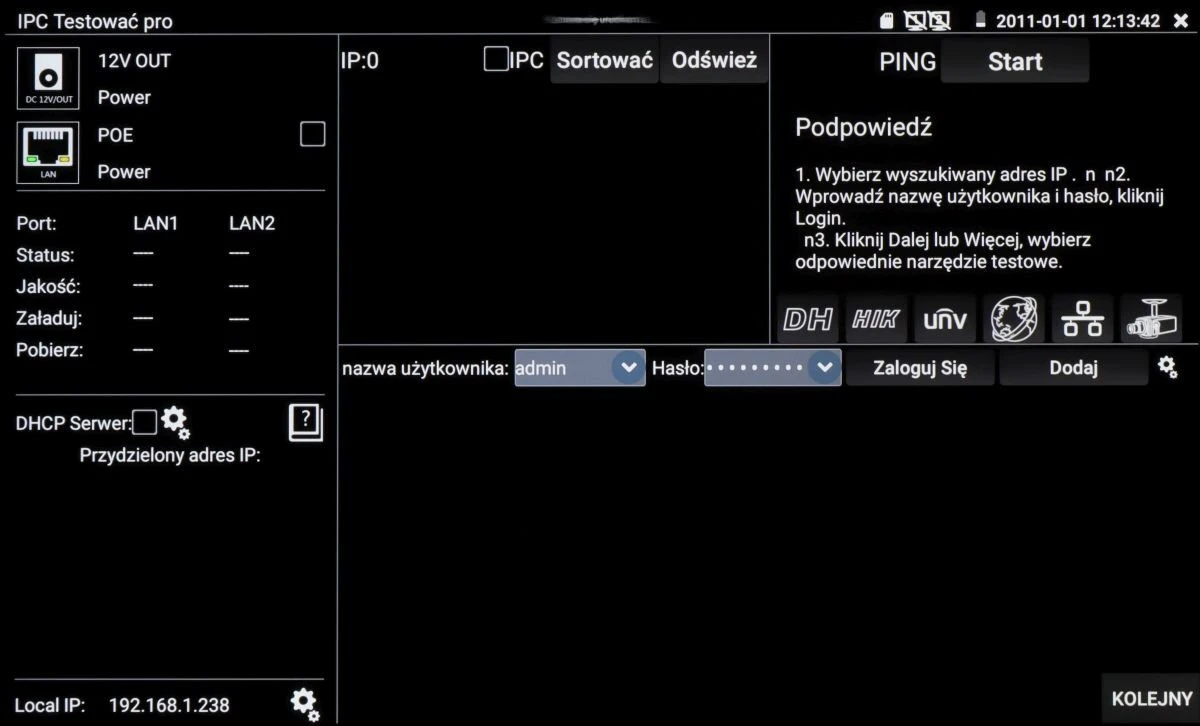
The image displays a user interface screen for a network device setup, featuring options for IP configuration, DHCP server settings, and user login credentials. The interface includes various icons and text instructions for managing network connections and device settings.
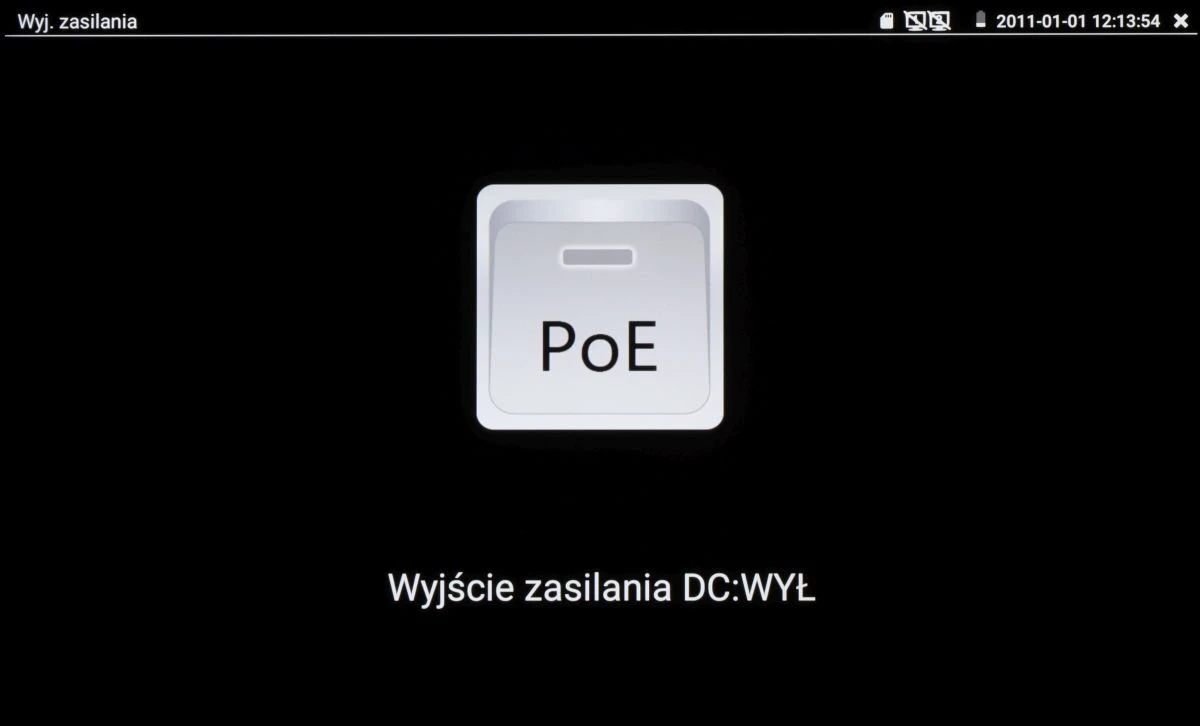
The image displays a digital interface with a prominent "PoE" button in the center, indicating Power over Ethernet functionality. Below the button, the text "Wyjście zasilania DC:WYŁ" suggests that the DC power output is currently turned off.
A digital interface displays a blue circular radar-like graphic with a grid pattern, indicating a camera initialization process. The screen includes text in Polish, "Kamera się uruchamia," meaning "Camera is starting."
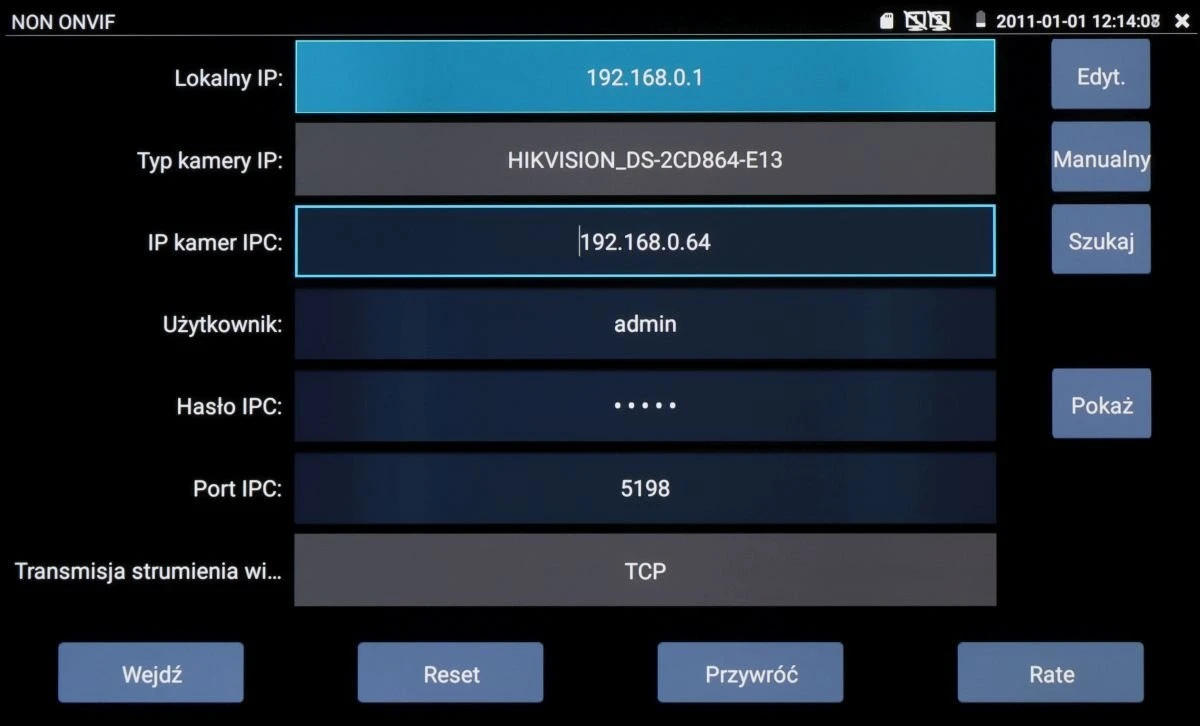
The image displays a configuration screen for a network camera system, showing fields for local IP, camera type, IP address, user, password, and port. The interface includes options for editing, manual setup, and searching, with buttons for saving, resetting, and restoring settings.
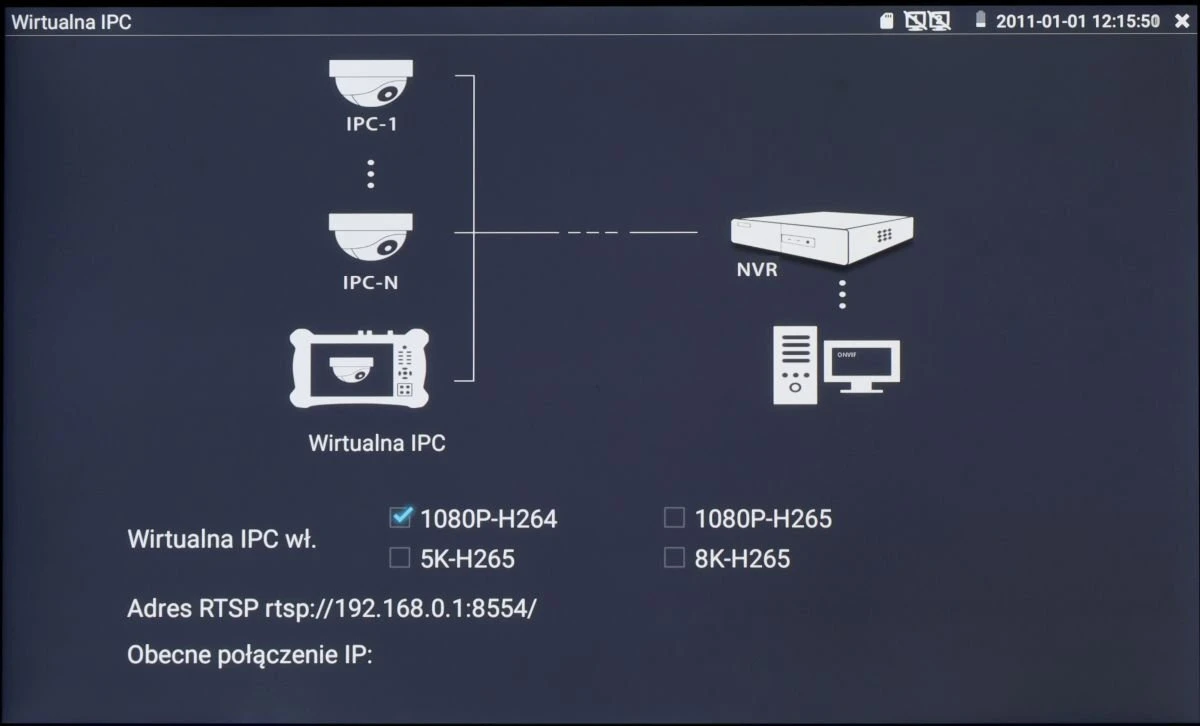
Diagram illustrating a virtual IPC setup, showing connections between cameras and an NVR with options for video quality settings like 1080P-H264 and 5K-H265. The interface displays the RTSP address and current IP connections.
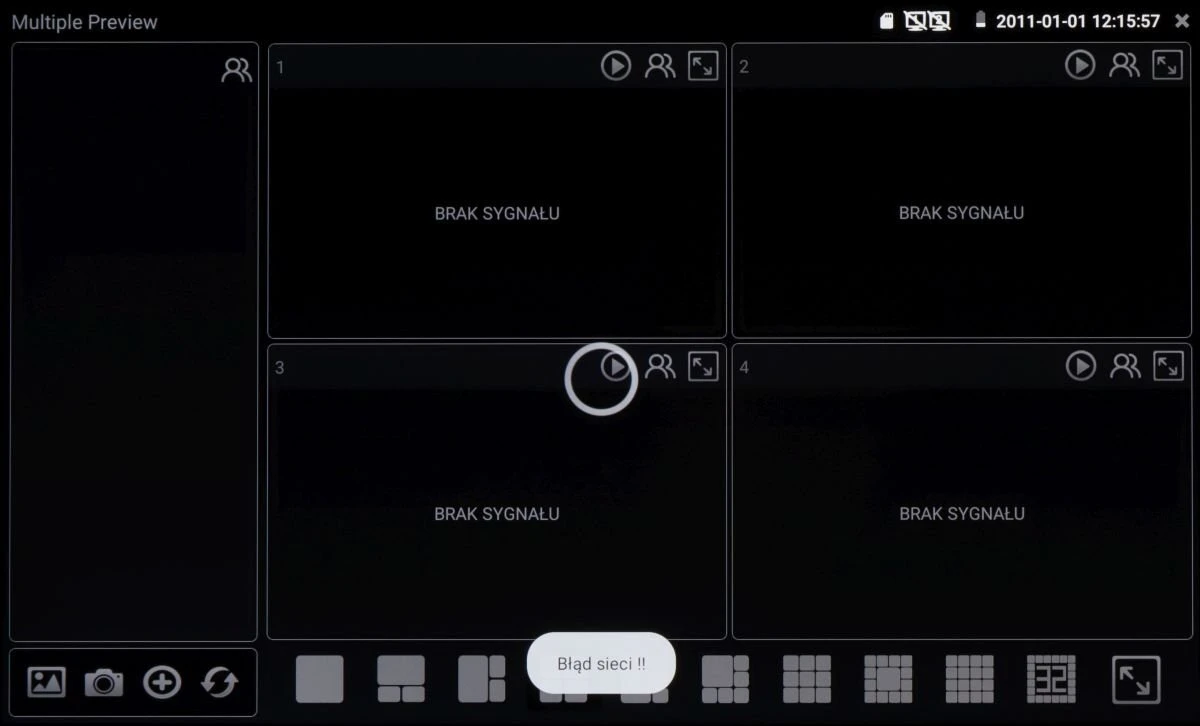
The image shows a multi-screen display interface with four sections, each indicating "Brak sygnału," meaning "No signal." The interface includes various control icons at the bottom for managing the display settings.
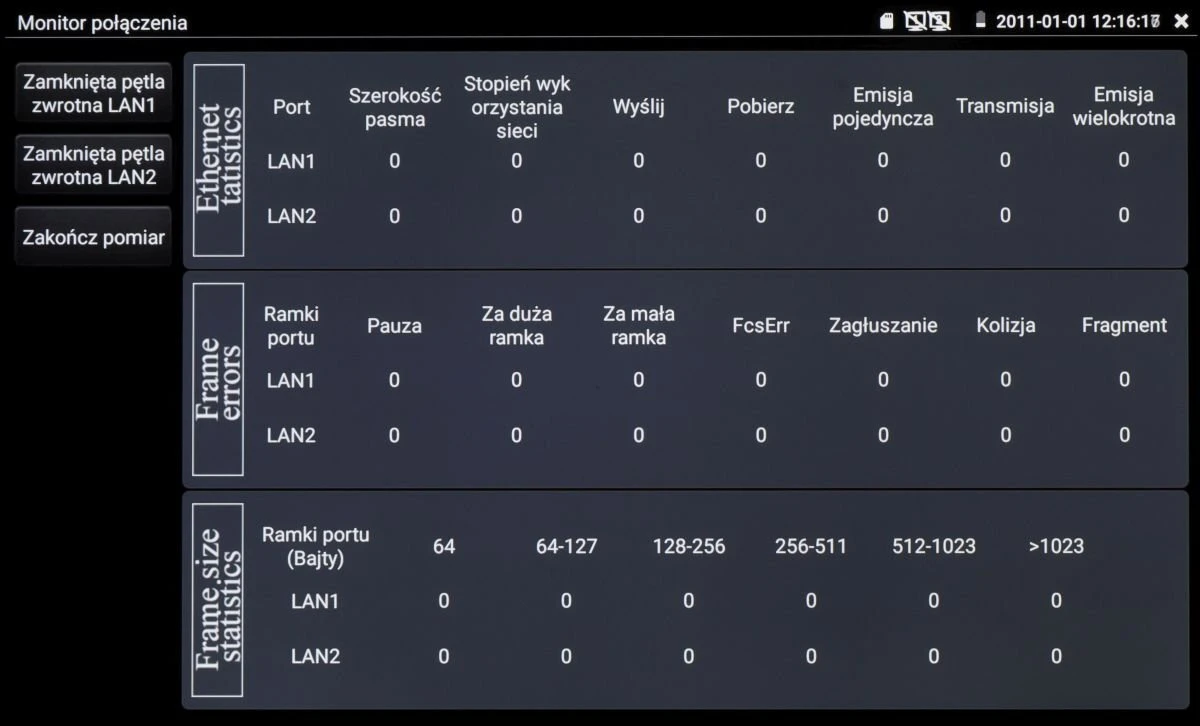
A digital interface displaying network connection statistics, including Ethernet statistics, frame errors, and frame size statistics for LAN1 and LAN2. The screen shows various metrics such as port width, network utilization, and error counts.
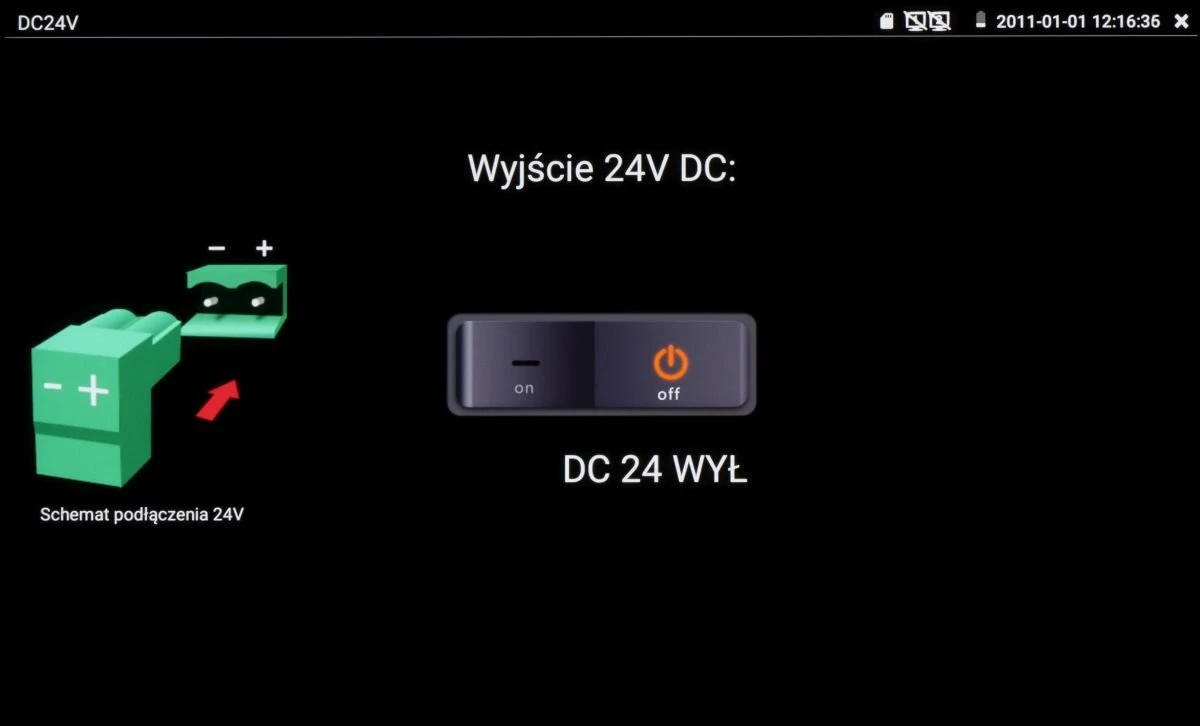
The image displays a diagram illustrating the connection of a 24V DC output, featuring a green connector with positive and negative terminals. Next to it, there is a switch interface labeled "DC 24 WYŁ" with on and off positions.
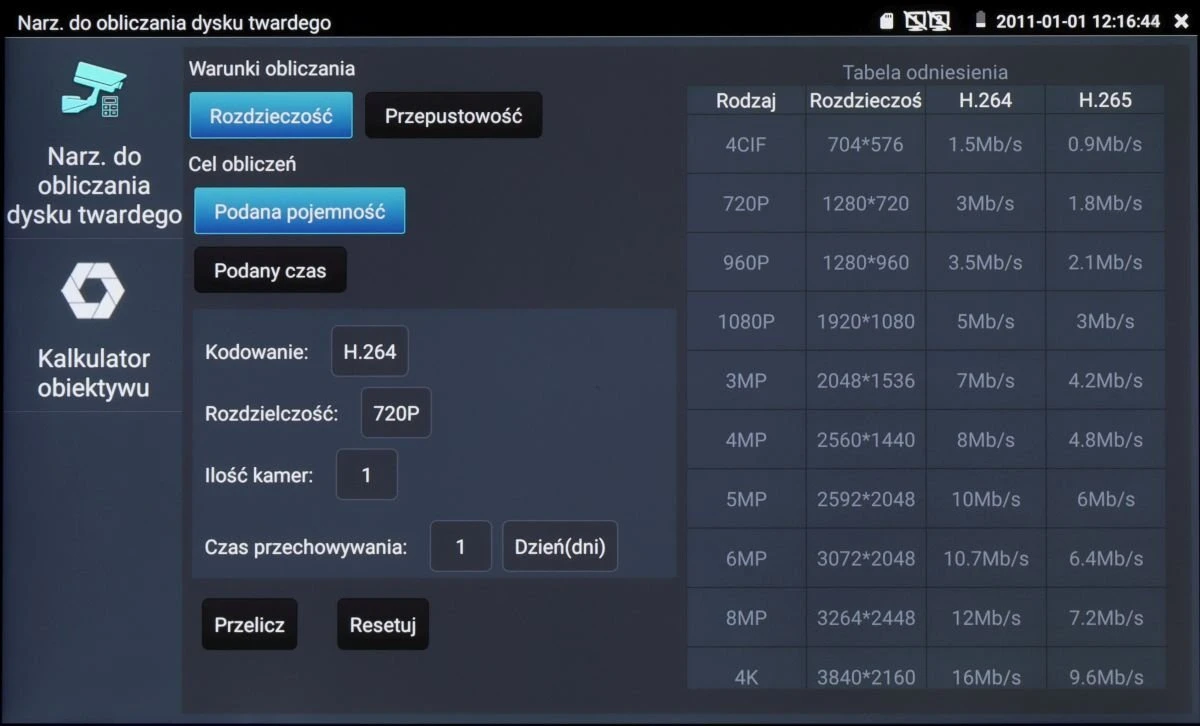
The image shows a software interface for calculating hard disk storage requirements, featuring options for resolution, compression format, and storage duration. It includes a table comparing different video resolutions and their corresponding data rates for H.264 and H.265 formats.
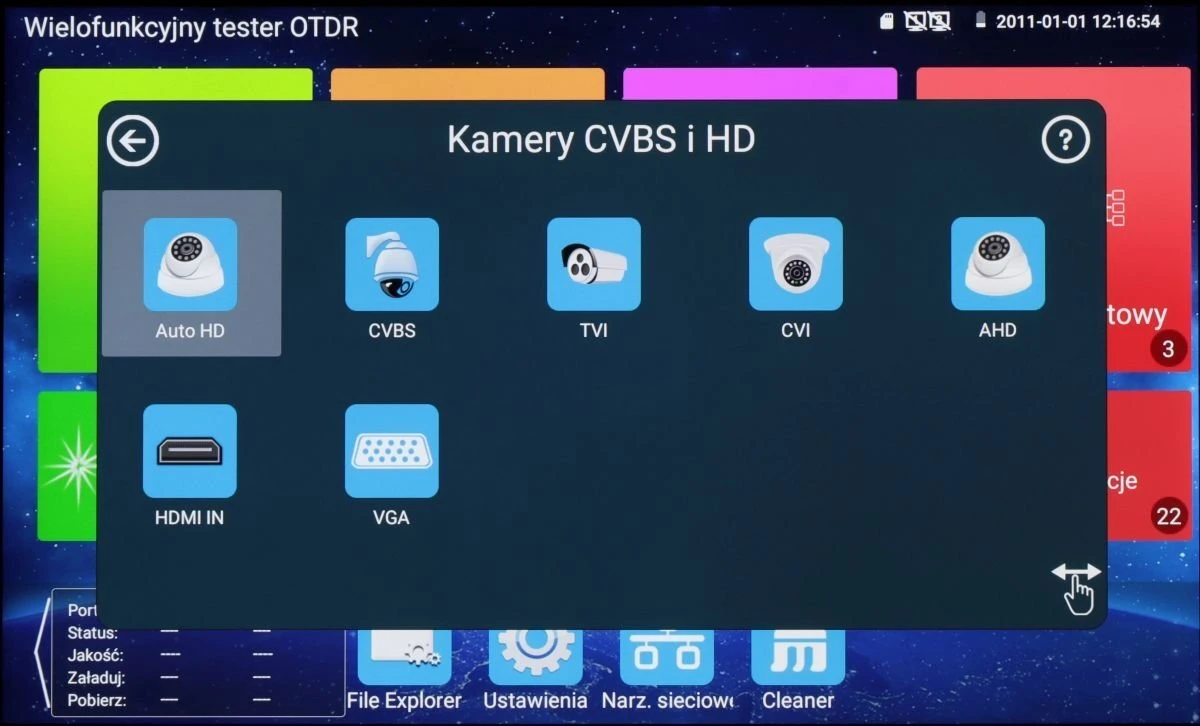
The image displays a multifunctional OTDR tester interface with options for various camera types, including Auto HD, CVBS, TVI, CVI, and AHD. The screen also shows HDMI IN and VGA input options, set against a colorful background with additional menu icons.
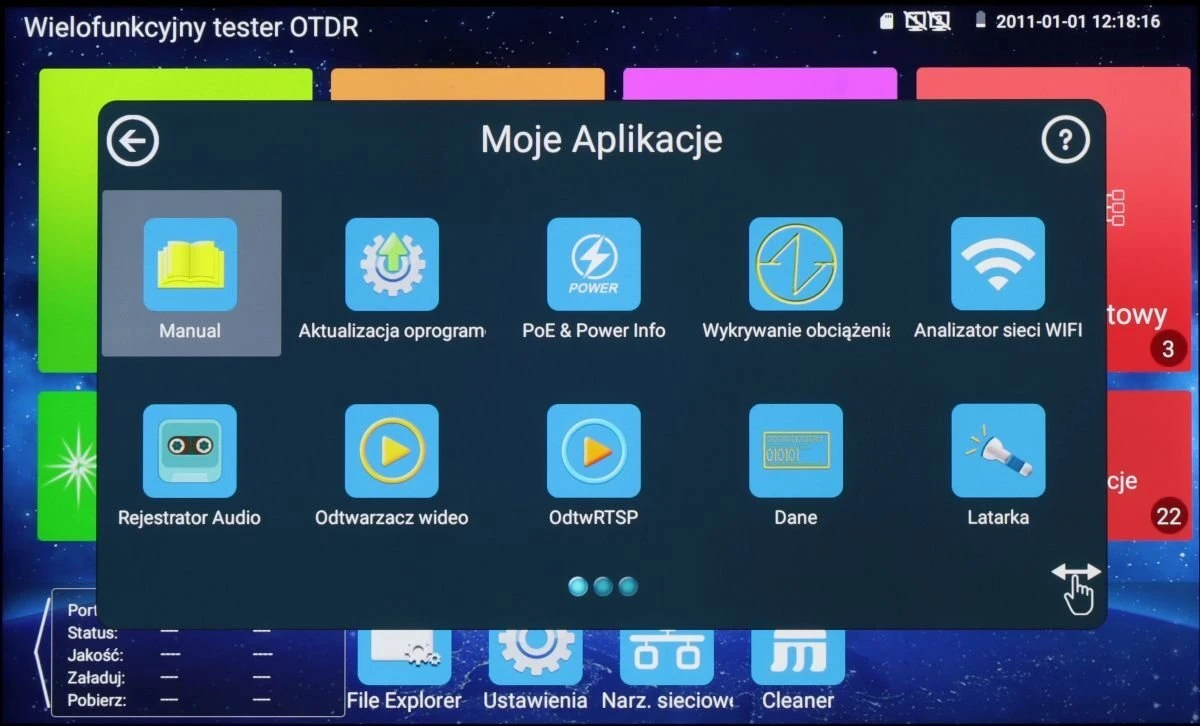
The image shows a digital interface displaying a menu of applications on a multifunctional tester device. The screen features icons for various functions such as manual, software update, power info, load detection, and WiFi analyzer.
The image shows a digital interface displaying a grid of application icons on a screen, including apps like VLC, Quickoffice, and a calculator. The background features a colorful, abstract design with a navigation bar at the bottom for additional options.
The image displays a multifunctional OTDR tester screen with various application icons, including "DOLynk Care" and "Tether." The interface features a blue background with colorful app tiles and a navigation bar at the bottom.
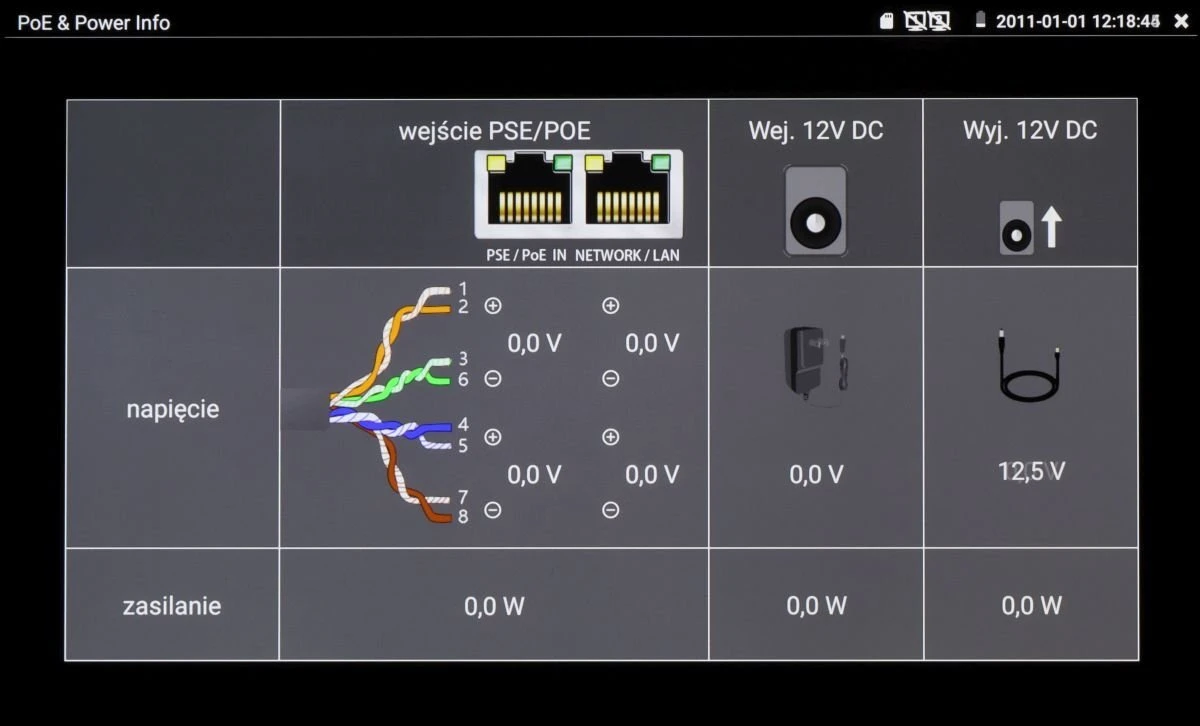
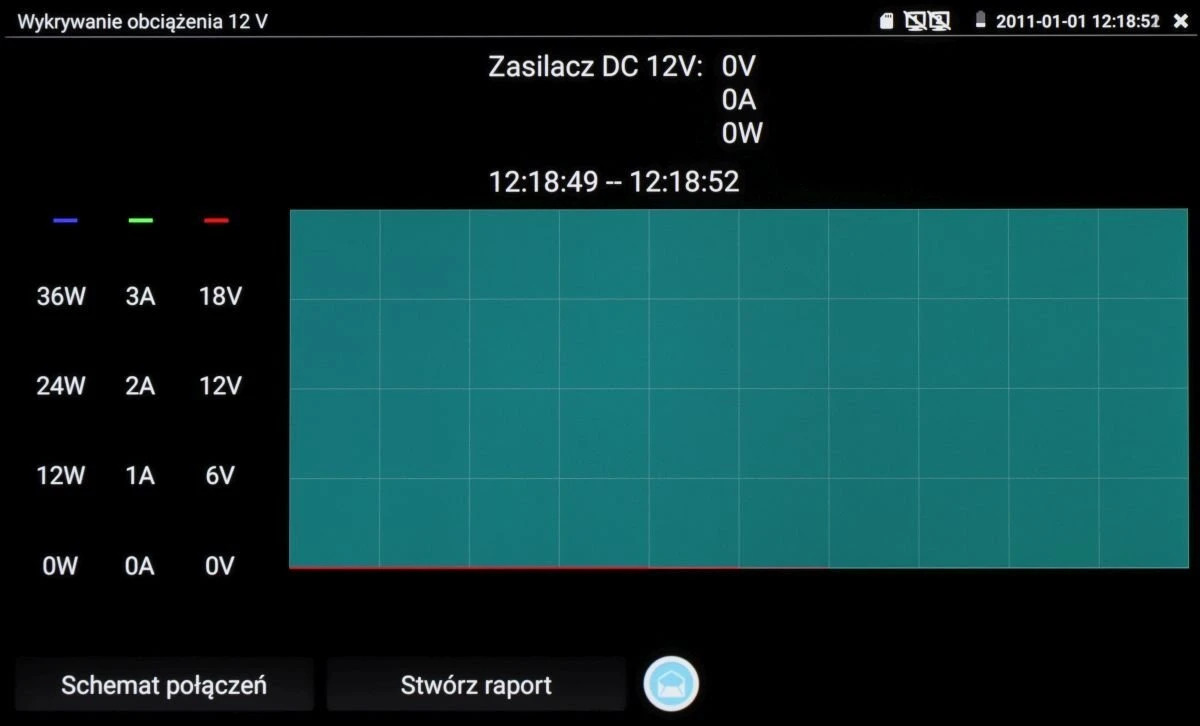
The image displays a technical interface showing voltage and power information for a network device, including PSE/POE input and 12V DC input/output. It features a diagram of cable connections with corresponding voltage readings and icons for power adapters.
The image displays a digital interface of a DC power supply showing voltage, current, and power readings, with a graph illustrating real-time data. Buttons for "Schemat połączeń" (Connection diagram) and "Stwórz raport" (Create report) are visible at the bottom.
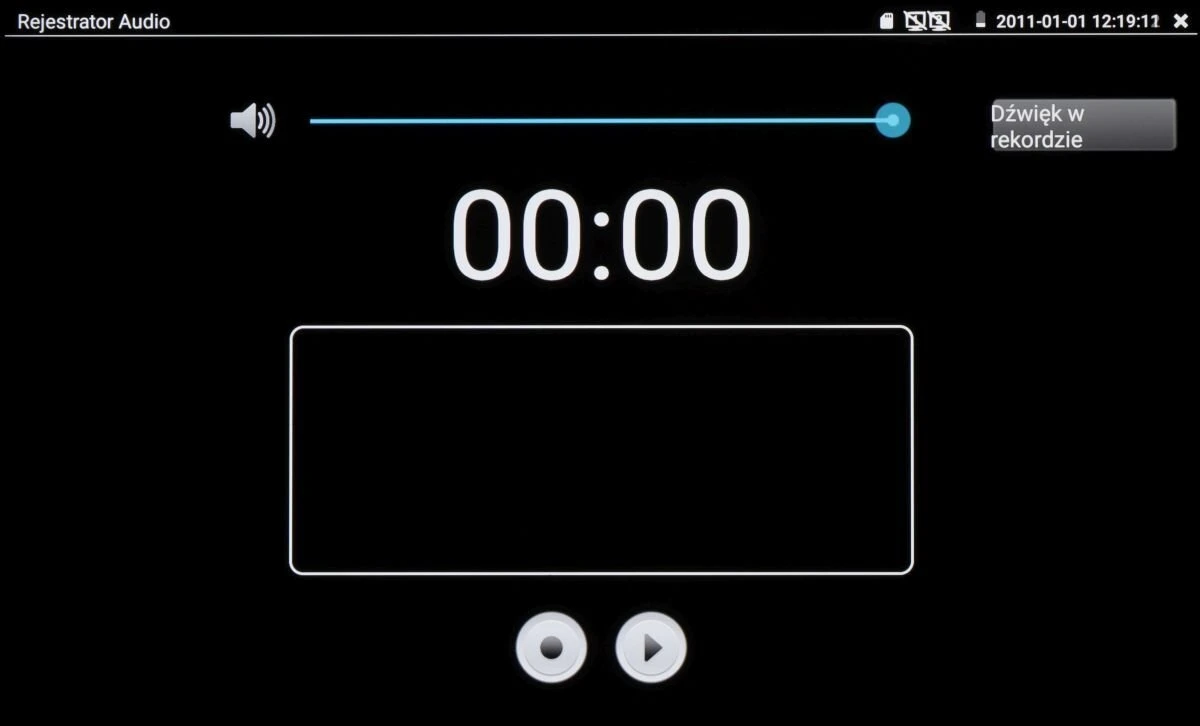
The image shows a digital audio recorder interface with a prominent timer display set at 00:00, indicating readiness to record. It features a volume control slider at the top and two circular buttons at the bottom for playback and recording functions.
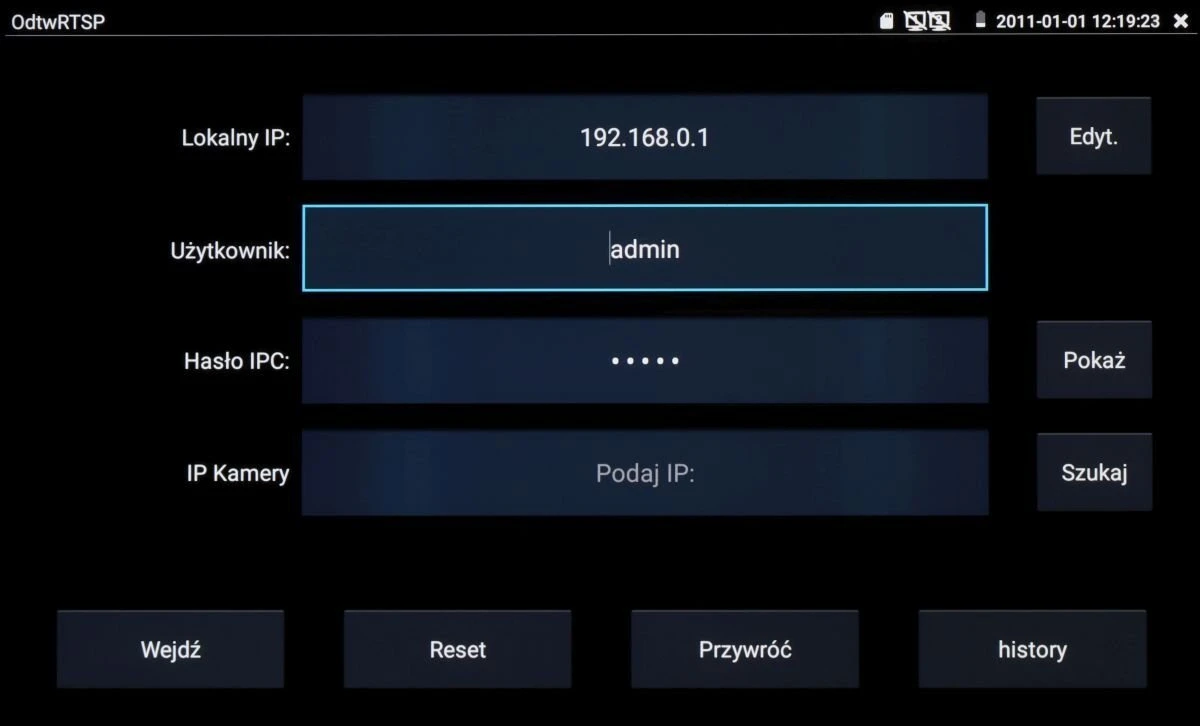
The image shows a user interface screen for a network camera setup, featuring fields for local IP address, username, and IPC password. Buttons for editing, showing passwords, searching for camera IPs, and resetting settings are also visible.
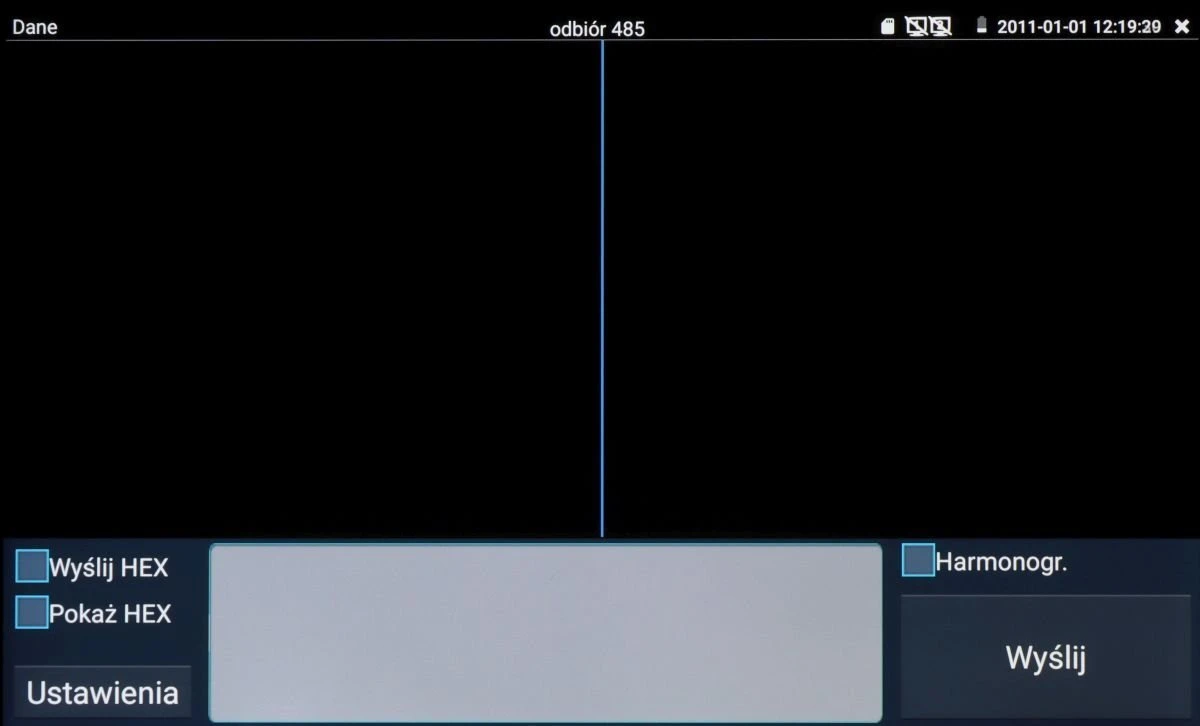
The image shows a digital interface with a black screen divided into two sections, featuring options for sending and displaying HEX data. The interface includes buttons labeled "Wyślij HEX," "Pokaż HEX," and "Harmonogr," with a settings option at the bottom left.
A sleek black flashlight with a textured grip and a prominent green button is displayed against a dark background. The flashlight features a robust design, ideal for outdoor use, with options for light mode and time setting visible on the screen.
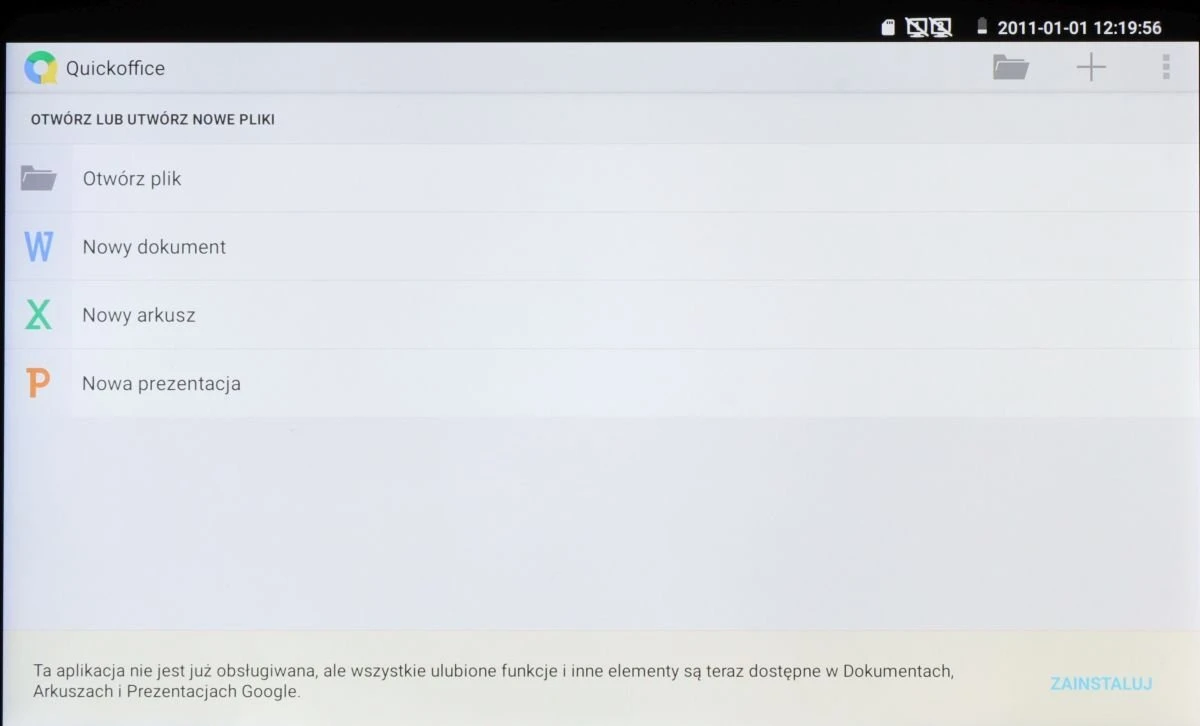
The image shows a tablet screen displaying the Quickoffice app interface, featuring options to open or create new files such as documents, spreadsheets, and presentations. The interface is simple and user-friendly, with icons for each file type and a clear layout.
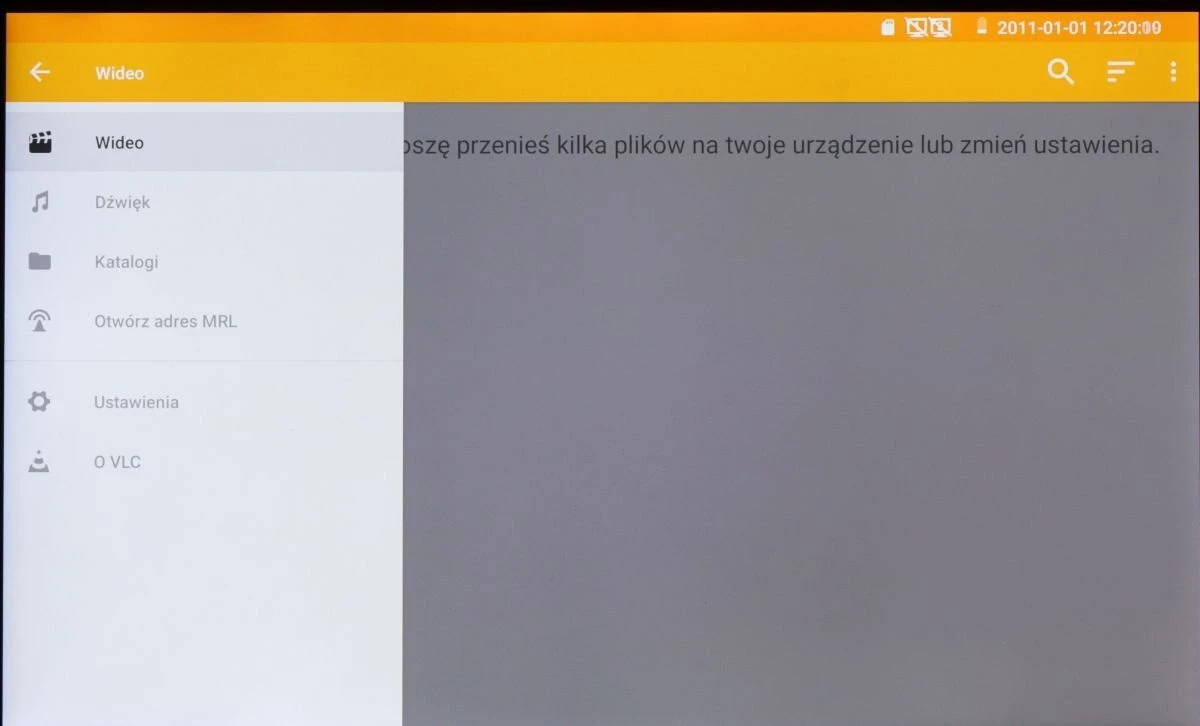
The image shows a digital interface displaying a media player application with a menu on the left side, featuring options like "Video," "Sound," "Catalogs," "Open MRL," "Settings," and "About VLC." The top of the screen has a yellow bar with the current date and time displayed on the right.
A digital calculator interface with a sleek, modern design features large, easy-to-read buttons for numbers and basic arithmetic operations. The display shows a clear, user-friendly layout suitable for quick calculations.
The image features a vibrant red background with the BitVision logo prominently displayed in white text. On the right side, there is a cityscape with illuminated lines suggesting connectivity and technology integration.
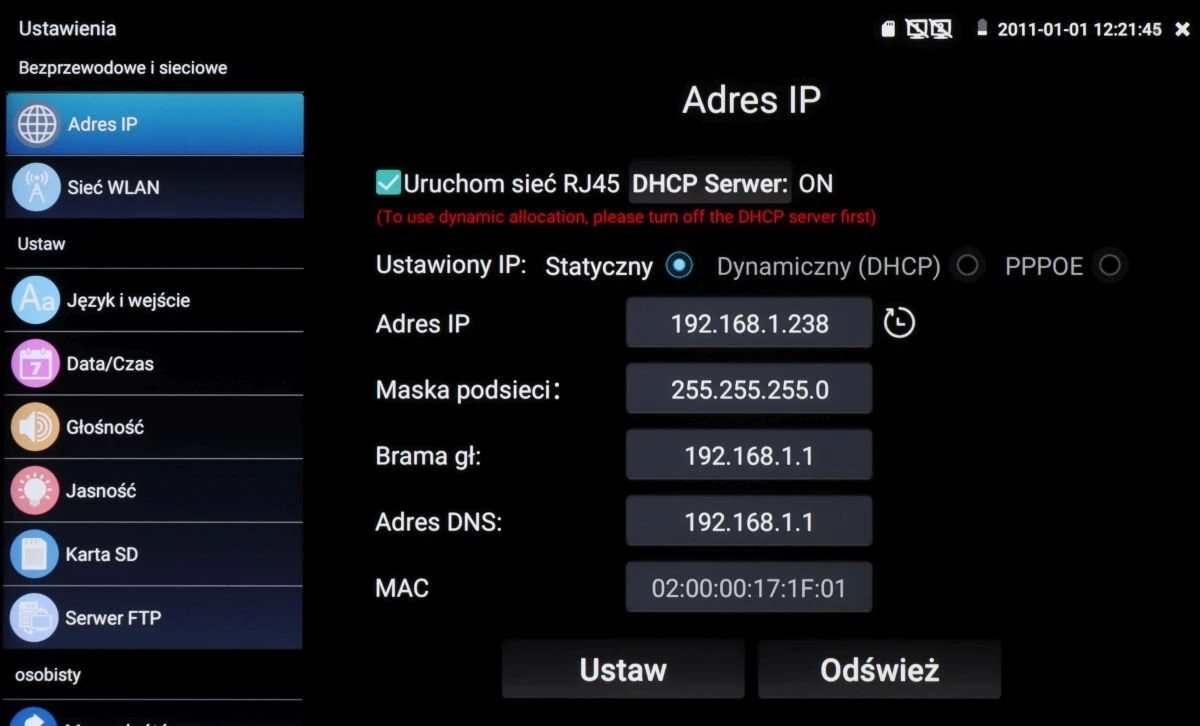
The image shows a network settings interface on a screen, displaying options for configuring IP addresses with choices for static or dynamic (DHCP) settings. The interface includes fields for IP address, subnet mask, gateway, DNS, and MAC address, with buttons for saving or refreshing the settings.
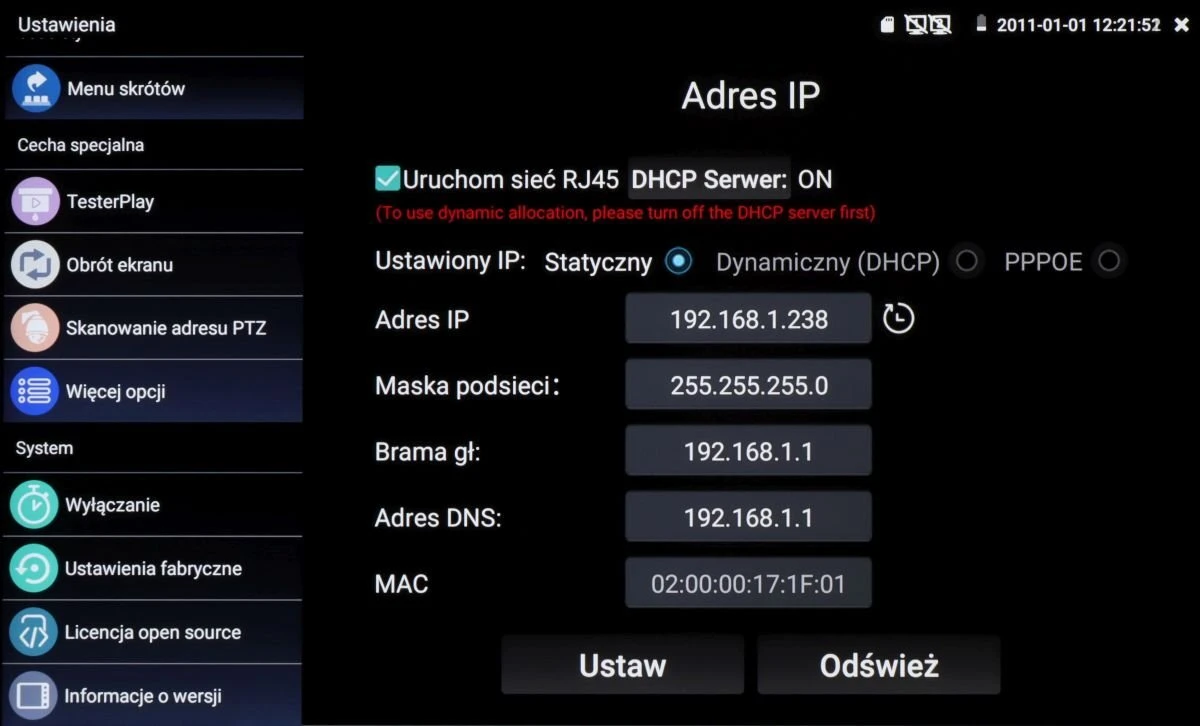
The image displays a network settings interface on a screen, showing options for configuring IP address settings, including static and dynamic (DHCP) modes. It features fields for IP address, subnet mask, gateway, DNS address, and MAC address, with buttons for setting and refreshing the configuration.
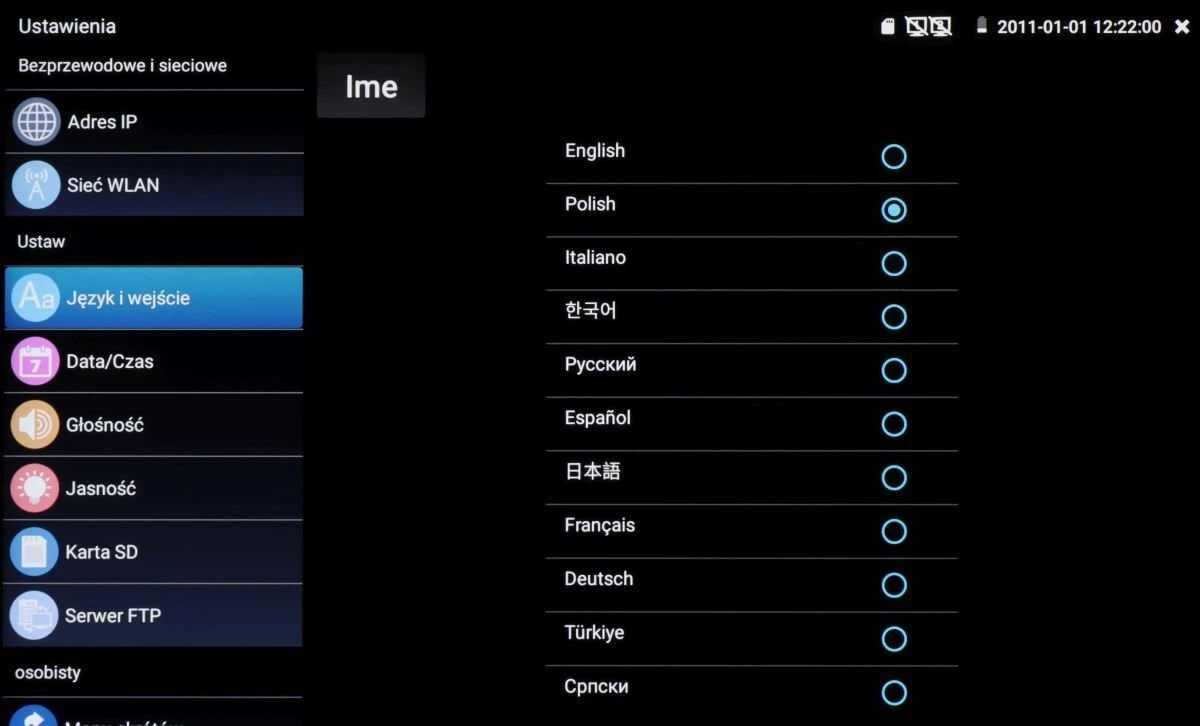
The image shows a settings menu interface with options for selecting different languages, including English, Polish, Italian, Korean, and more. The menu is displayed on a black background with blue circular selection indicators next to each language option.
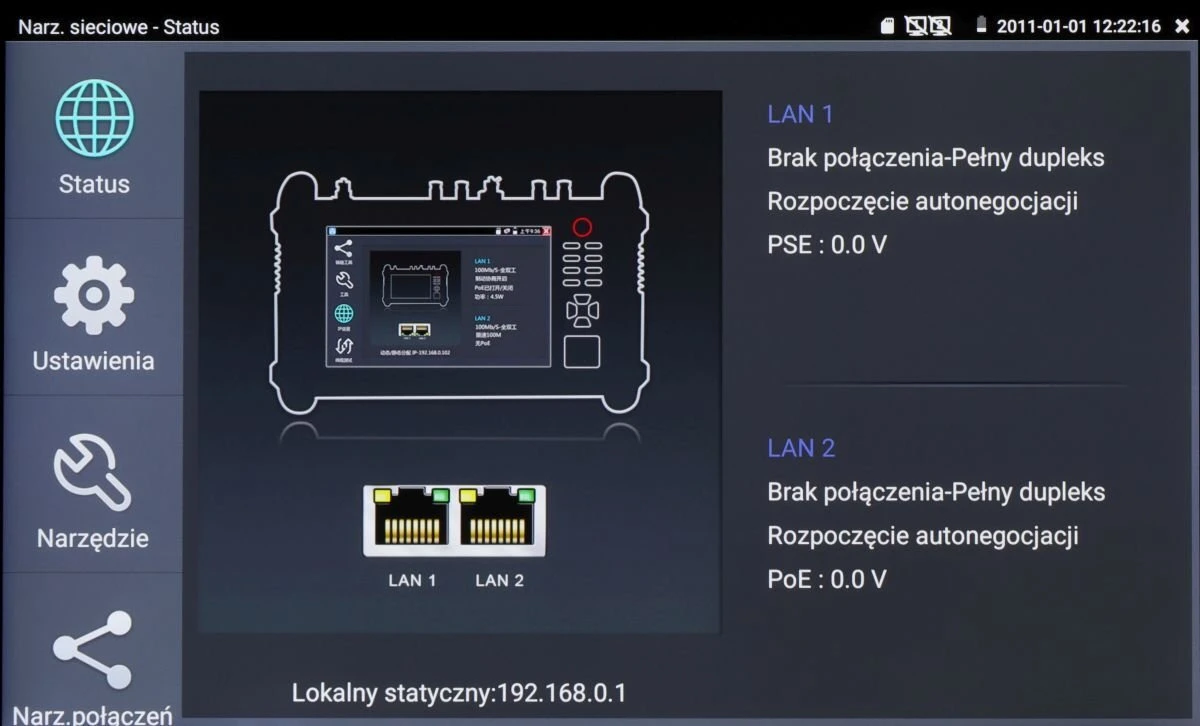
The image displays a network testing device interface with detailed status information, including LAN connection statuses and PoE voltage readings. The screen shows options for settings, tools, and connection status on the left side.
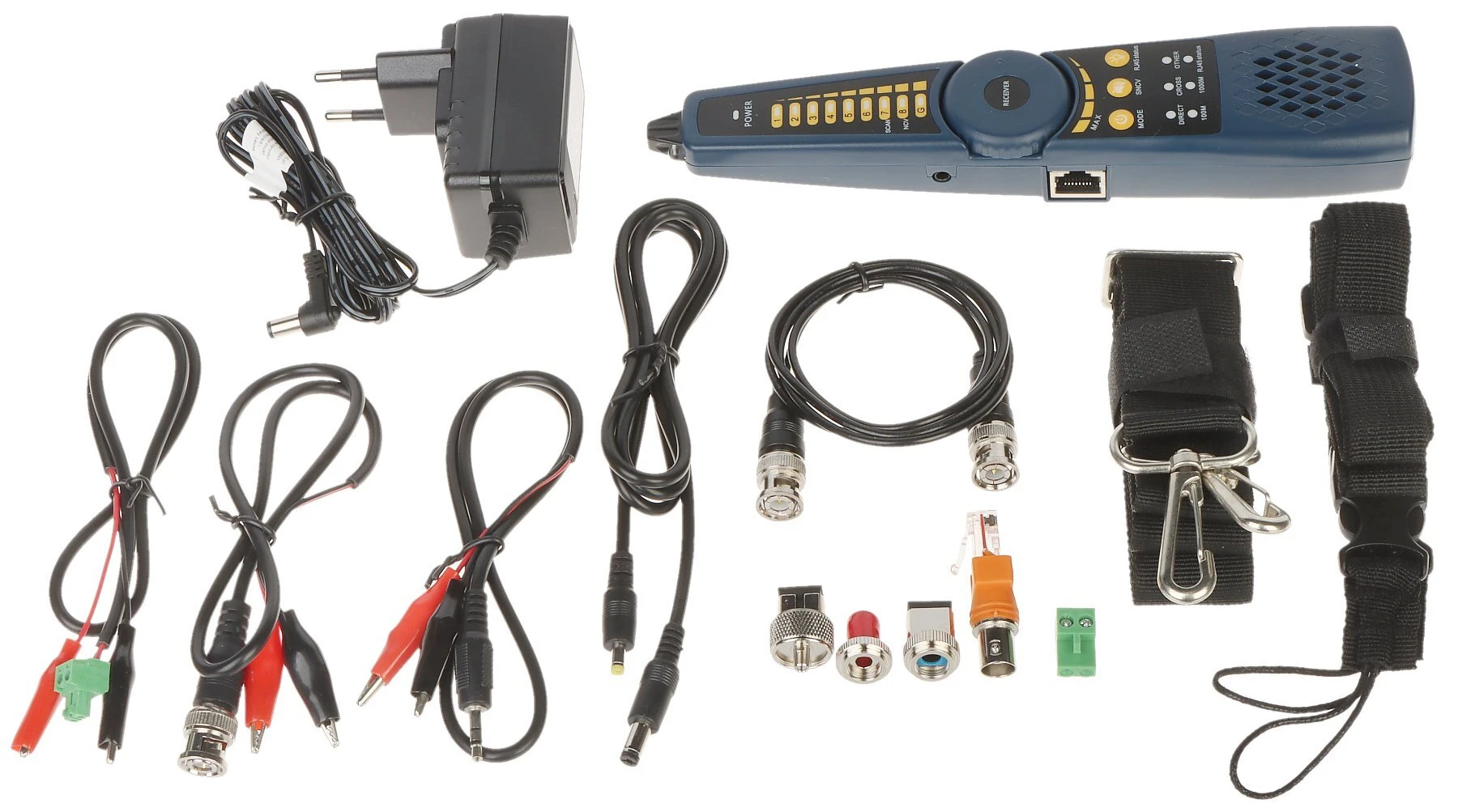
A comprehensive cable tester kit featuring a handheld device with LED indicators, various connectors, and multiple cables for versatile testing applications. Includes a power adapter, alligator clips, and a carrying strap for convenience and portability.
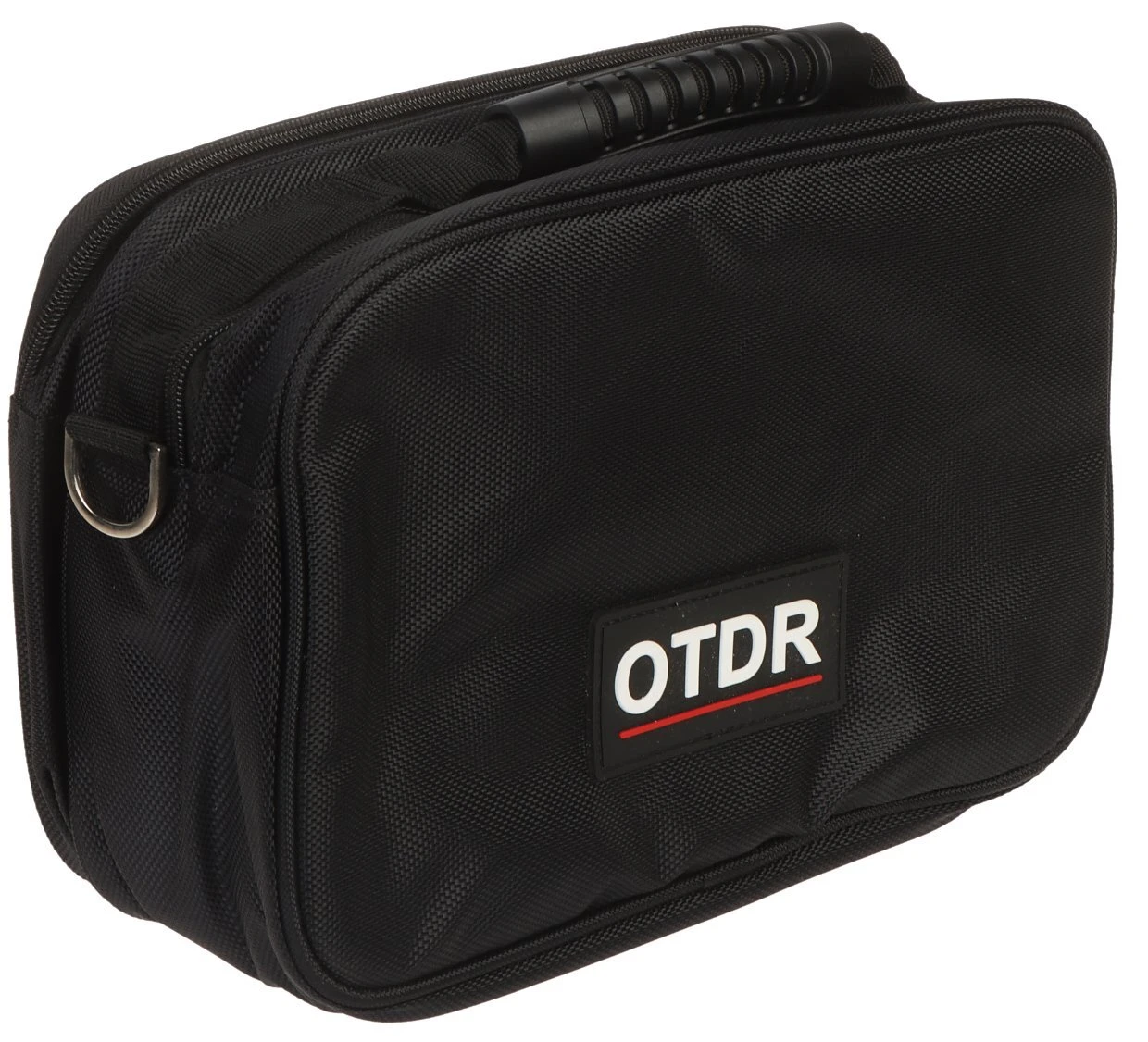
A compact black carrying case with a sturdy handle and a front label displaying "OTDR" in bold letters. The case is designed to neatly store and transport a device along with its accessories.
  • Manufacturer

  • Product Code

    CS-R5-50H


Ask about this product show form

Files attached to the product show files

  • Availability: Product temporarily unavaliable

Price (Incl. VAT):

1 075,42 €

Add to Watchlist

Do you represent a budgetary unit?
Check out the deferred payment option.

CA Raty
i-Raty - raty online
i-Leasing - leasing online

Related products

Product Description

Main features:


  • We have everything integrated in one small, versatile device.
  • Ideal for commissioning and setting up surveillance installations.

Optical Reflectometer (OTDR) with multifunctional tester for AHD, HD-CVI, HD-TVI, IP cameras with many additional functions, necessary when starting CCTV and fiber optic installations


Technical specifications:


Optical Reflectometer (OTDR):
  • Optical wavelength : 1310 nm / 1550 nm,
  • Wide measurement range : 200 km (max)
  • Measurement error : ± (1 m + 5×10⁻⁵ × distance + sampling interval)
  • Connectors : FC / SC
  • Measurement duration : 5 s, 10 s, 15 s, 30 s, 1 min, 2 min, 3 min
Optical power measurement: Measurement of optical power in fiber optic networks (ST and SC adapters)
Optical wavelength : 850, 1300, 1310, 1490, 1550, 1625 nm
Range : -70 ... +10 dBm
VLS (VFL) - Visual Fiber Fault Locator: LD laser, 650 nm, 10 mW
Range 8 km
Video standard:
  • AHD - 8 Mpx,
  • HD-CVI - 8 Mpx,
  • HD-TVI - 8 Mpx,
  • TCP/IP - 4K,
  • CVBS - PAL / NTSC
Display: 5.4 " Retina - capacitive touchscreen, 1920 x 1152 px
Video input:
  • 1 pcs. AHD / HD-CVI / HD-TVI / CVBS - BNC socket,
  • 1 pcs. HDMI,
  • 1 pcs. VGA
Video output: 1 pcs. HDMI
LAN port: 2 pcs. - Works with PoE cameras and switches
Audio input: 1 pcs. Mini Jack
Audio output: 1 pcs. Mini Jack
Video signal level meter: No
Video signal generator: No
Serial Ports: RS-485
Protocols: Supports more than 30 RS485 protocols : Pelco-D, Pelco-P, YAAN, YAAN-O, YAAN-1, SAMSUNG, PANASONIC, Lilin-FAST, Lilin-MLP2, MOLYNX, MINKING A01, Fastrax, CBC, LC-NEW, WV-CS850, SONY-EVI, LG-MULTIX, DAT-SD, VICON, Vcltp, DH-YTC 06, Santachi, Bosch OSRD, TeleEye DM2, HD 600, Hikvision, KALATEL ASC, AD 168(M-B), SAMSUNG SPD, Siemens, Cohu, MINKING B01, ALEC
Transmission speed: 150, 300, 600, 1200, 2400, 4800, 9600, 19200, 38400, 115200 b/s
Twisted-pair or telephone line test: Test connection of UTP or telephone cables, terminated with RJ-45 plug.
RS-485 line test, : Testing data from a control device (commands are displayed hexadecimally)
Wi-Fi module: Yes
Identification of the cable in the bundle: Yes
Audio test: Yes
Digital Multimeter: No
TDR reflectometer: Detect and locate cable break location (UTP only), 180 m (max)
Operation as power source:
  • 5 V DC / 2 A from USB port
  • 12 V DC / 3 A
  • 24 V DC / 2 A
  • 48 V (PoE, LAN), 24 W
Battery power supply:
  • 5200 mAh Li-Ion rechargeable battery.
  • 12 V DC / 2 A (power adapter included)
Estimated operating time on battery: max. 10 hrs.
Operation: Graphical menu - touch and button control
Selected functions:
  • Optical reflectometer (OTDR)
  • Test of AHD cameras
  • Test of HD-CVI cameras
  • Test of HD-TVI cameras
  • Test of PAL/NTSC cameras
  • Test of IP cameras - Supported image compression methods : H.265, H.264, MJPEG
  • Search and preview of Onvif-compliant IP cameras
  • Control of PTZ and PTZ (speed dome) cameras
  • Preview from IP cameras using built-in applications - DH test tool, Hik test tool, UNV Test Tool, HuaWei Tool, TP-Link tool
    EZView
  • Built-in web browser - Google Chrome
  • LAN connection monitoring
  • IP address scanner
  • PING - link testing using ICMP packets
  • Detection of connected port in switch
  • Twisted pair cable tester
  • Cable tracer application - easy location of a cable in an unstructured bundle
  • Cooperation with PoE cameras and switches
  • PoE power meter
  • DC 5V / 12V / 24V / 48V power source
  • TDR reflectometer
  • Optical power meter
  • VLS (VFL) - visual fiber fault locator
  • Data monitor - RS-485 serial port monitor
  • Audio test
  • Hotspot - Wi-Fi
  • Playback of recordings
  • Installed VLC Media Player application - ability to play multimedia files in many popular formats (.mp3, .mp4, .avi, .mpeg and others)
  • Calculator
  • Installed Quickoffice package - creating and reading .docx text documents, .xlsx spreadsheets and .pptx multimedia presentations
  • Built-in flashlight
  • Ability to change the displayed theme and background
Operating temperature: -10 °C ... 50 °C
Permissible relative humidity: 30 % ... 90 %
Weight: 0.87 kg
Dimensions: 212 x 148 x 49 mm
Supported languages: Polish, English, Bulgarian, Czech, French, Greek, Spanish, German, Portuguese, Russian, Turkish, Italian.

Szczegóły dotyczące zgodności produktu z przepisami: Osoba odpowiedzialna za produkt

Similar products in this category

A red wall scanner with a large digital display and three buttons for different functions. The device is designed to detect live wires, metal, and wood within walls.

Sold out

Voltage, metal, and wood wire detector UT-387E UNI-T

  • Weight: 0.15 kg
  • Dimensions: 148 x 68 x 30 mm
  • Power supply: 3.7V / 300mAh rechargeable battery

39,88 € 52,63 €

pcs.

No product

Add to Watchlist

A digital clamp meter with a red and black design, featuring a large rotary dial and an LCD screen for displaying measurements. The device includes multiple function buttons and ports for various electrical testing capabilities.

in stock Shipping 24/48h

UT-213C Clamp Meter UNI-T

  • Hold - stopping the meter display
  • Built-in flashlight
  • Large, easy-to-read LCD display with backlighting
  • Low battery alarm

85,90 €

pcs.

Add to Watchlist

The image shows a Rebel Tools digital multimeter with a black and gray casing, featuring a large dial for selecting various measurement functions. The device includes a clear LCD screen and multiple input ports for testing voltage, current, and resistance.

in stock Shipping 24/48h

RB-33C Universal Meter REBEL Tools

  • for measuring: voltage, current,
  • resistance, temperature, diodes

11,56 €

pcs.

Add to Watchlist

A set of red and black universal multimeter test leads with pointed metal probes and insulated grips. The cables are coiled and secured with a black tie for easy storage.

in stock Shipping 24/48h

Cables for universal meters MIE-0100

1,89 €

pcs.

Add to Watchlist

A red digital multimeter with a large display and multiple function buttons, designed for precise electrical measurements. It features a rotary dial for selecting various measurement modes and a sturdy stand for hands-free use.

Product temporarily unavaliable

Universal meter UT-171B UNI-T

  • Freeze the last indication
  • Freeze the highest or lowest indication
  • Save peak value
  • REL - relative measurement mode

362,72 €

pcs.

No product

Add to Watchlist

The image shows a multifunctional CCTV tester with a touchscreen interface, featuring various testing and configuration tools for security cameras. It has a rugged design with blue protective corners and multiple connectivity ports on top.

in stock Shipping 24/48h

Multifunctional CCTV tester CS-H7-70H

  • Control signal generator
  • LAN connection monitoring
  • IP address scanner
  • PING - link testing with ICMP packets

657,48 €

pcs.

Add to Watchlist

The image shows a red digital multimeter with a large display and multiple function buttons, designed for measuring various electrical parameters. It features a sturdy stand for easy viewing and hands-free operation.

in stock Shipping 24/48h

Digital multimeter UT-139S UNI-T

87,79 €

pcs.

Add to Watchlist

The image shows a multi-function optical time domain reflectometer with a touchscreen interface, featuring various testing options for CCTV and network cables. The device is encased in a rugged orange frame with side handles for easy portability.

in stock Shipping 24/48h

OPTICAL TIME DOMAIN REFLECTOMETER (OTDR) WITH CCTV TESTER CS-R7-80H

  • Optical Time Domain Reflectometer (OTDR)
  • Testing AHD, HD-CVI, HD-TVI, PAL/NTSC, IP cameras
  • Searching and previewing IP cameras compatible with Onvif
  • Controlling turnstiles and PTZ (speed dome) cameras
  • Previewing IP cameras using built-in applications - DH test tool, Hik test tool, UNV Test Tool, HuaWei Tool, TP-Link tool

1 393,07 €

szt.

Add to Watchlist

A compact fiber cleaver with a sturdy metal body and a precision blade for cutting optical fibers. The device features a labeled top cover and a side push mechanism for easy operation.

Product temporarily unavaliable

FIBER OPTIC KNIFE FC-XK6S/B

  • Fiber diameter: 125 µm
  • Fiber coating: 250 ... 900 µm, 3 mm
  • Fiber cutting length: 10 ... 16 mm
  • Cutting angle: < 0.5 °

46,25 €

szt.

No product

Add to Watchlist

The image shows a red and black laser distance meter with a digital display and multiple function buttons, including measurement and unit conversion options. The device features a compact design with a built-in level for precise measurements.

in stock Shipping 24/48h

Laser rangefinder LM-120A UNI-T

  • Reference point: front or rear of the device
  • Measurement range: 120 m ± (2mm+5x10⁻⁵D)
  • Battery charge indicator
  • Self-calibration function
  • Laser 630-670nm, <1mW

69,38 €

szt

Add to Watchlist

Quick online quote

Use our calculators for a quote. Fill in the form - Our consultants will prepare a dedicated offer


Our recommendations