Multifunctional CCTV tester CS-HB-45H

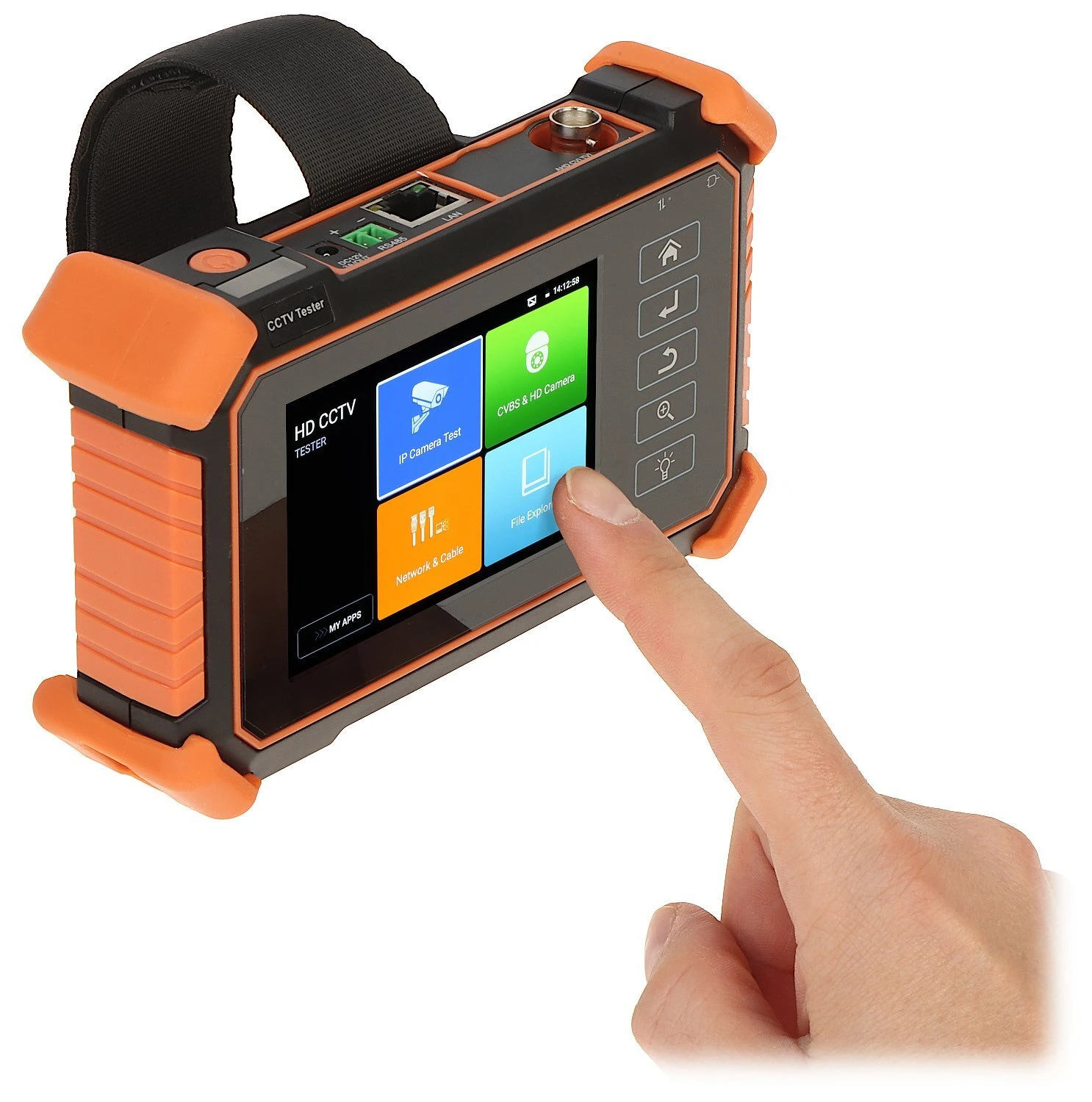
A handheld multifunctional CCTV tester with a touchscreen interface, featuring rugged orange and black casing. The device includes various ports and buttons for testing and configuring security camera systems.
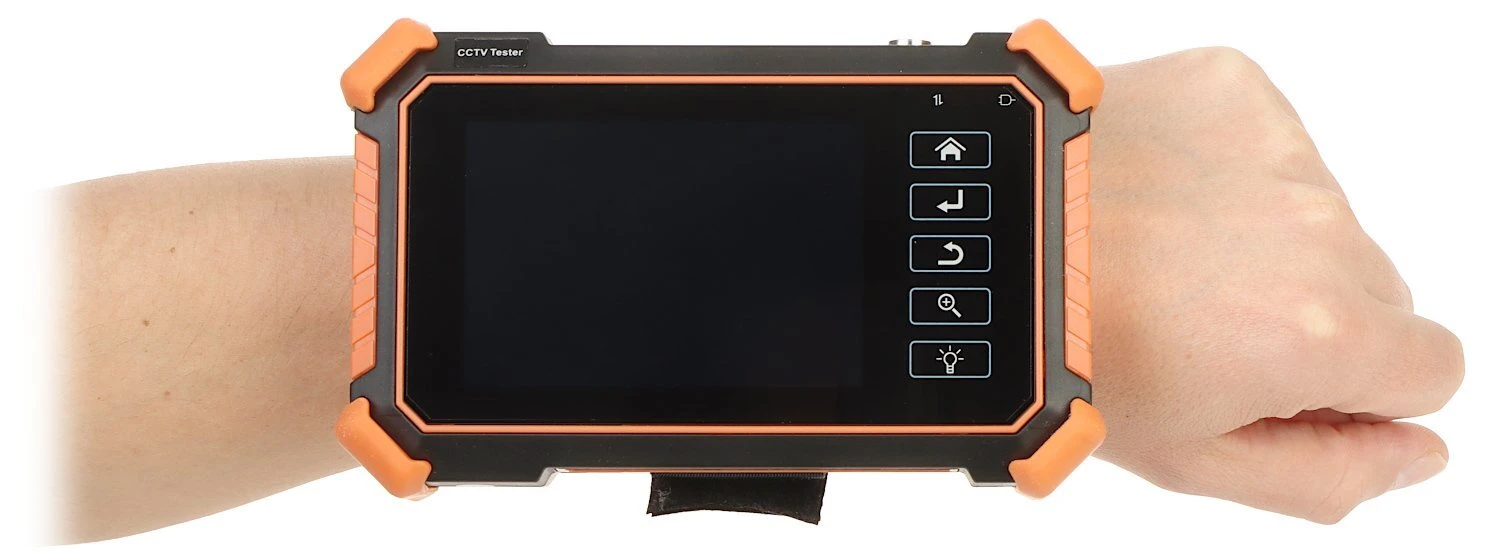
A handheld CCTV tester with a rugged design features a large screen and several function buttons on the side. The device is secured to the wrist with a black strap, showcasing its portability and ease of use for field technicians.
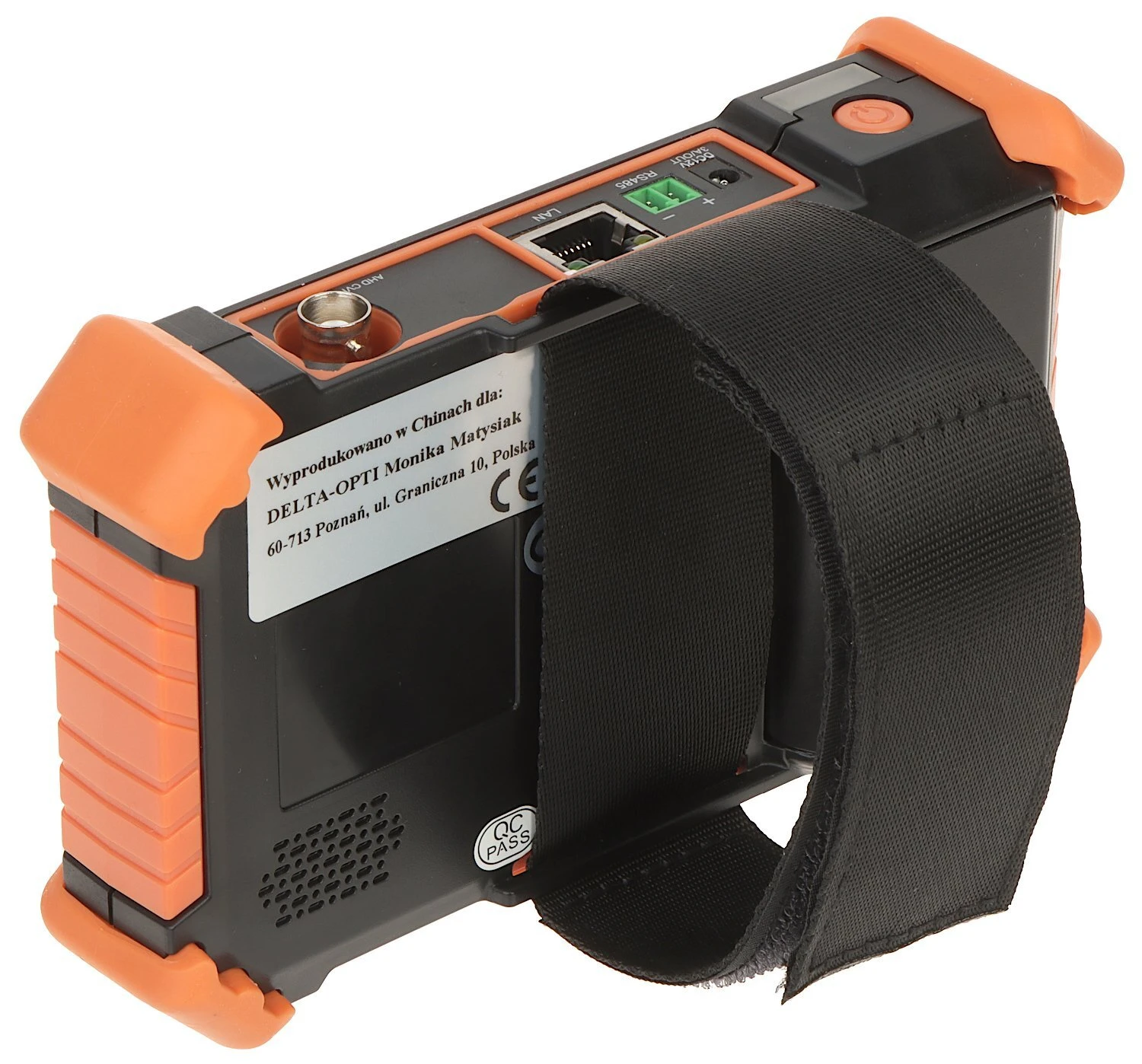
A handheld electronic device with a black and orange design features a screen and various ports on the top. It includes a sturdy black strap for easy carrying and handling.
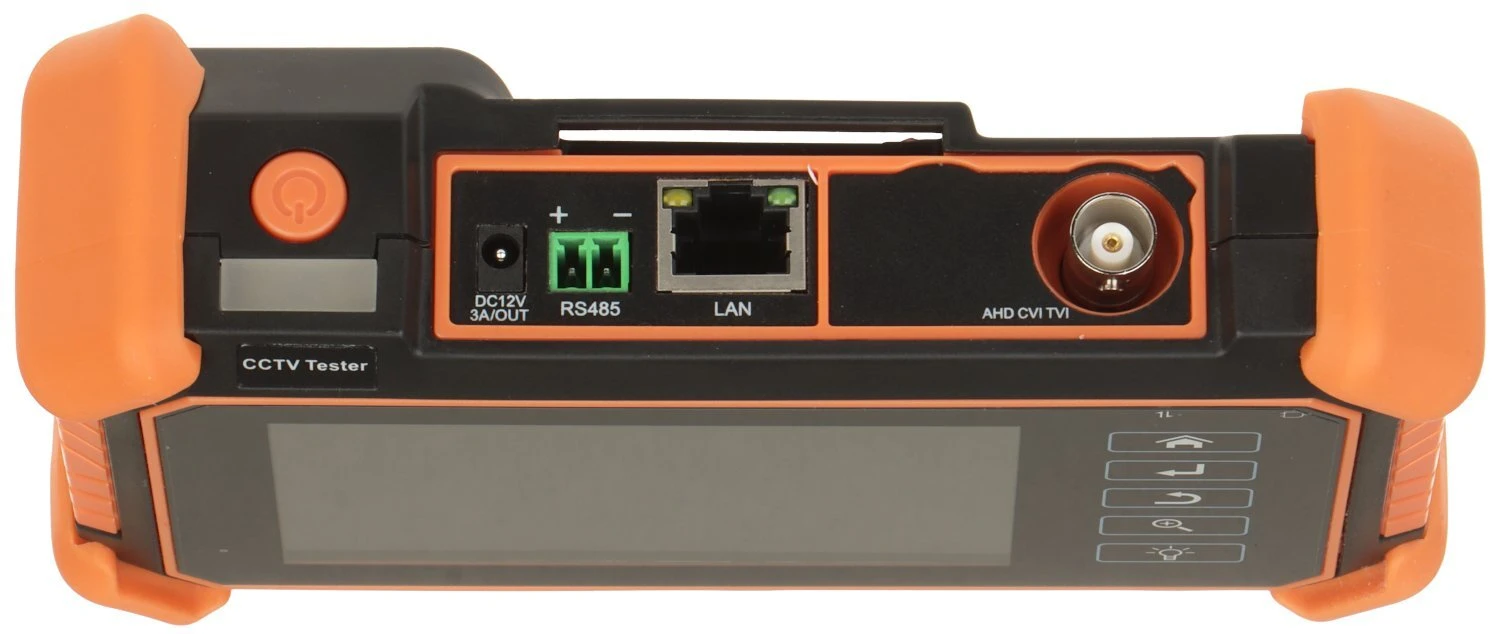
The image shows a CCTV tester with a sleek design, featuring a large screen and multiple connectivity ports including LAN, RS485, and AHD/CVI/TVI. The device is accented with orange protective corners and has a power button on the side.
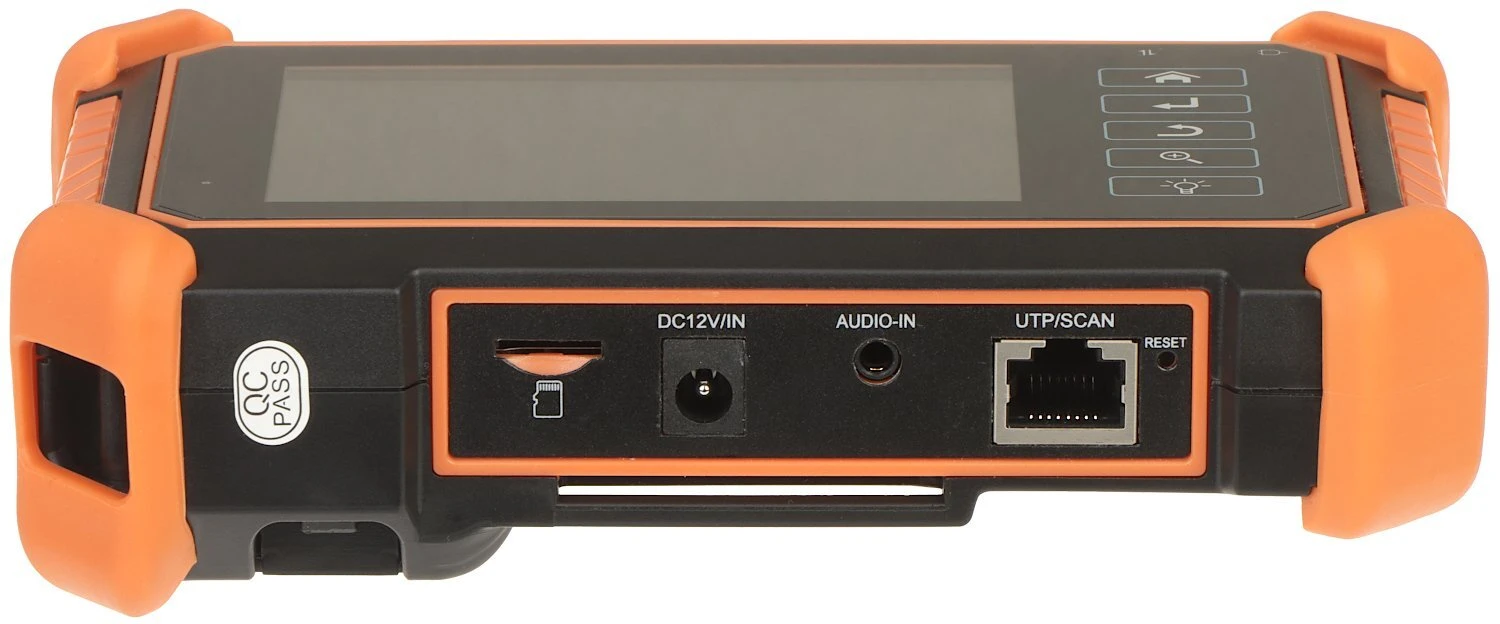
The image shows a handheld electronic device with a touchscreen and several input ports, including DC12V/IN, audio-in, and UTP/SCAN. The device is encased in a protective orange and black casing, designed for durability and ease of use.
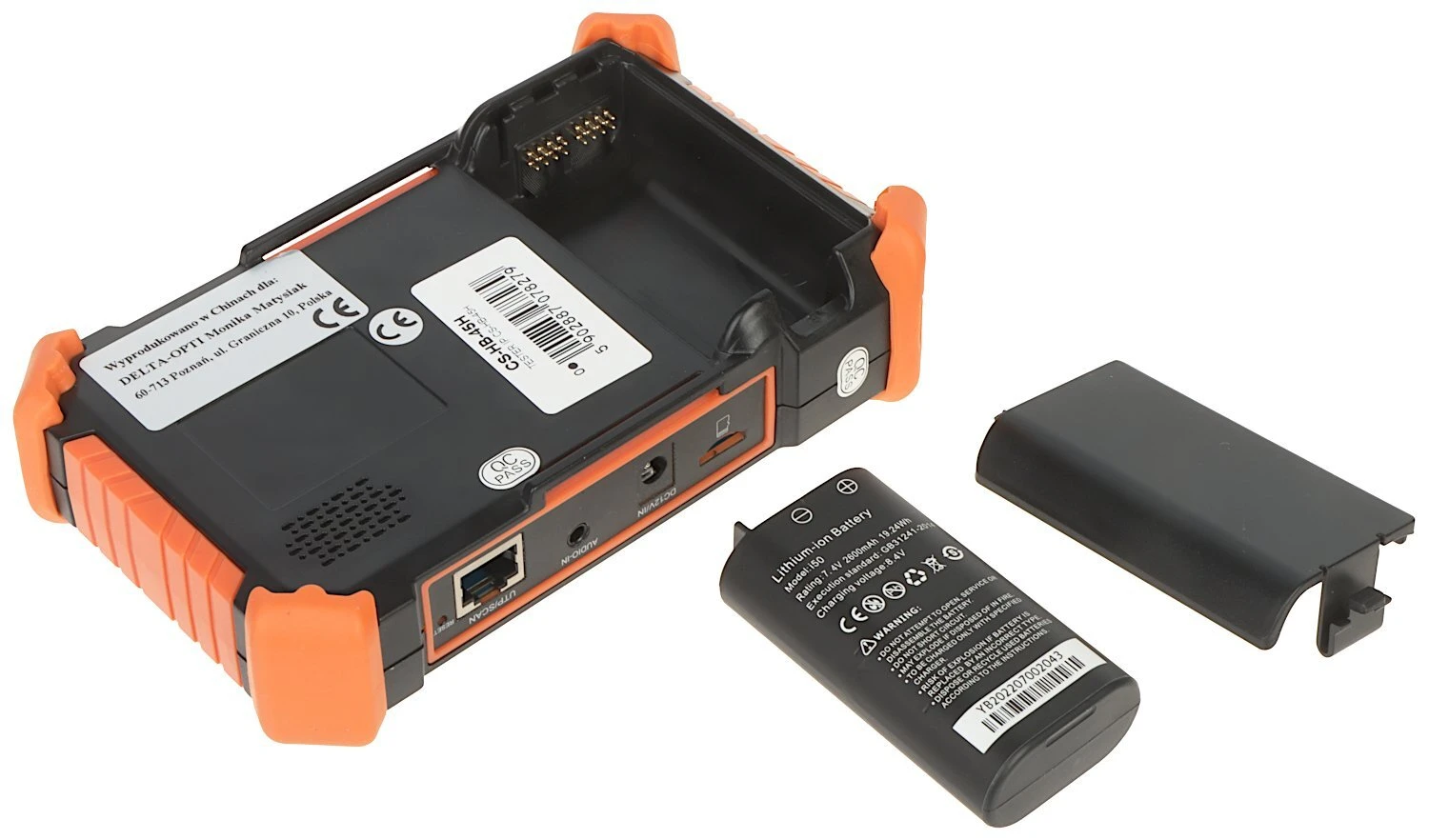
The image shows a black and orange electronic device with a compartment for a rechargeable battery, alongside a separate battery and a cover. The device features various ports, including an Ethernet port, and is designed for portable use.
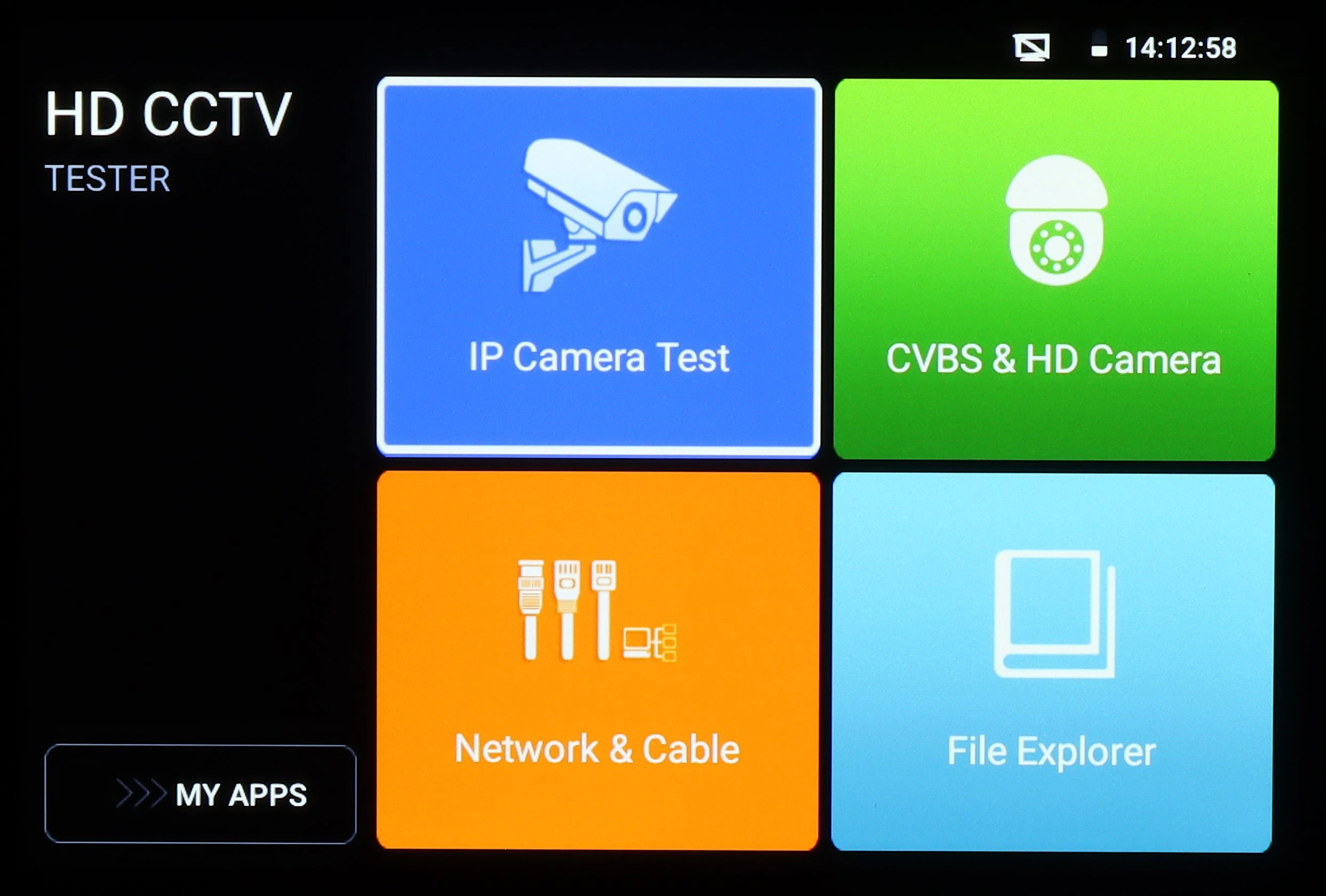
The image shows the interface of an HD CCTV tester with four main options: IP Camera Test, CVBS & HD Camera, Network & Cable, and File Explorer. The screen displays a digital clock in the top right corner, indicating the device's multifunctional capabilities for security system testing.
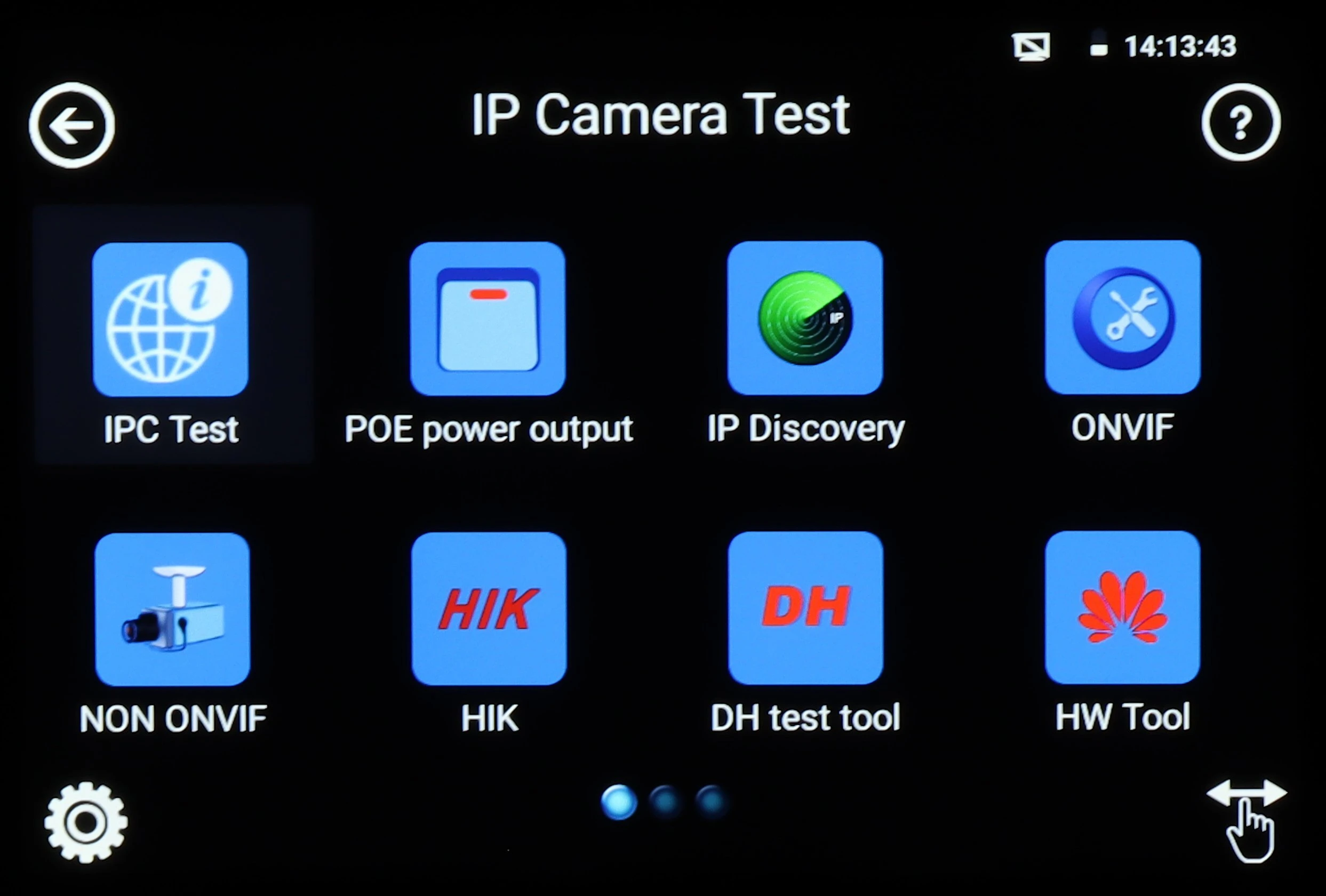
The image displays a digital interface for an IP camera test tool, featuring various icons for functions such as IPC Test, POE power output, and IP Discovery. The screen is set against a black background with a time display in the top right corner.
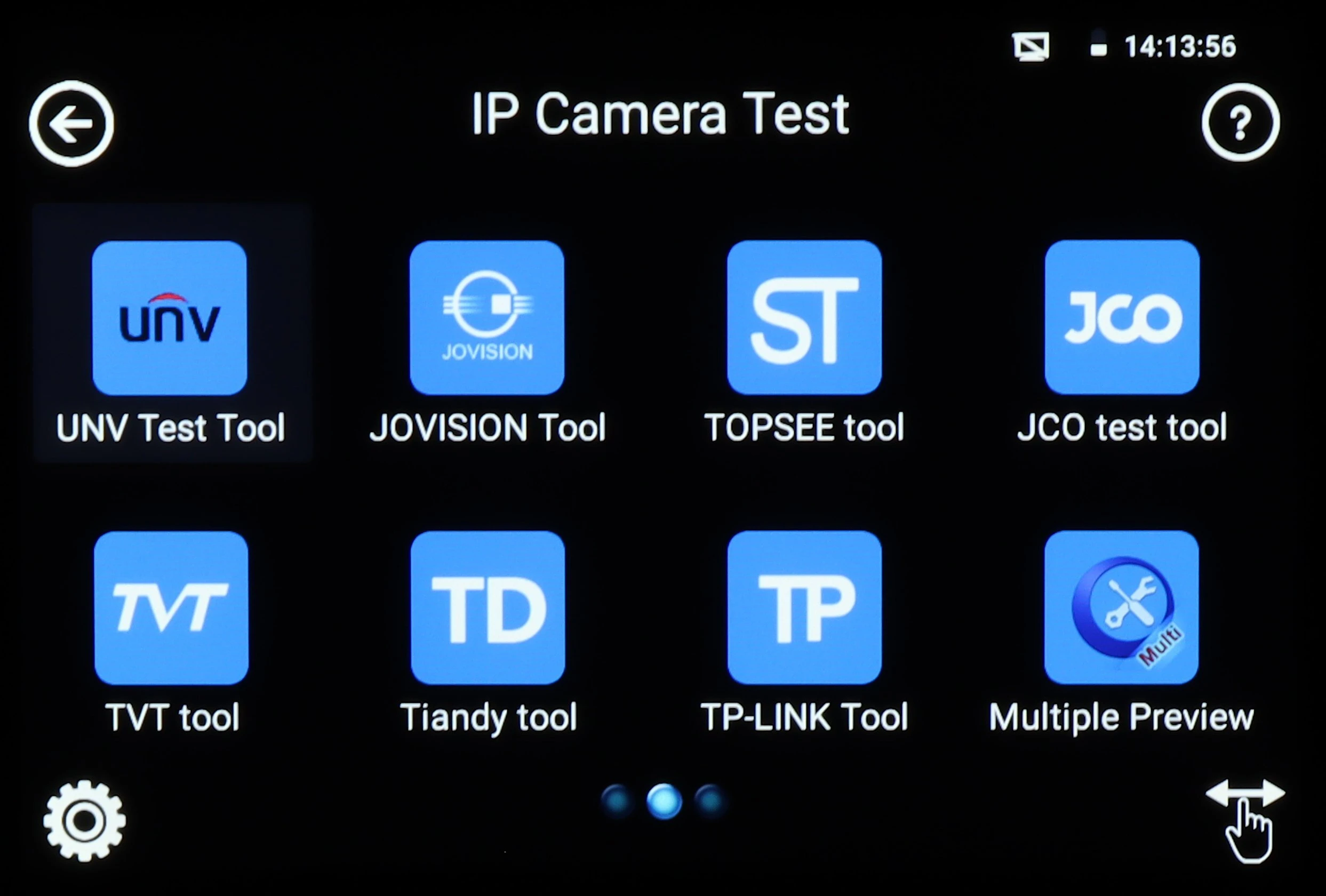
The image displays a screen interface for an IP camera test, featuring various tool icons such as UNV Test Tool, JOVISION Tool, and TP-LINK Tool. Each icon is blue with white text, arranged in a grid layout on a black background.
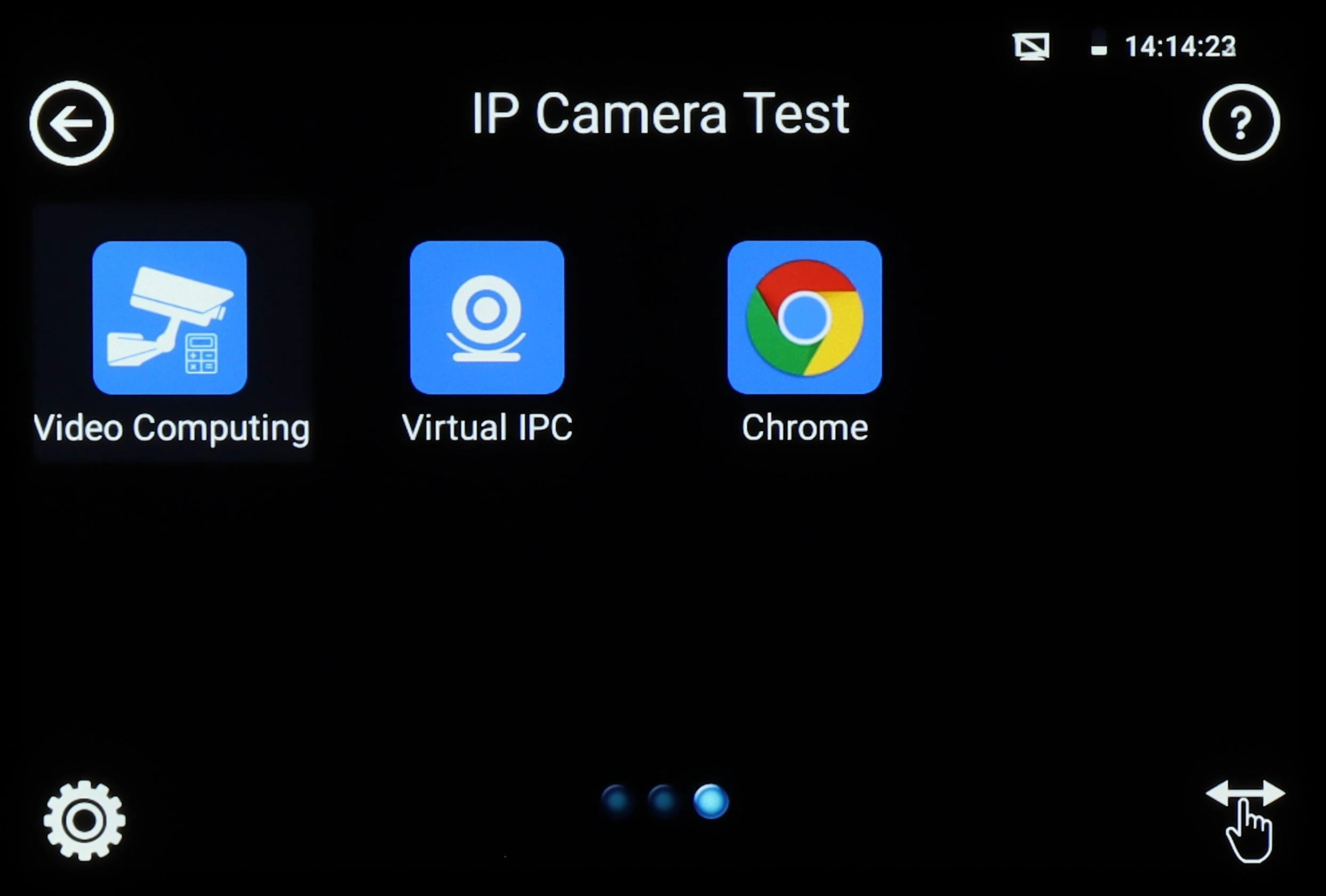
The image displays a digital interface screen featuring three application icons: Video Computing, Virtual IPC, and Chrome, set against a black background. The screen is part of an IP camera testing device, with navigation and settings icons visible at the corners.
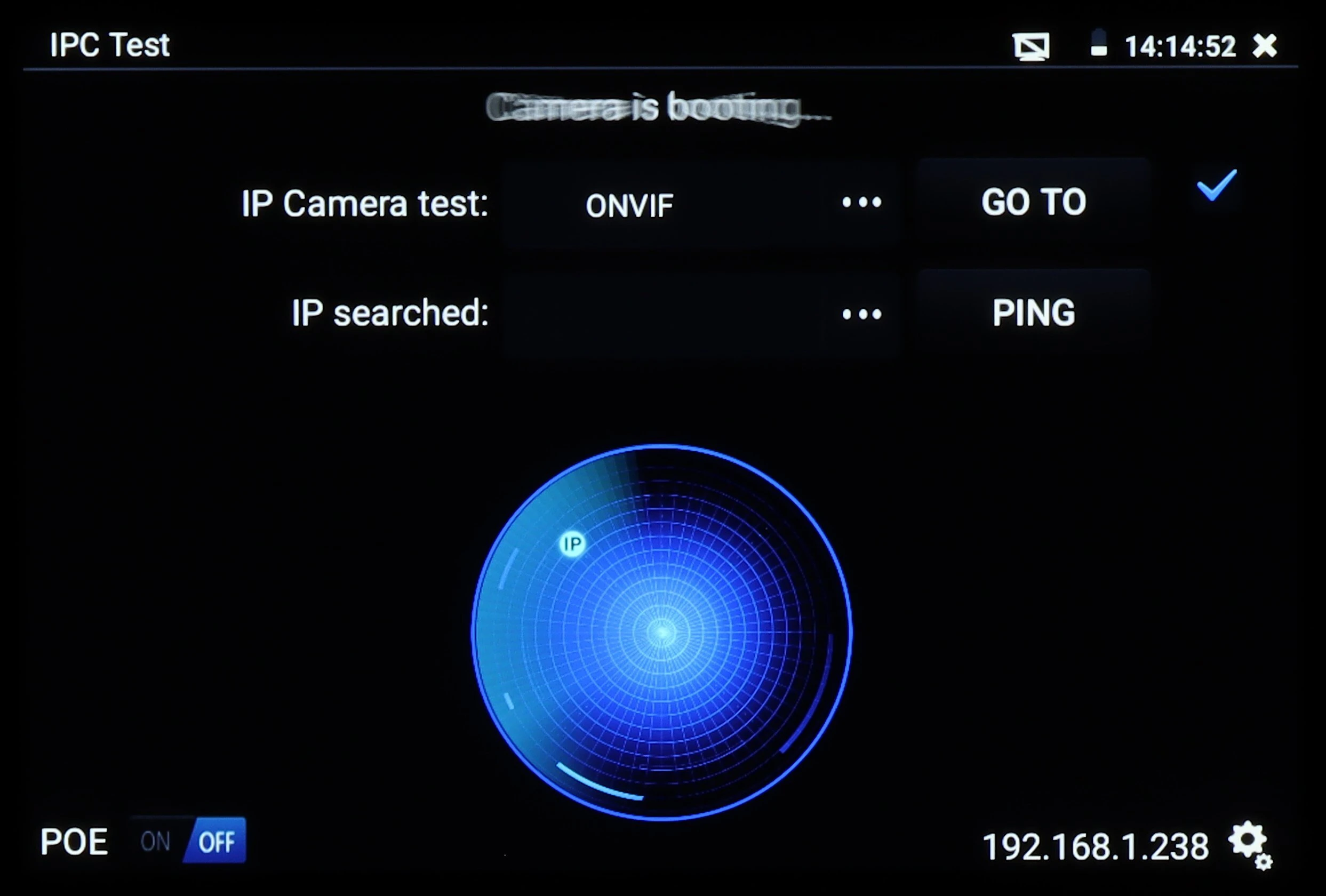
The image shows a digital interface of an IPC test device with options for IP camera testing, including ONVIF and PING functionalities. A blue circular radar graphic is displayed prominently in the center, indicating network scanning activity.
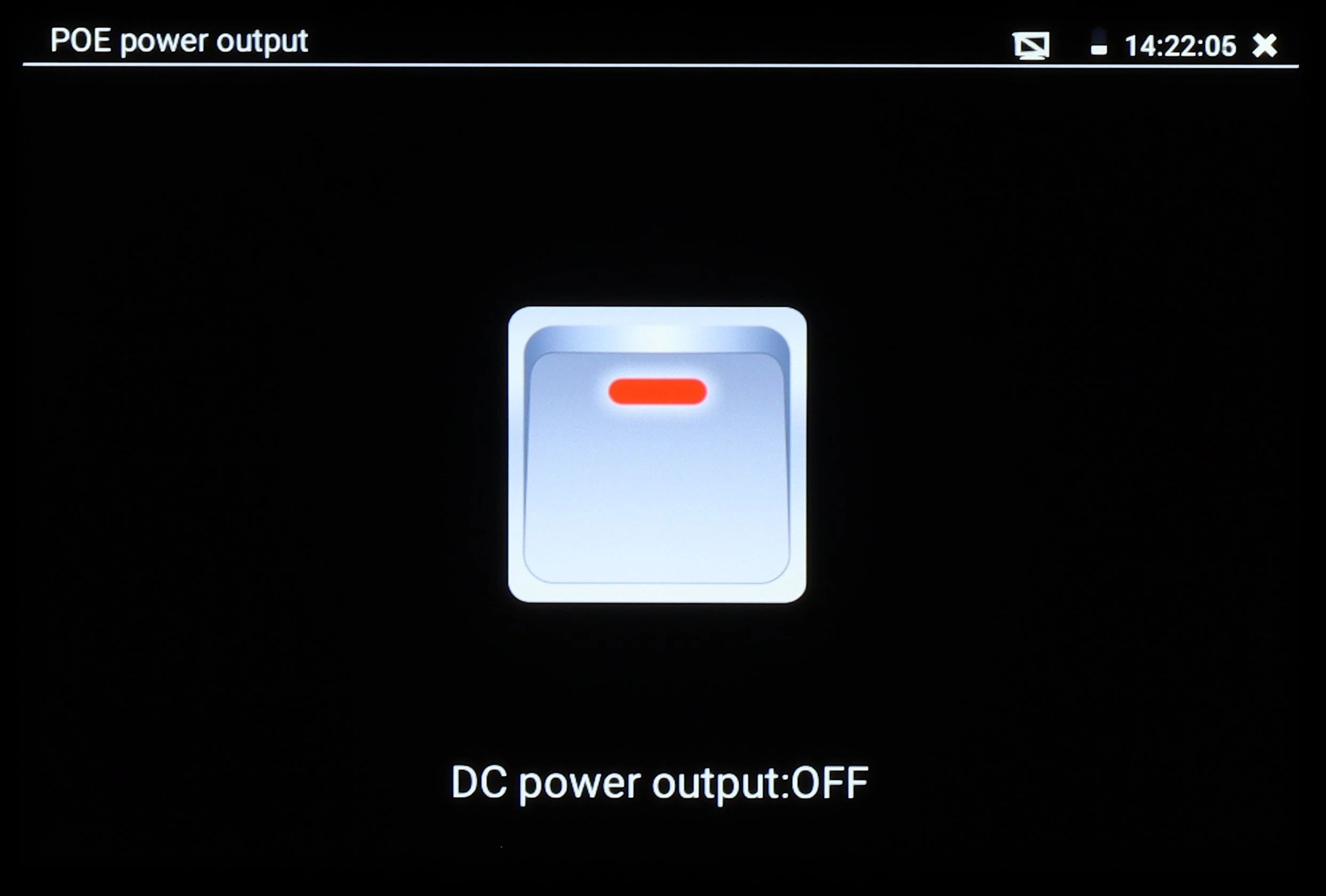
The image displays a digital screen indicating "DC power output: OFF" with a central icon resembling a power button. The top left corner shows "POE power output," and the top right corner displays the time as 14:22:05.
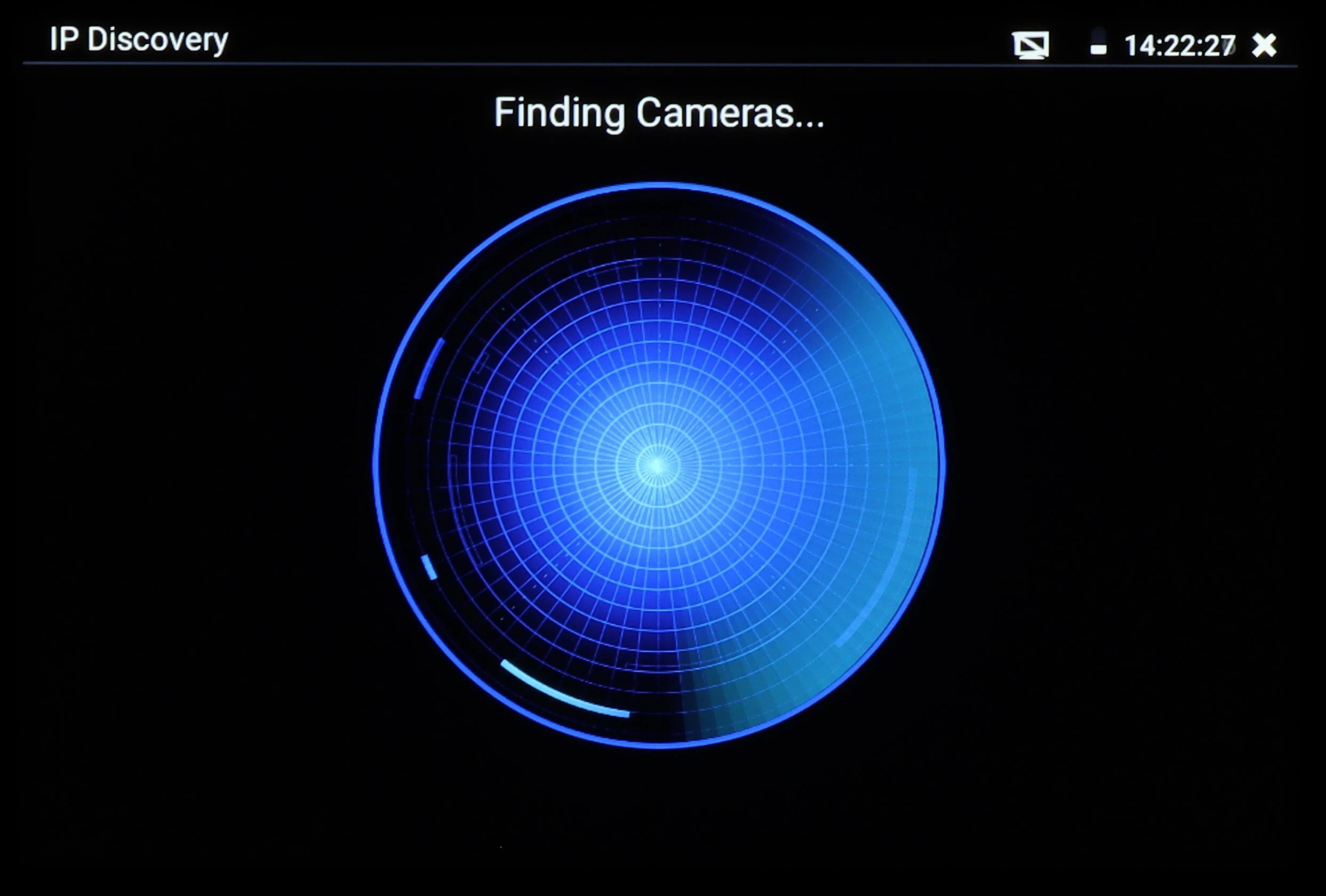
A digital interface screen displays a blue radar-like graphic with concentric circles, indicating the process of finding cameras. The top of the screen shows the text "IP Discovery" and the current time.
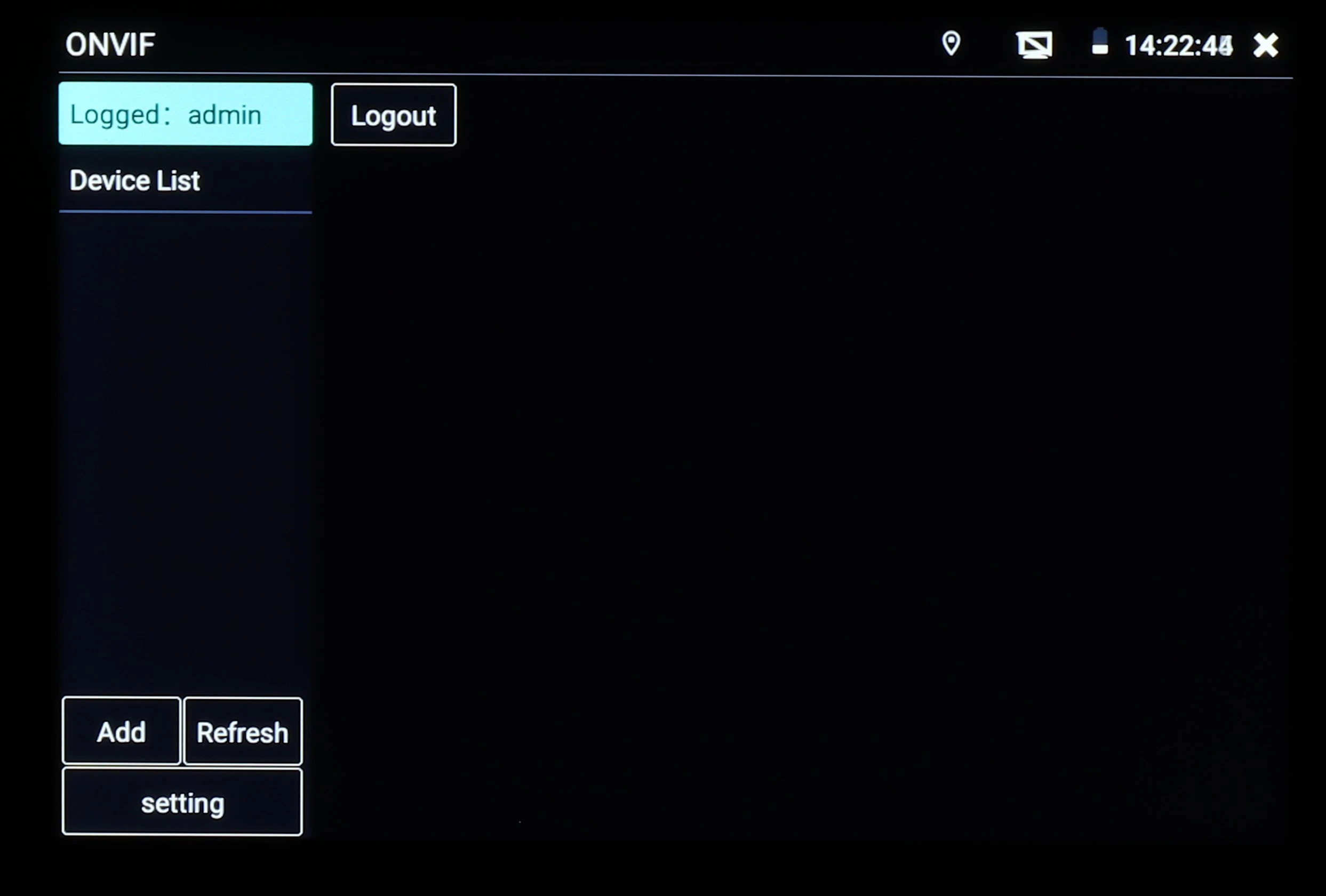
The image shows a digital interface screen displaying an ONVIF login panel with options for adding and refreshing devices. The top right corner indicates the time and network status, while the left side features a menu for device management.
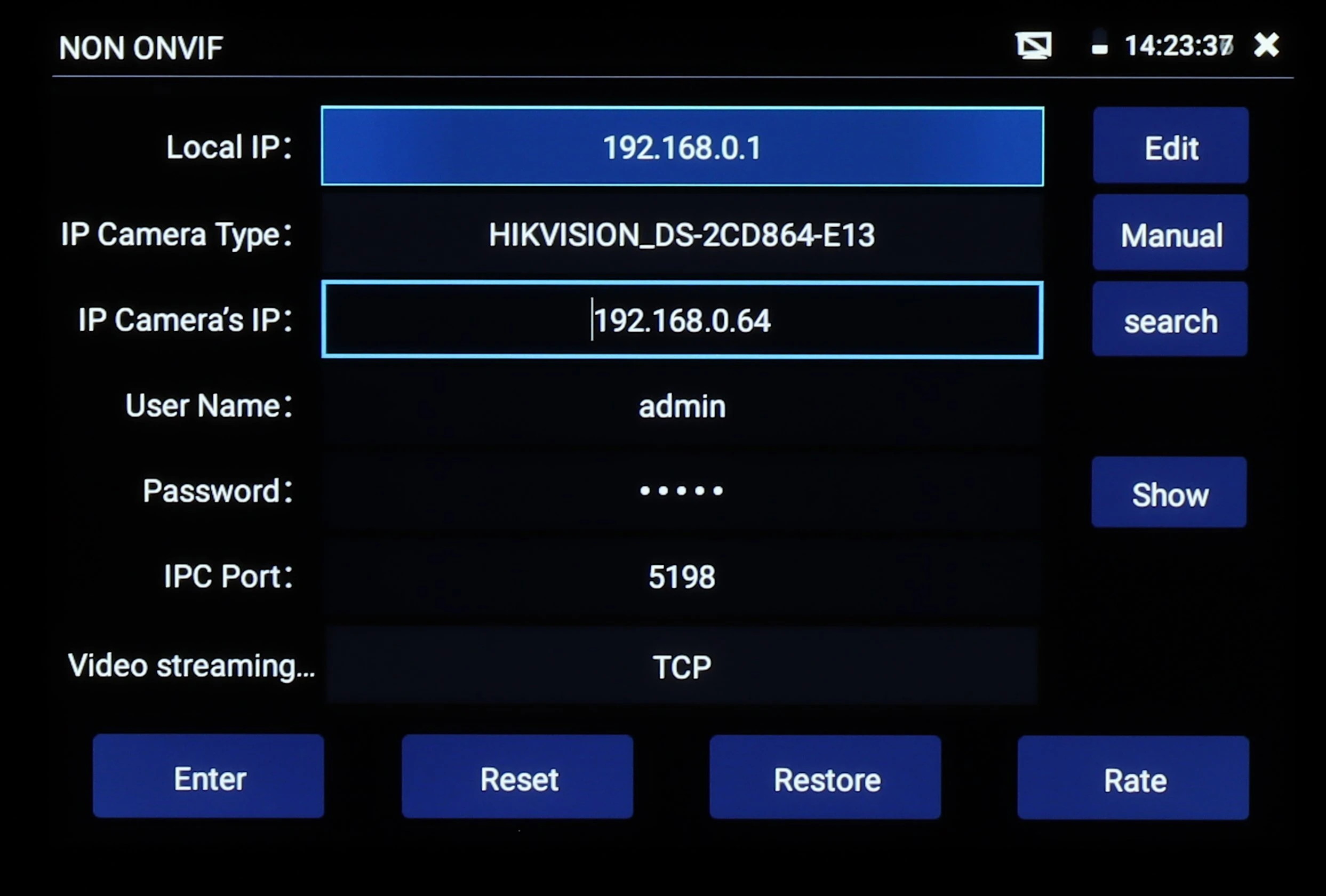
The image displays a configuration screen for a network camera, featuring fields for local IP, IP camera type, IP camera's IP, username, password, IPC port, and video streaming protocol. Options for editing, manual setup, and resetting are available on the right side of the screen.
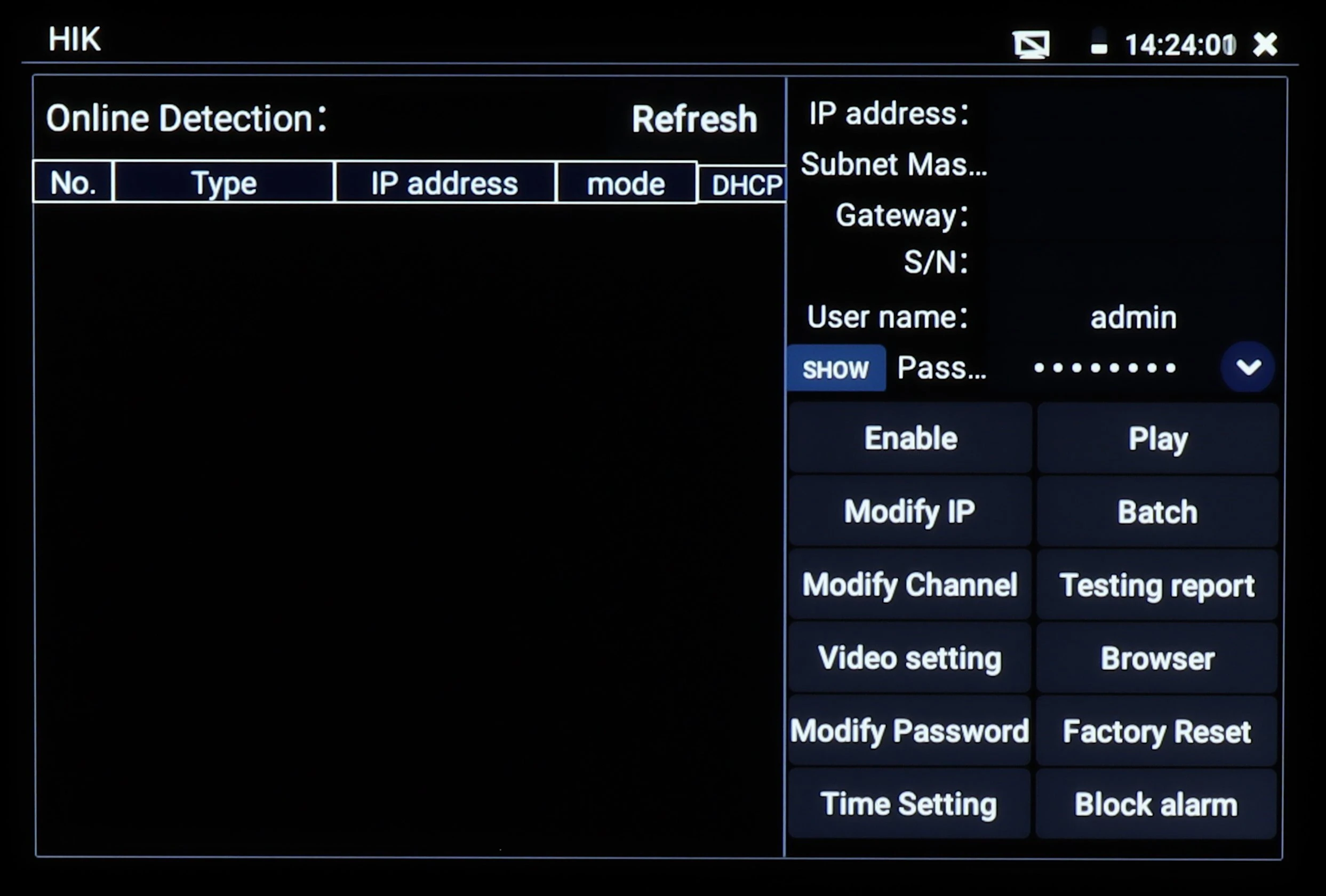
The image shows a digital interface screen displaying network settings for a security device, featuring options such as IP address configuration, user management, and system controls. The right side of the screen includes buttons for enabling features, modifying settings, and performing system resets.
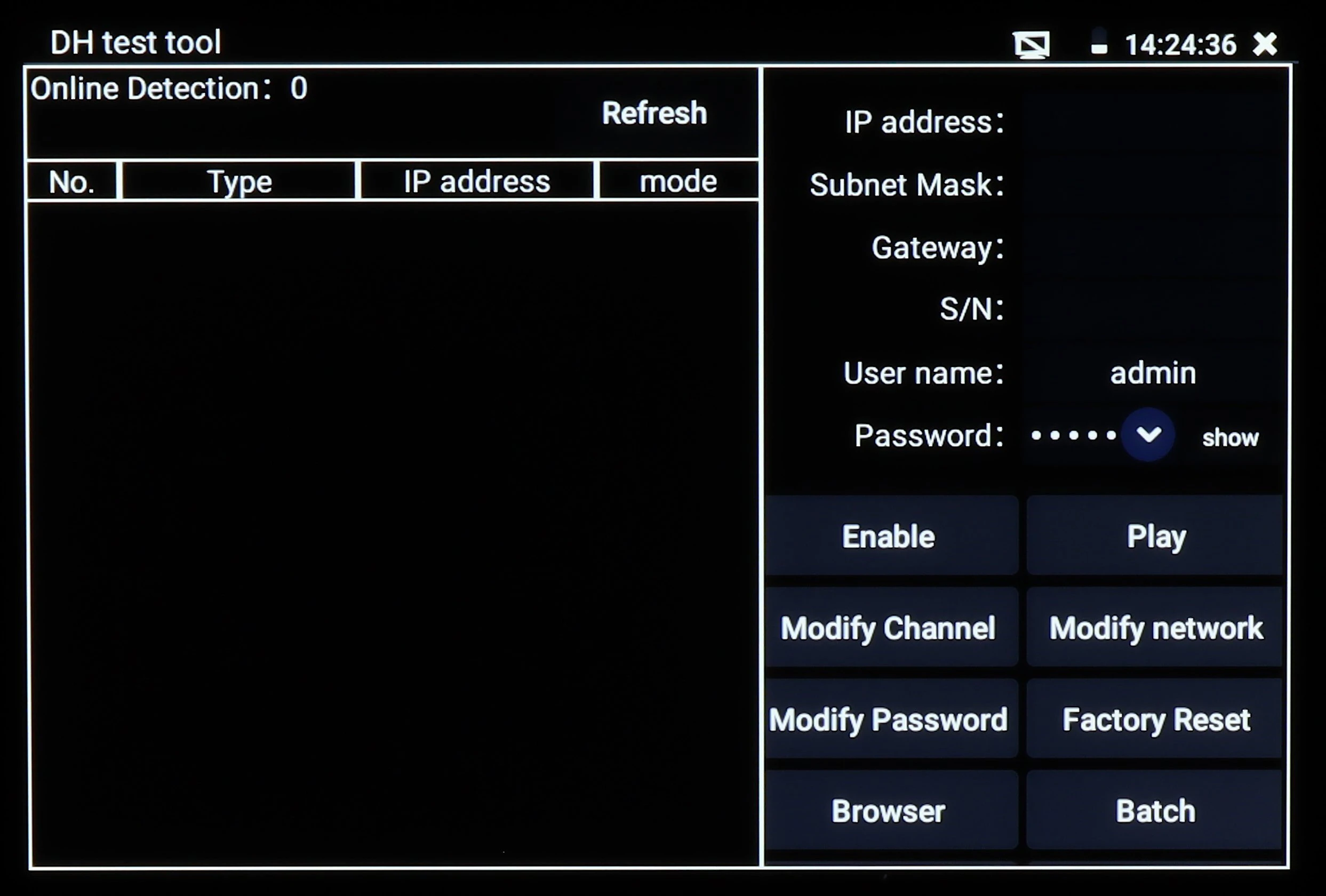
The image shows a digital interface of a DH test tool with options for online detection, IP address configuration, and network settings. The screen includes buttons for enabling features, modifying channels, and adjusting network and password settings.
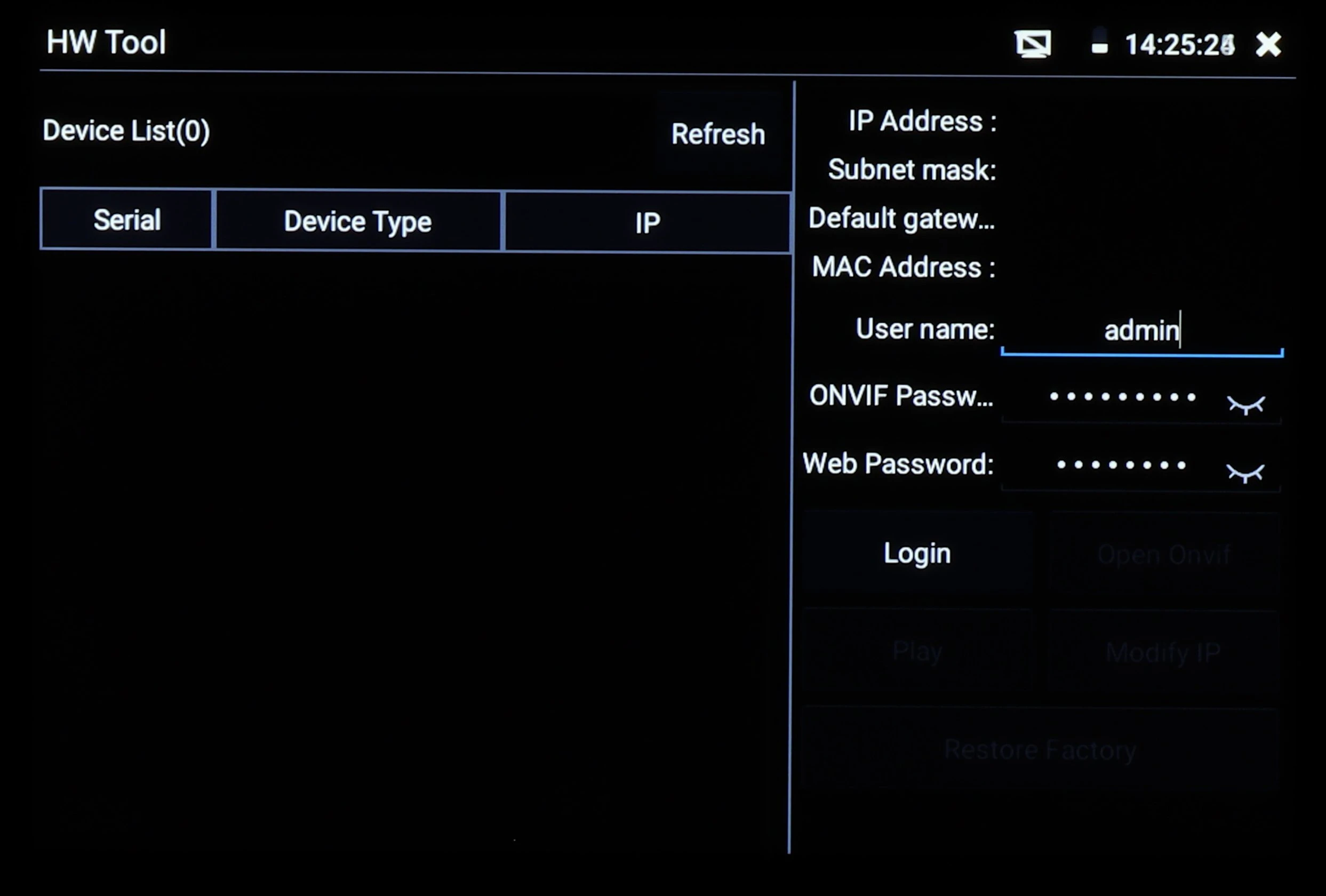
The image shows a digital interface of a hardware tool with options to configure network settings such as IP address, subnet mask, and gateway. It includes fields for entering a username, ONVIF password, and web password, along with buttons for login and other functions.
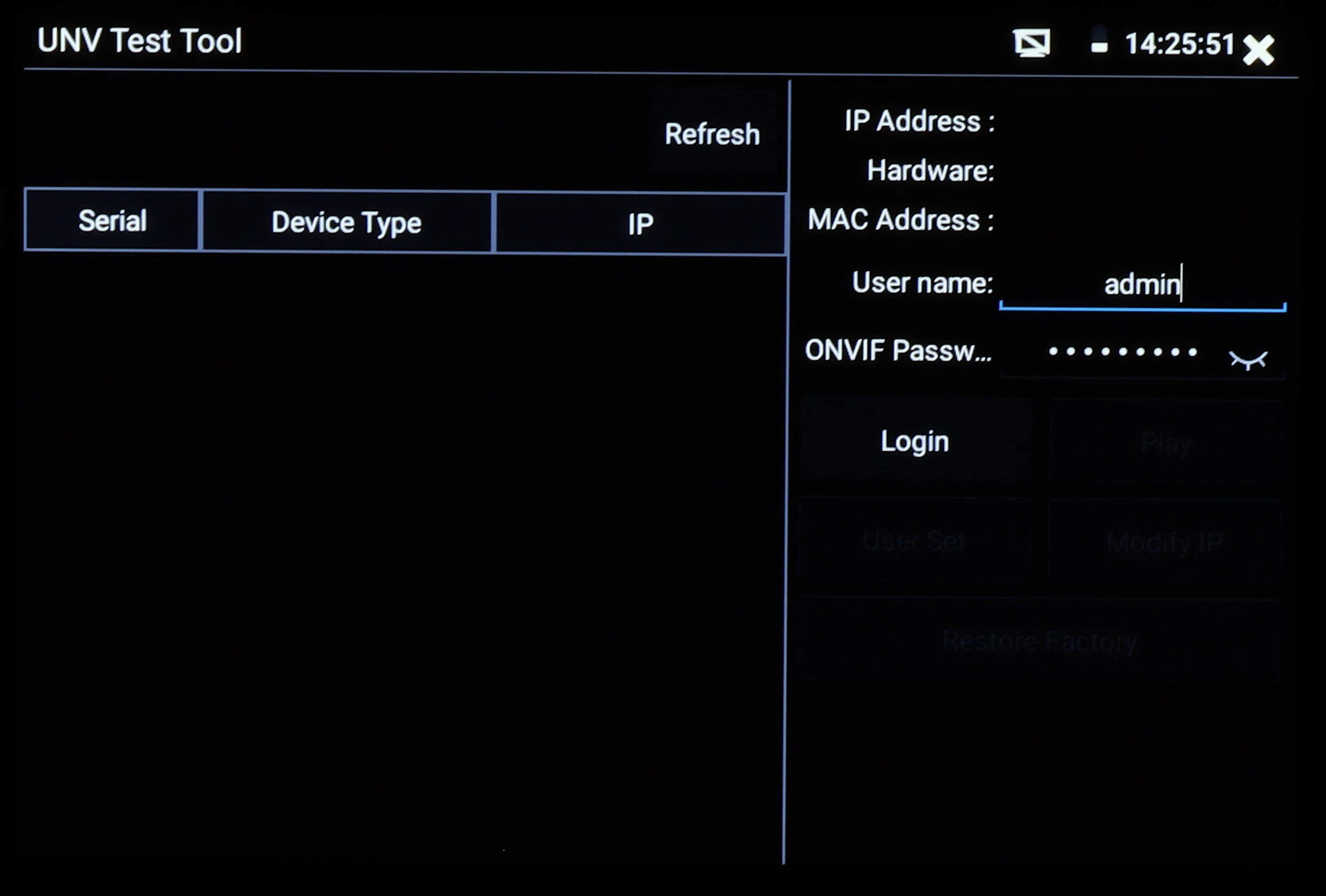
The image shows a UNV Test Tool interface with options to input serial, device type, and IP information on the left side. On the right, there are fields for IP address, hardware, MAC address, username, and ONVIF password, along with login and other settings options.
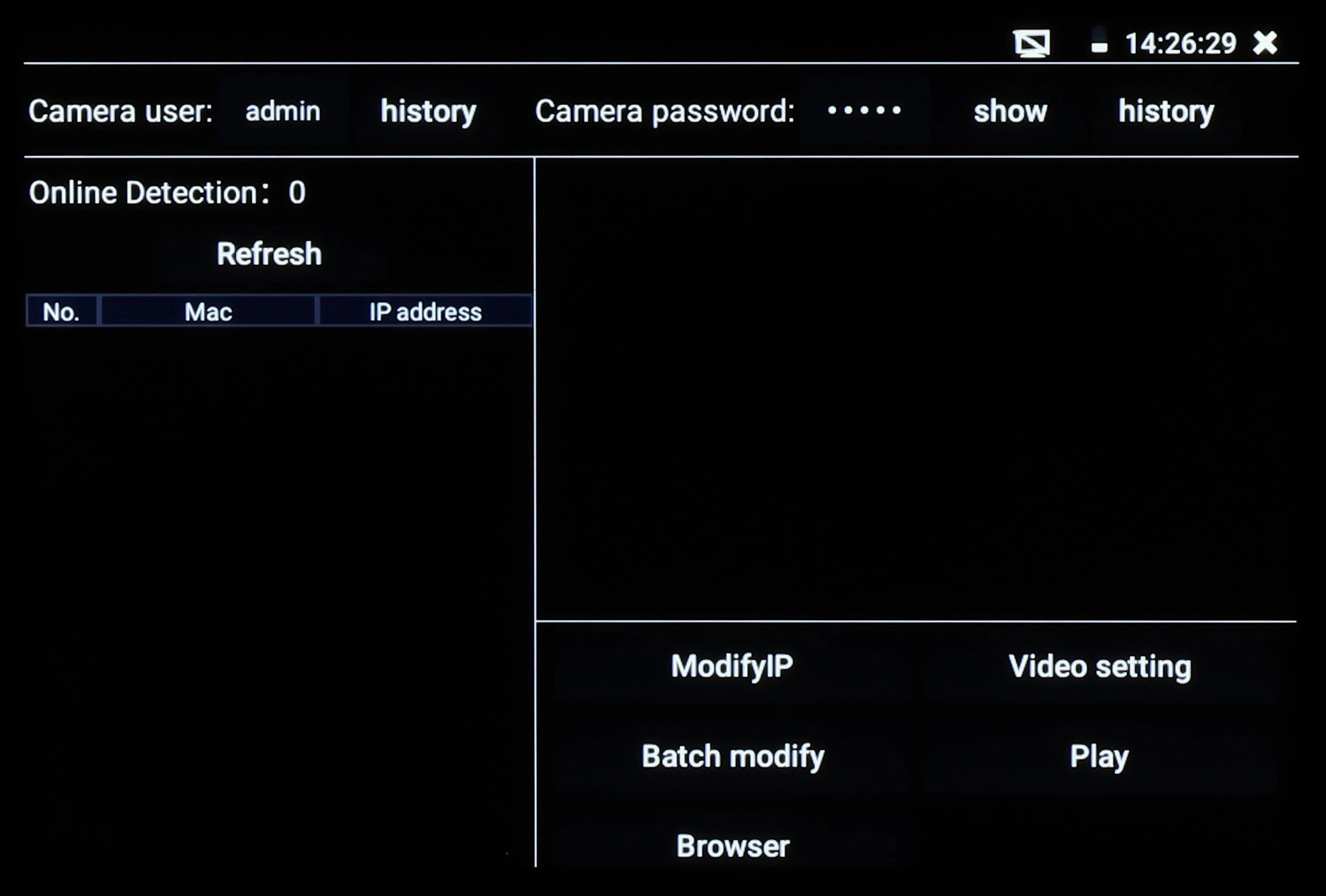
The image shows a digital interface screen displaying options for camera user management, including sections for modifying IP, video settings, and browsing. The interface features a black background with white text, highlighting areas for online detection and camera password settings.
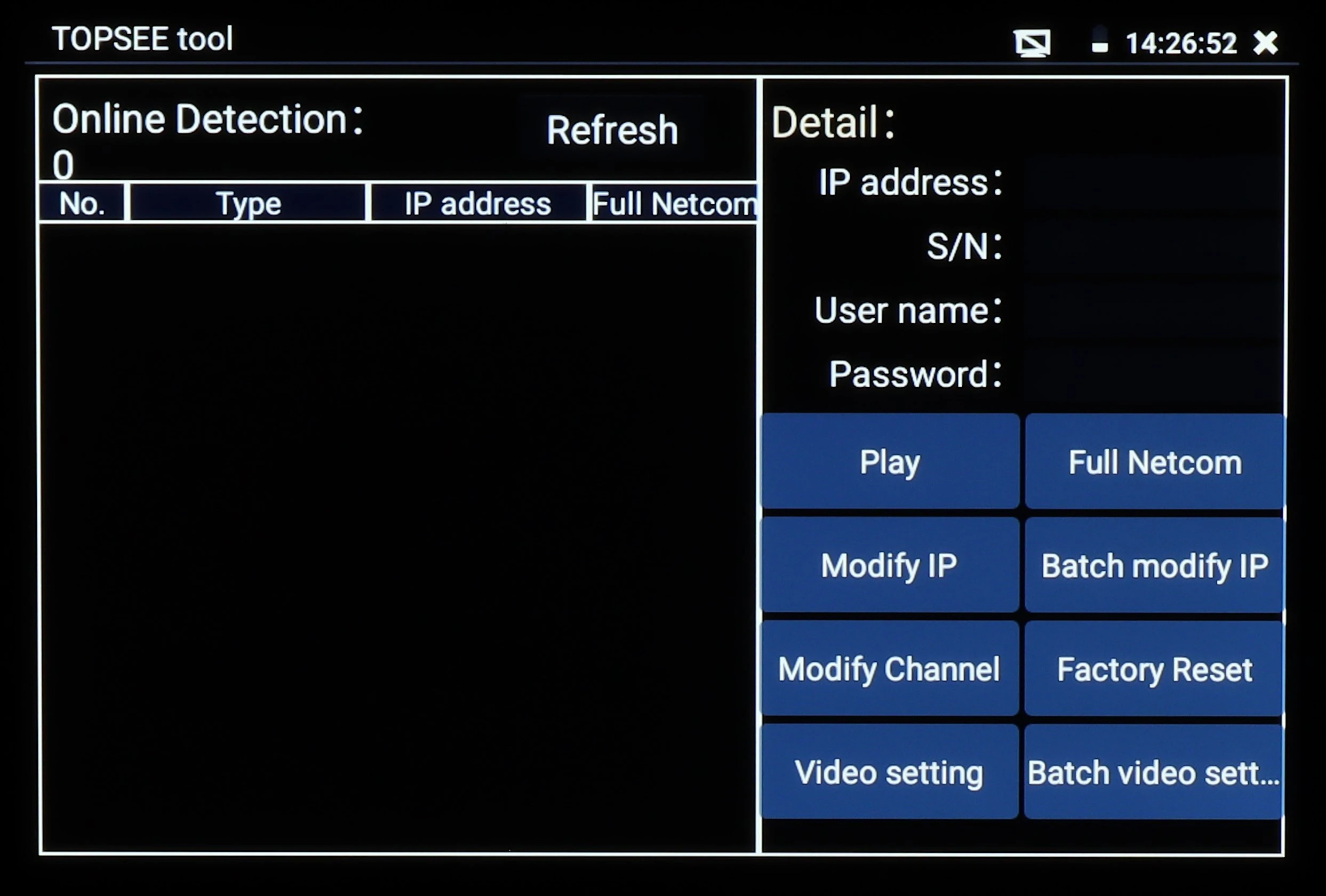
The image displays a digital interface of the TOPSEE tool, featuring options for online detection and detailed settings such as IP address, user name, and password. The right side includes buttons for actions like play, modify IP, factory reset, and video settings.
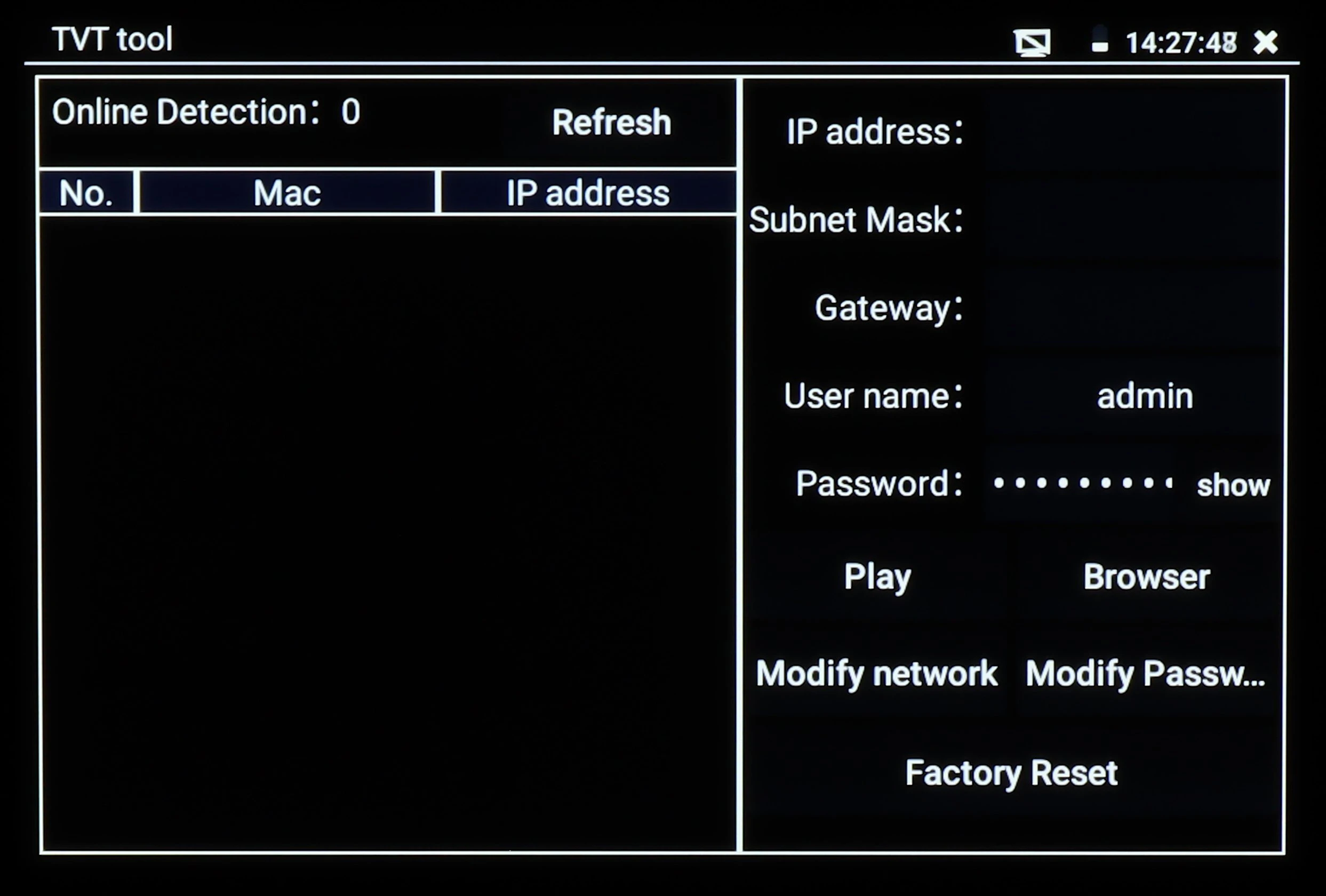
The image displays a TVT tool interface with options for online detection, IP address configuration, and network settings. It includes fields for username and password, along with buttons for modifying network settings and performing a factory reset.
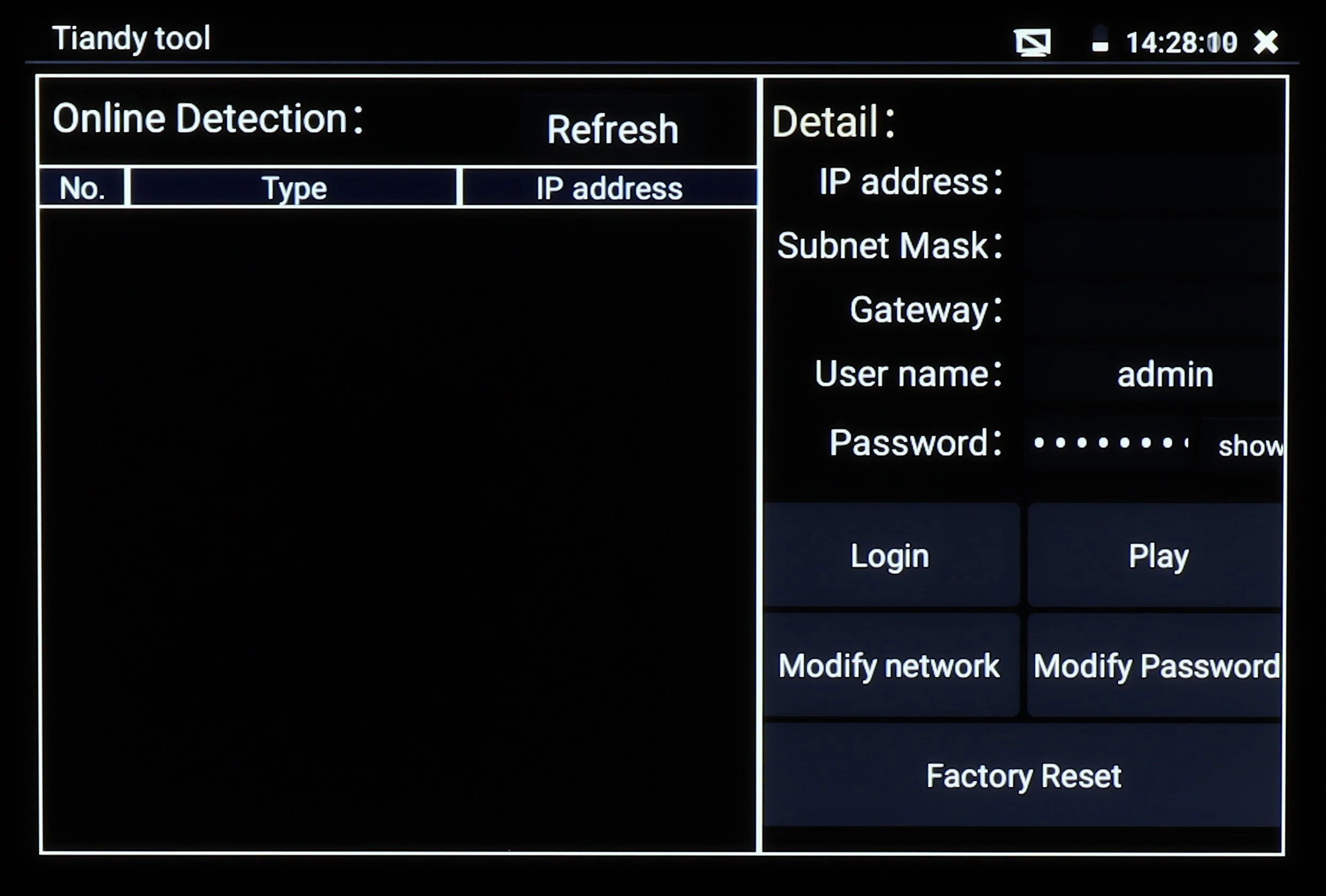
The image displays a Tiandy tool interface screen featuring options for online detection and network configuration. It includes fields for IP address, subnet mask, gateway, and user credentials, along with buttons for login, play, network modification, password change, and factory reset.
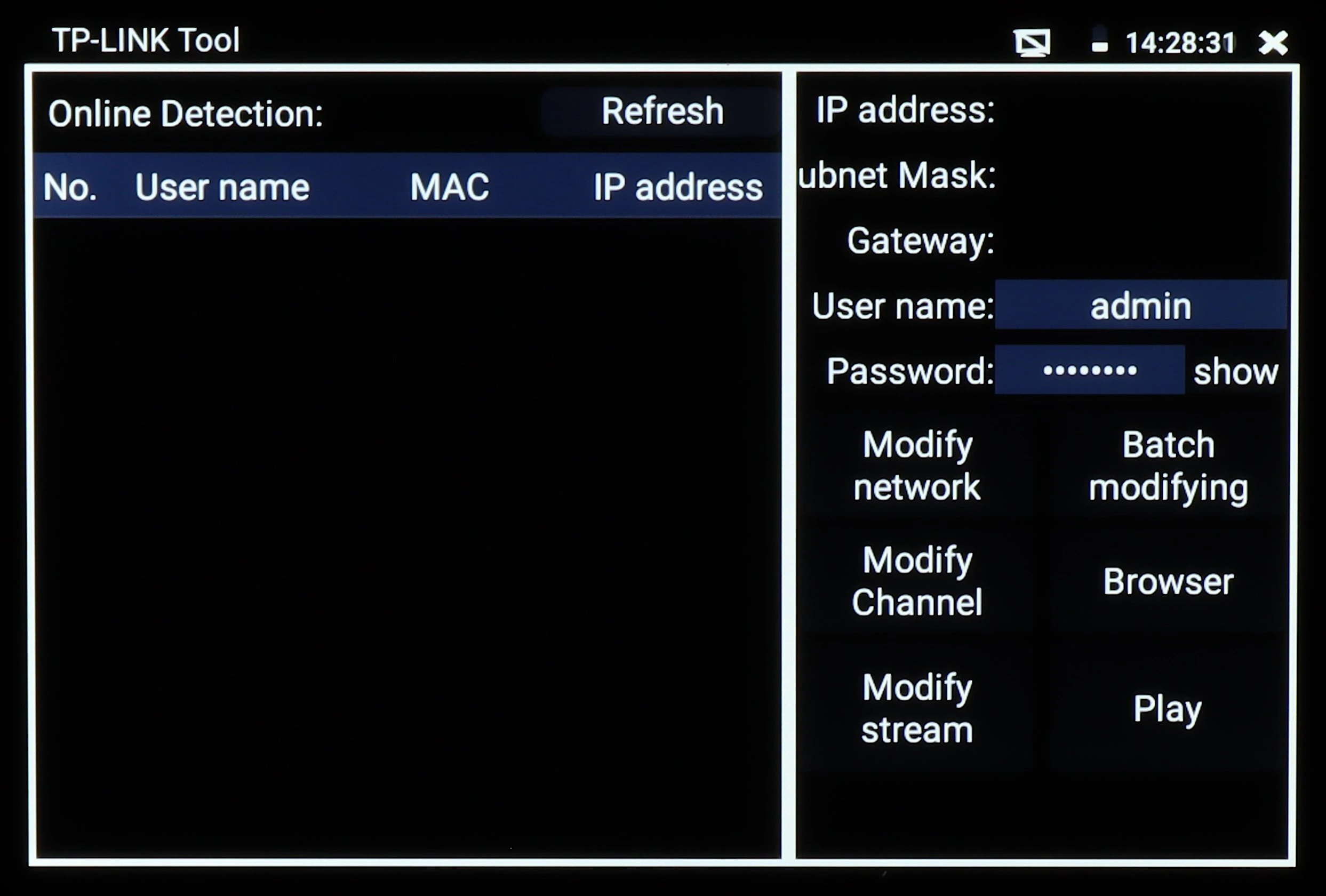
The image displays the interface of a TP-LINK Tool, featuring options for online detection, network modification, and user authentication. The screen shows fields for username and password, along with various network management functions.
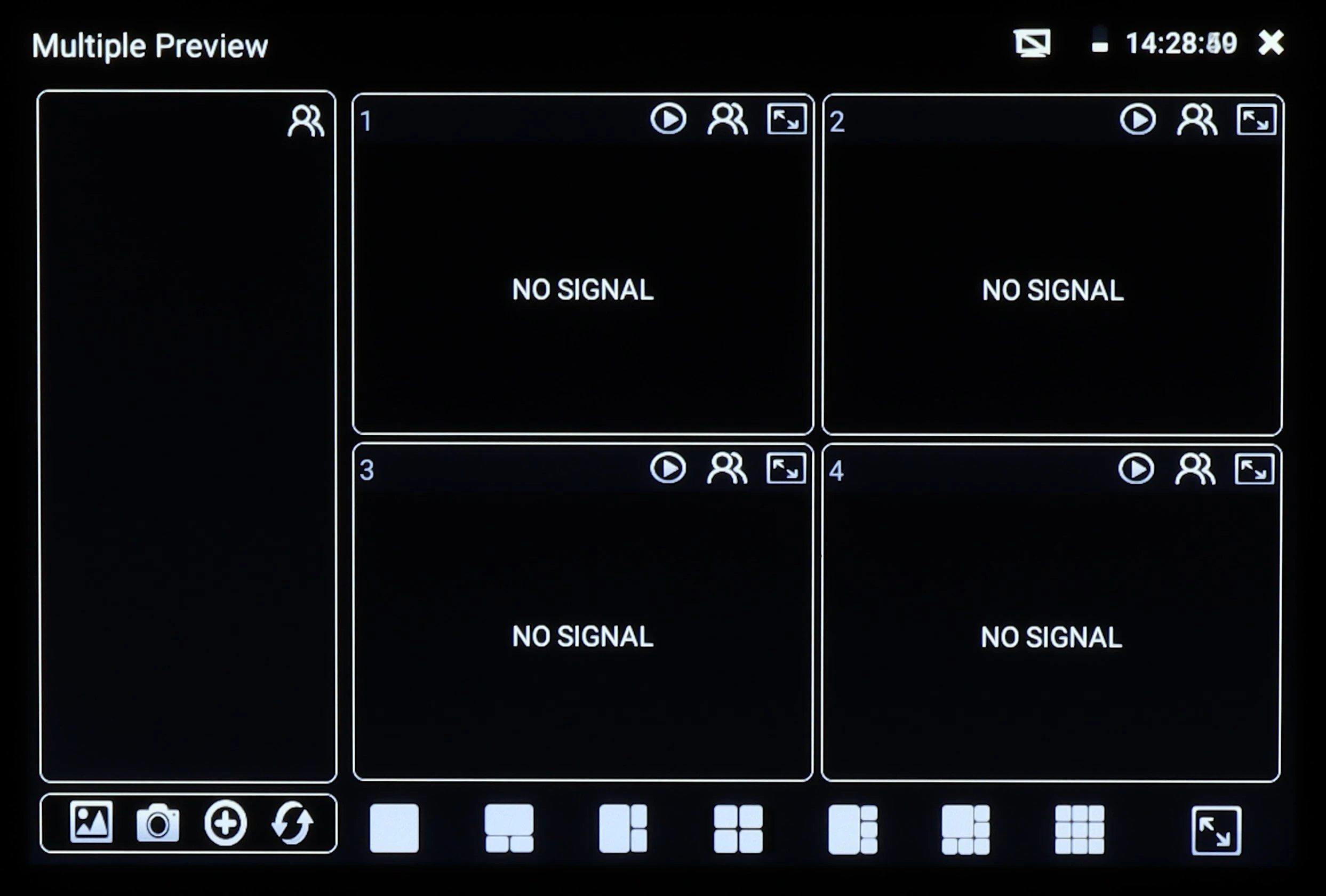
The image shows a digital video monitoring interface with four sections labeled "No Signal," indicating inactive video feeds. The interface includes various control icons and a timestamp in the top right corner.
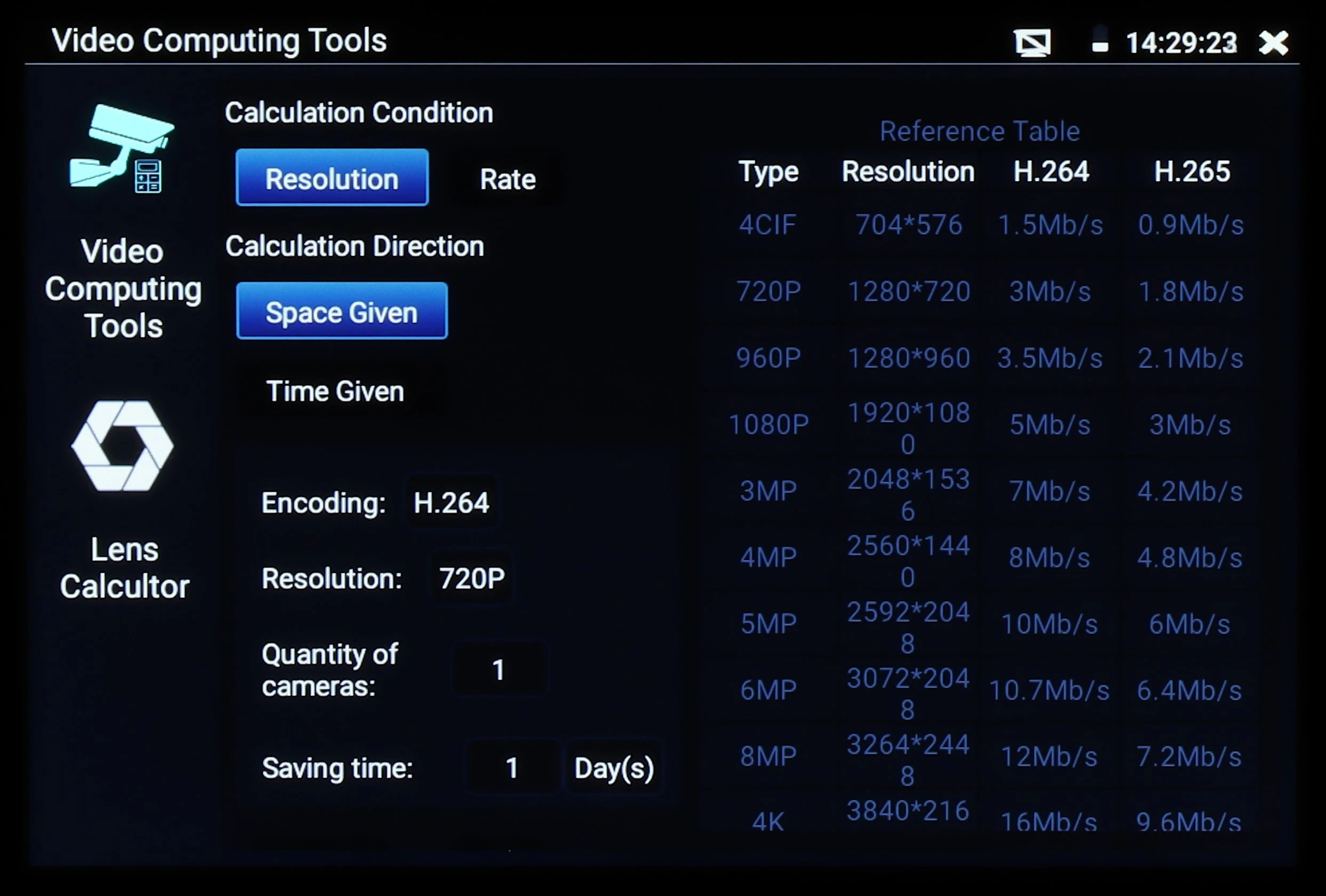
The image displays a screen interface for video computing tools, featuring options for resolution, calculation condition, and encoding settings. It includes a reference table comparing different resolutions and their corresponding data rates for H.264 and H.265 encoding.
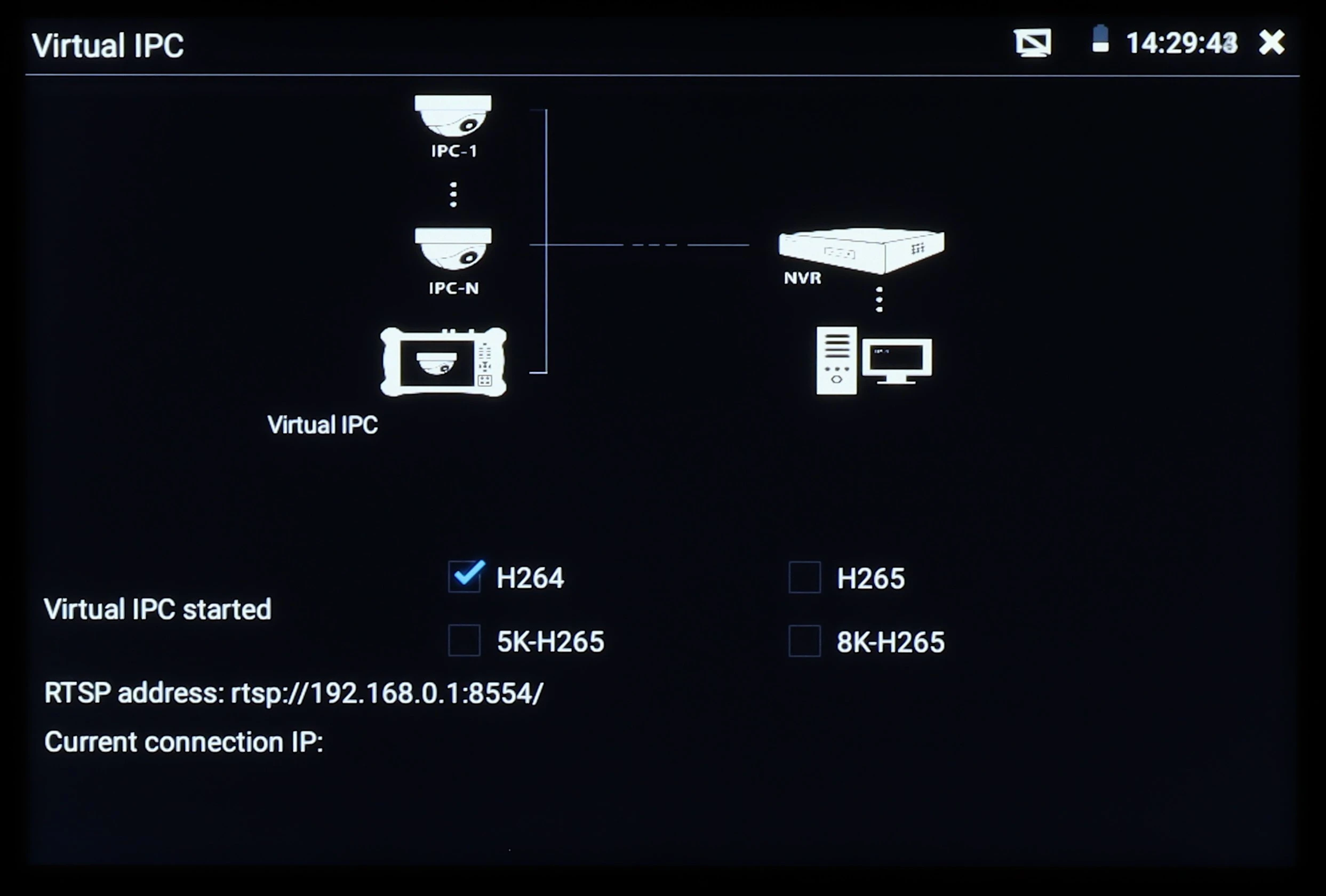
The image displays a virtual IPC interface screen showing options for H264, H265, 5K-H265, and 8K-H265 video formats. It includes a network diagram with icons representing IPC cameras, an NVR, and a computer, along with connection details.
A tablet screen displaying the Google homepage with a search bar and options for bookmarks and recent tabs. The time is shown in the top right corner, indicating 14:30:18.
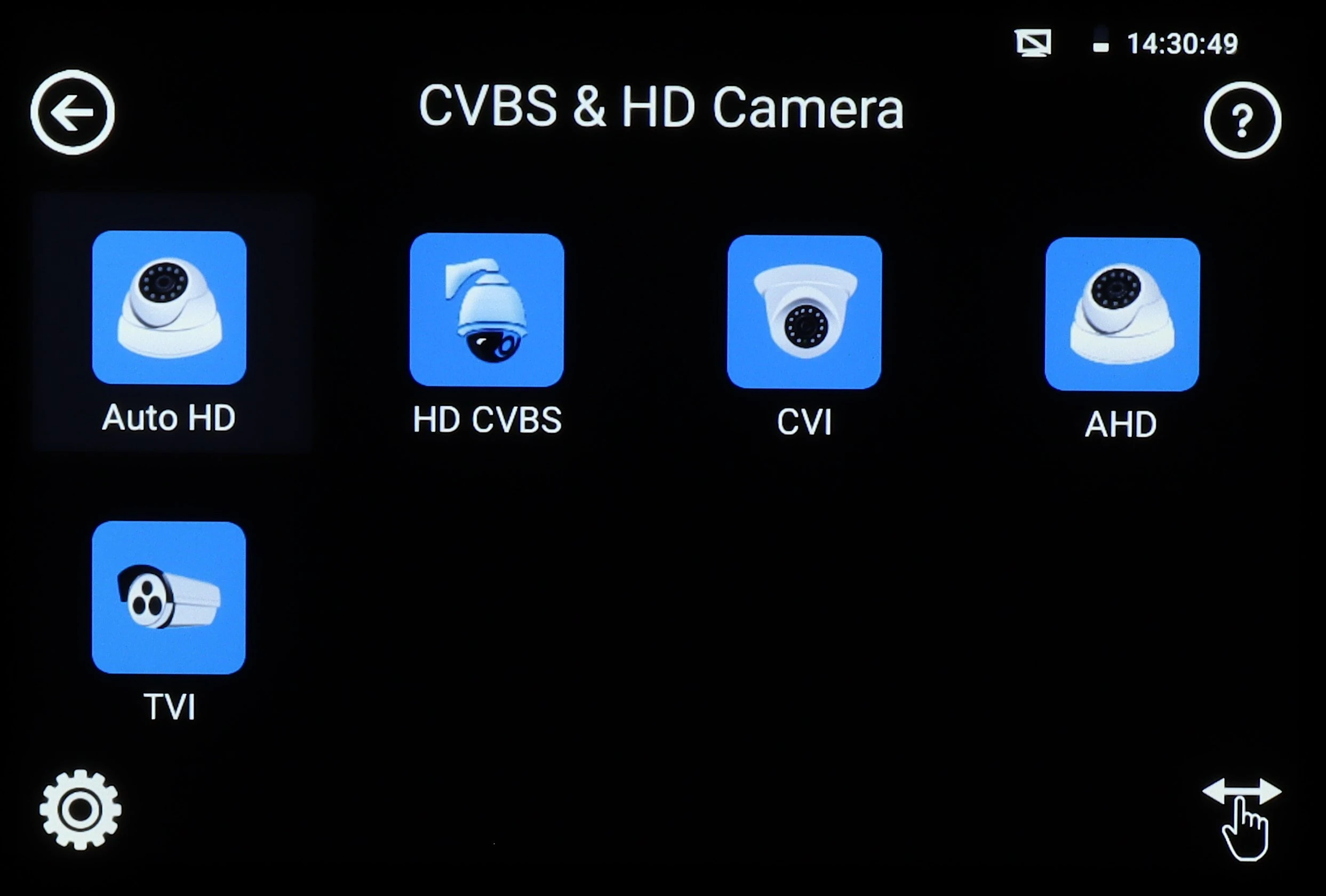
The image displays a digital interface screen featuring icons for different camera types, including Auto HD, HD CVBS, CVI, AHD, and TVI. Each icon is visually represented with a camera graphic, set against a black background with a time display in the top right corner.
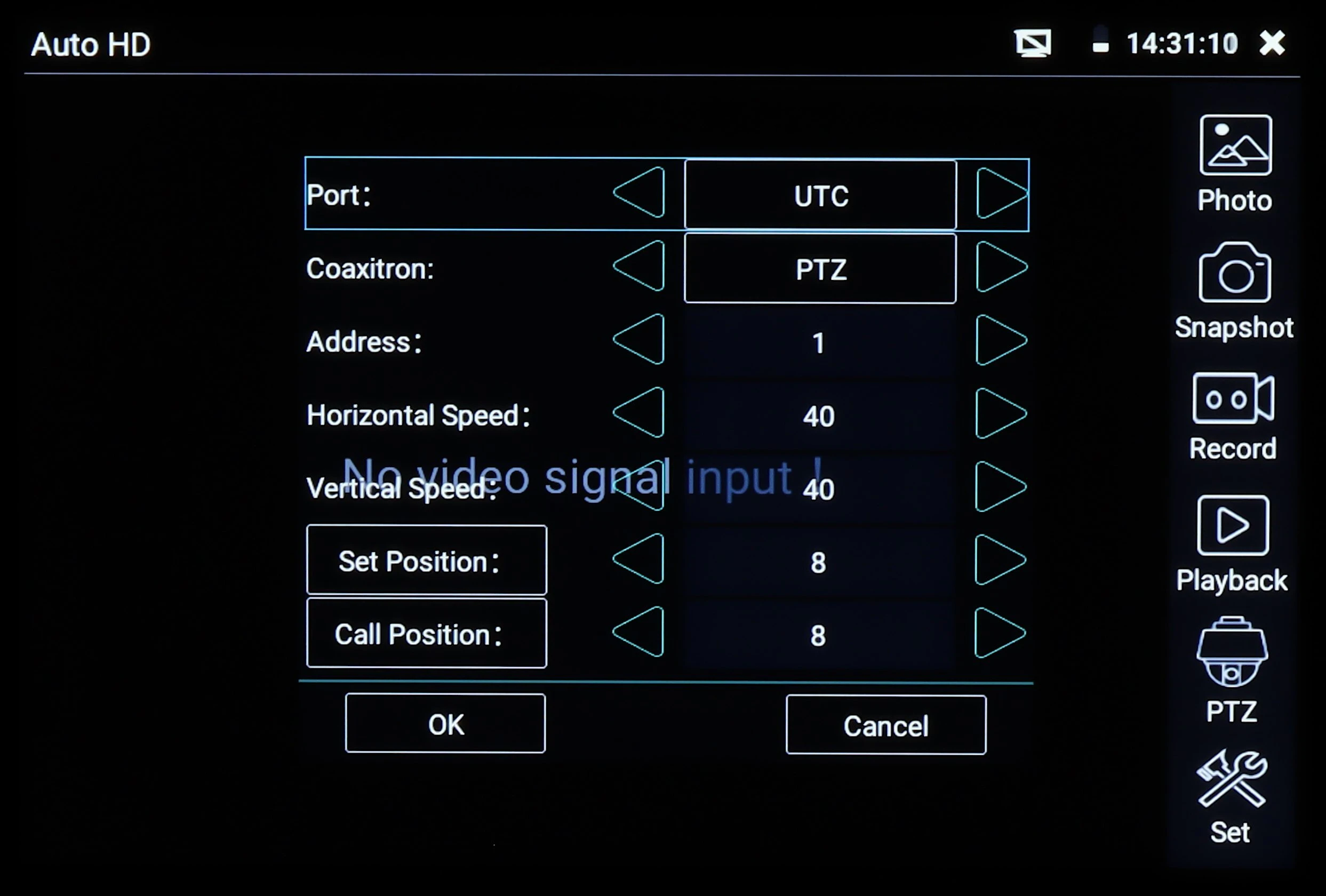
The image displays a digital interface screen for a security camera system, featuring options for configuring settings such as port, coaxitron, address, and speed. The interface includes buttons for setting and calling positions, with a "No video signal input" message in the center.
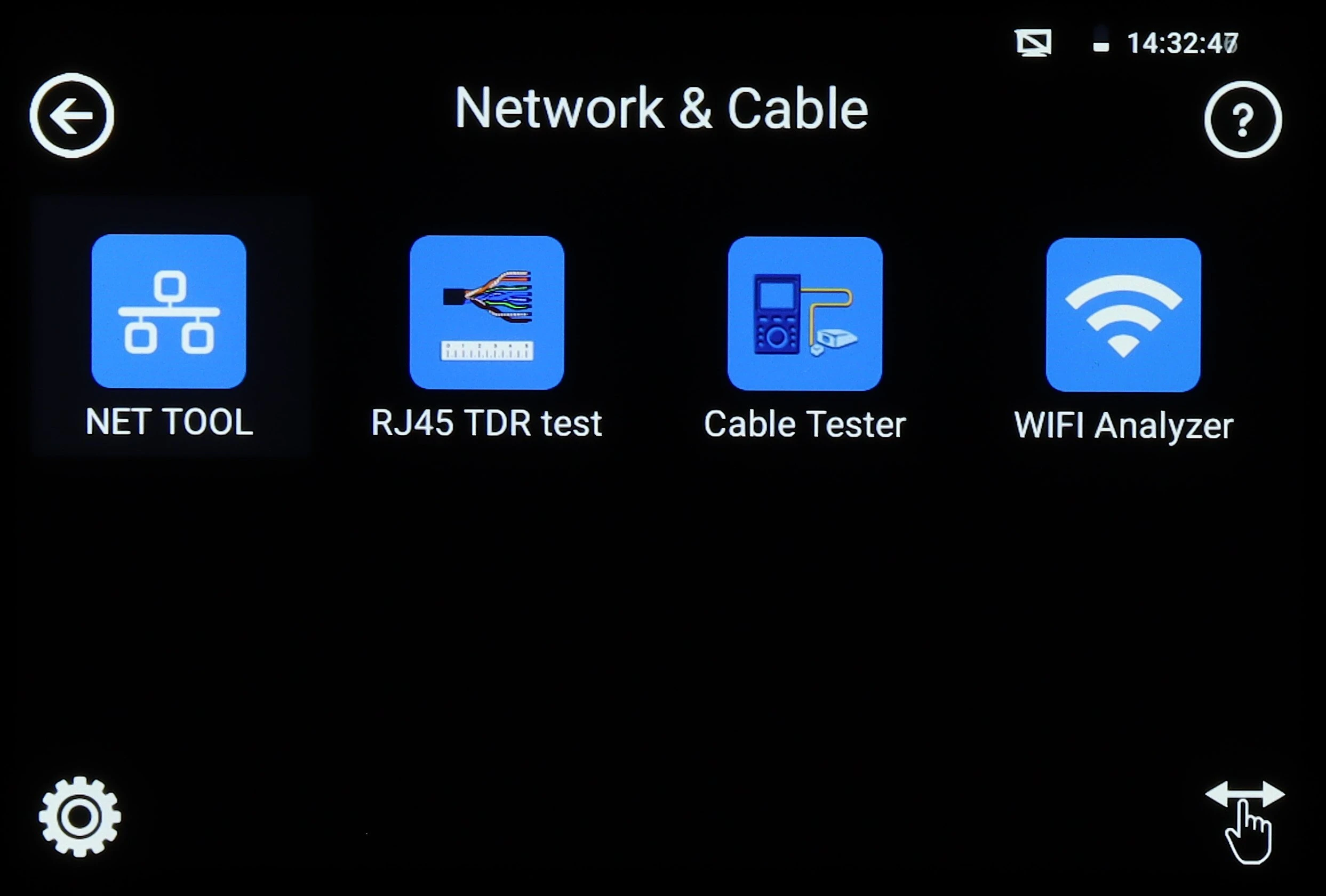
The image displays a digital interface with four icons labeled NET TOOL, RJ45 TDR test, Cable Tester, and WIFI Analyzer, each represented by a distinct graphic. The background is black, and the icons are arranged in a grid format, indicating a user-friendly navigation system for network and cable testing tools.
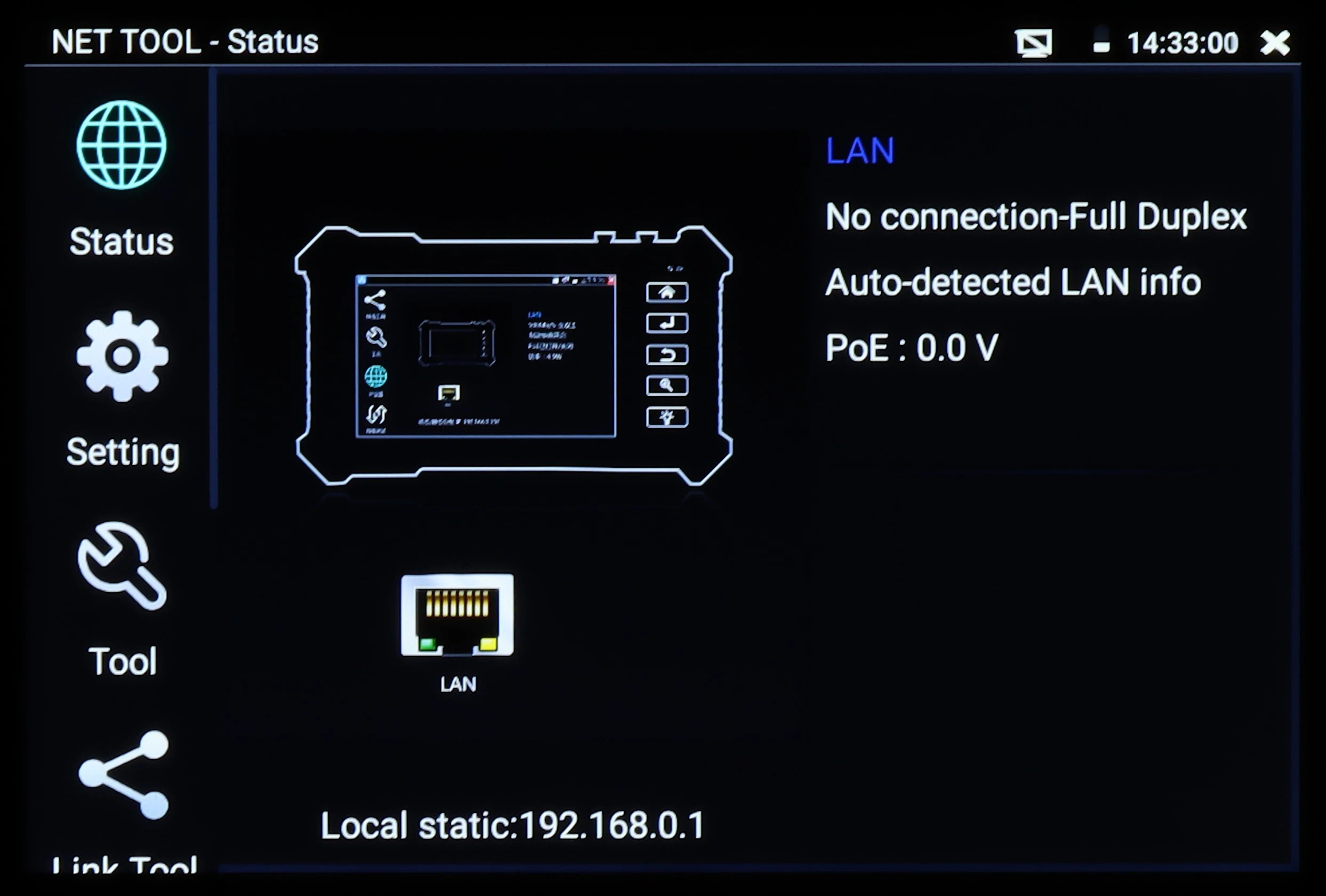
The image displays a digital interface of a network tool, featuring options such as status, setting, and tool on the left side. The screen shows LAN connection details, including "No connection-Full Duplex" and "Auto-detected LAN info," with a PoE reading of 0.0 V.
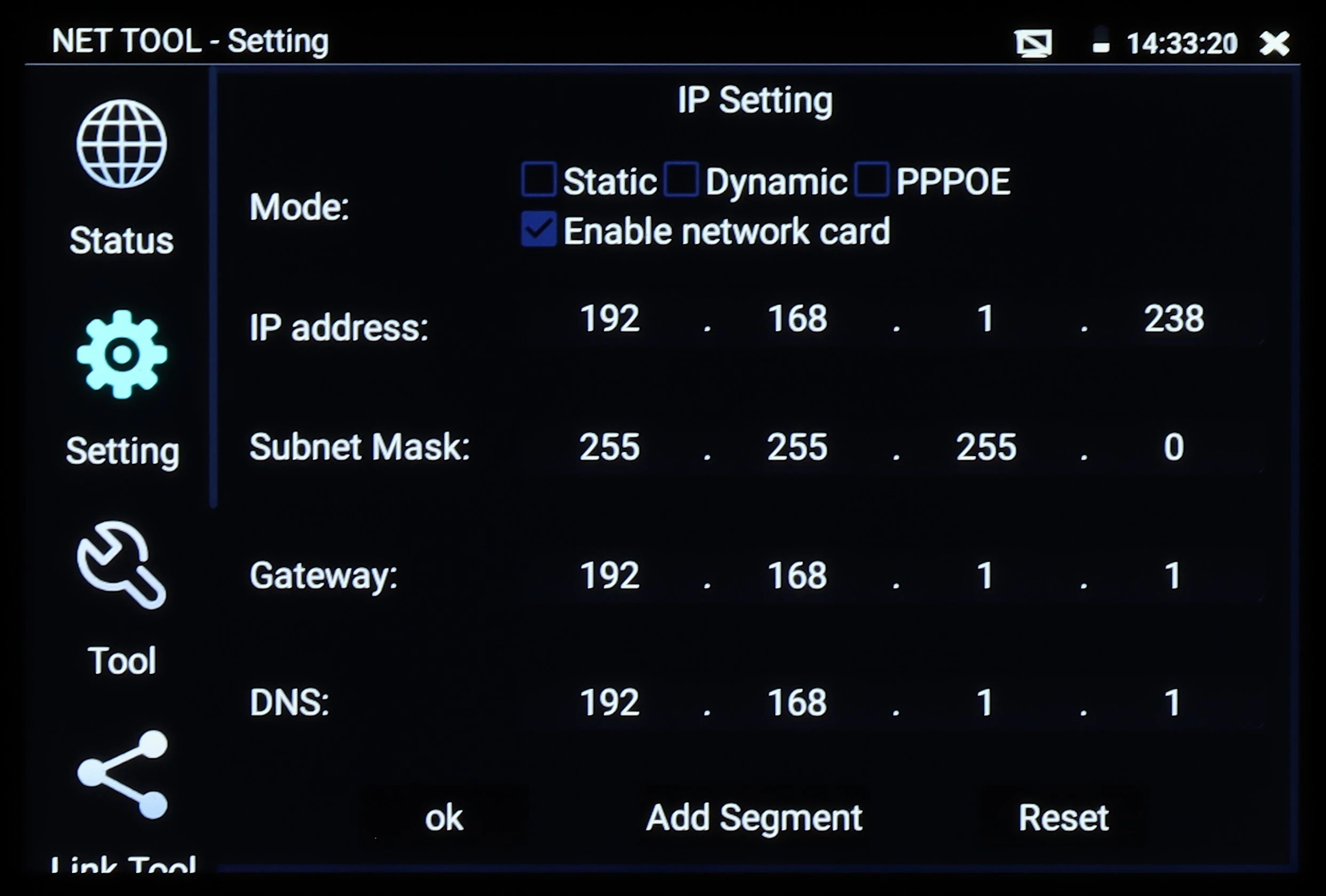
The image displays the interface of a network configuration tool, showing options for setting IP address, subnet mask, gateway, and DNS. The interface includes checkboxes for selecting network modes such as Static, Dynamic, and PPPOE, along with a time display at the top right corner.
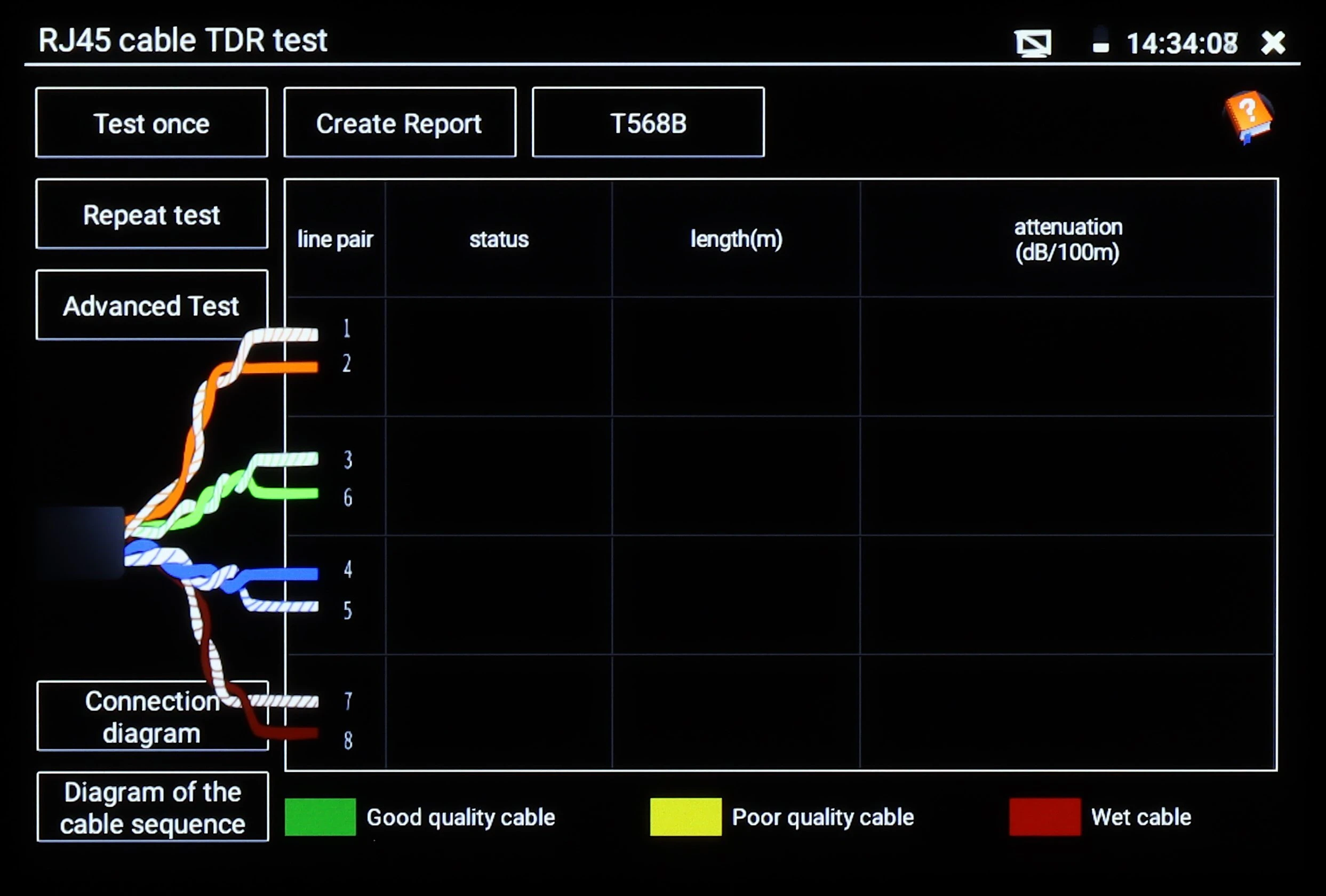
The image displays a digital interface of an RJ45 cable TDR tester, featuring a diagram of the cable sequence with color-coded lines indicating the status of each line pair. The screen also shows options for testing, report creation, and attenuation measurements, with a legend for cable quality assessment.
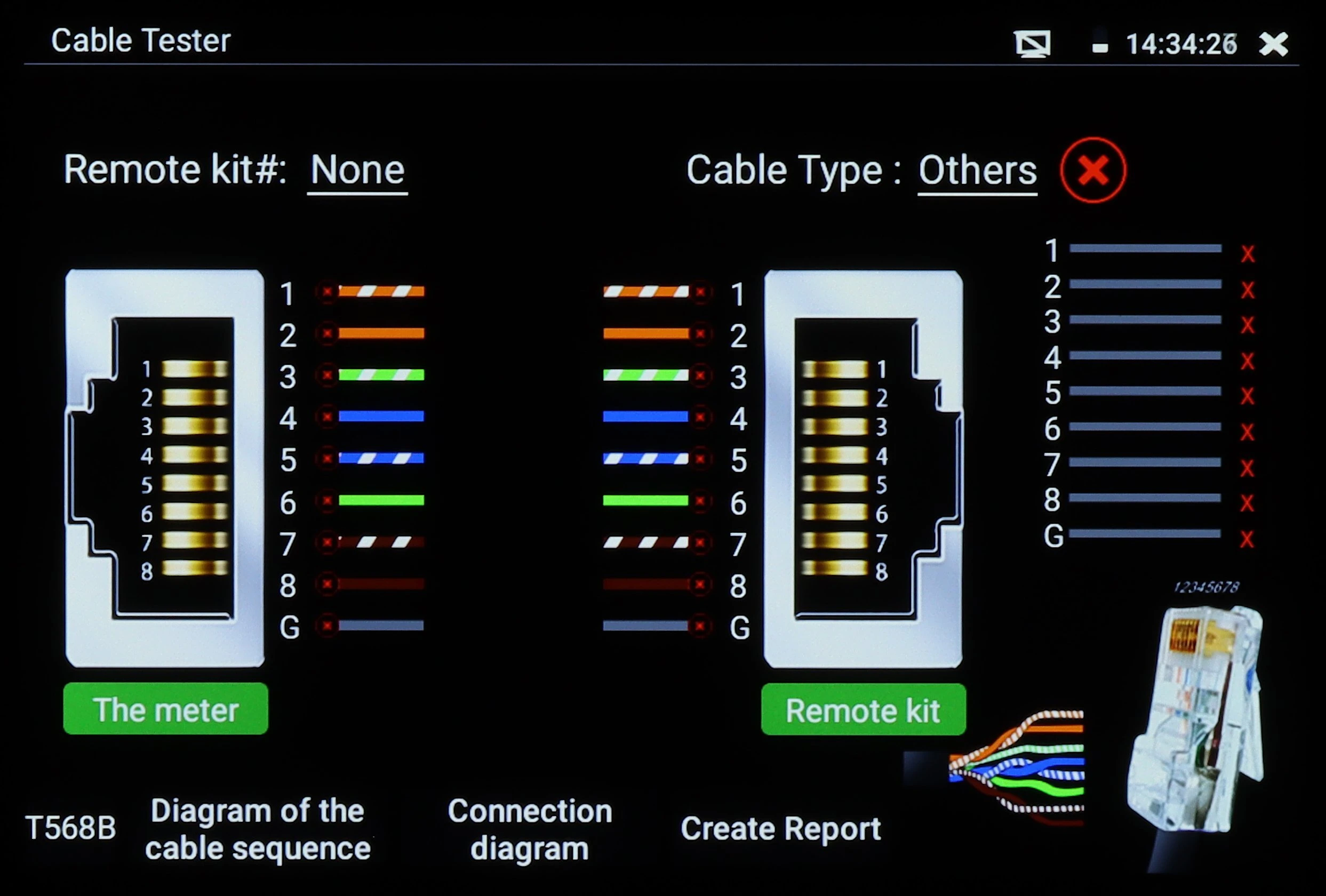
The image displays a cable tester screen showing a diagram of cable sequences with color-coded wires and connection diagrams. It includes options for selecting remote kits and cable types, with a visual representation of the cable connections.
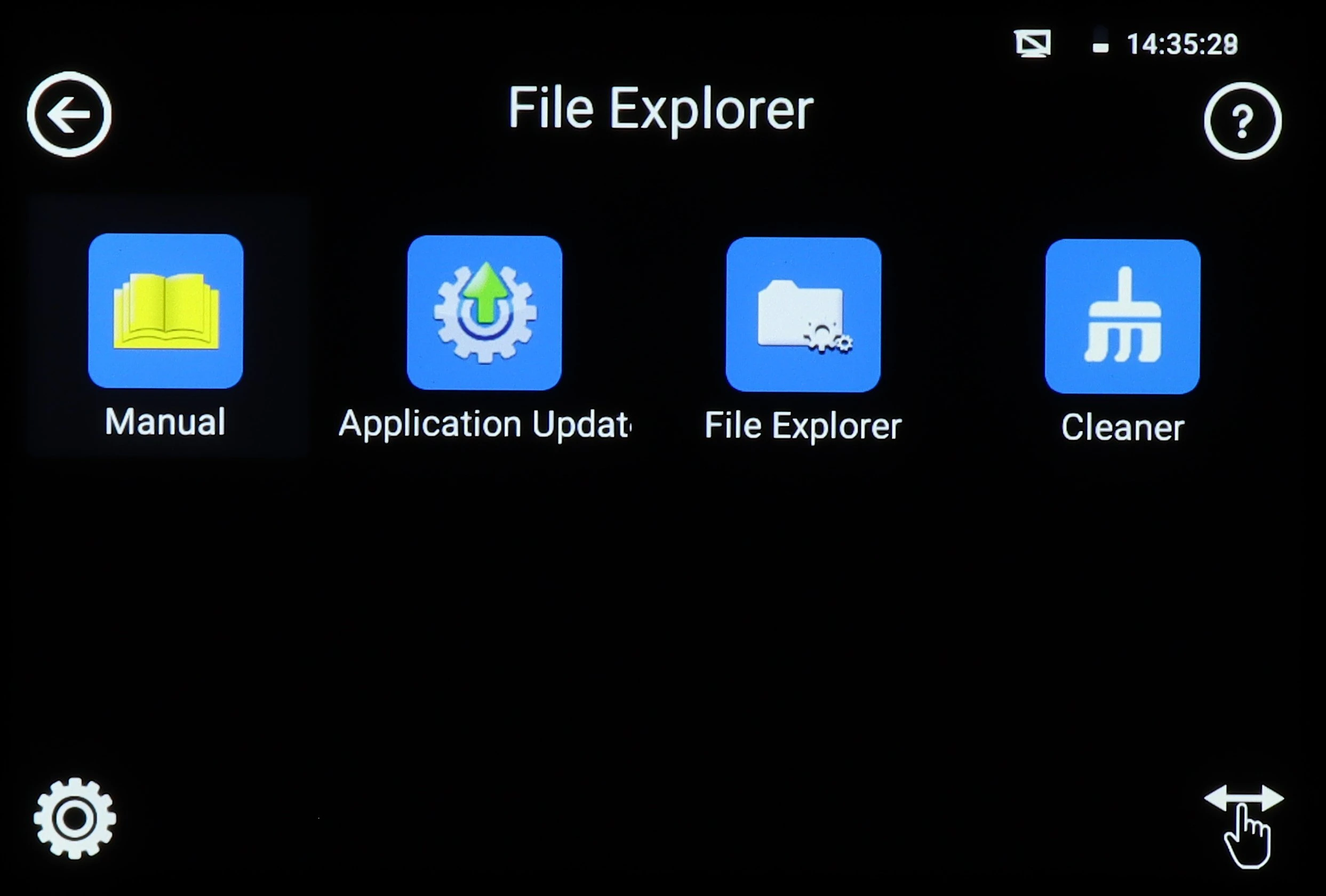
The image shows a digital interface with four application icons labeled Manual, Application Update, File Explorer, and Cleaner, displayed on a black background. The top right corner indicates the time and battery status, while navigation icons are present at the bottom.
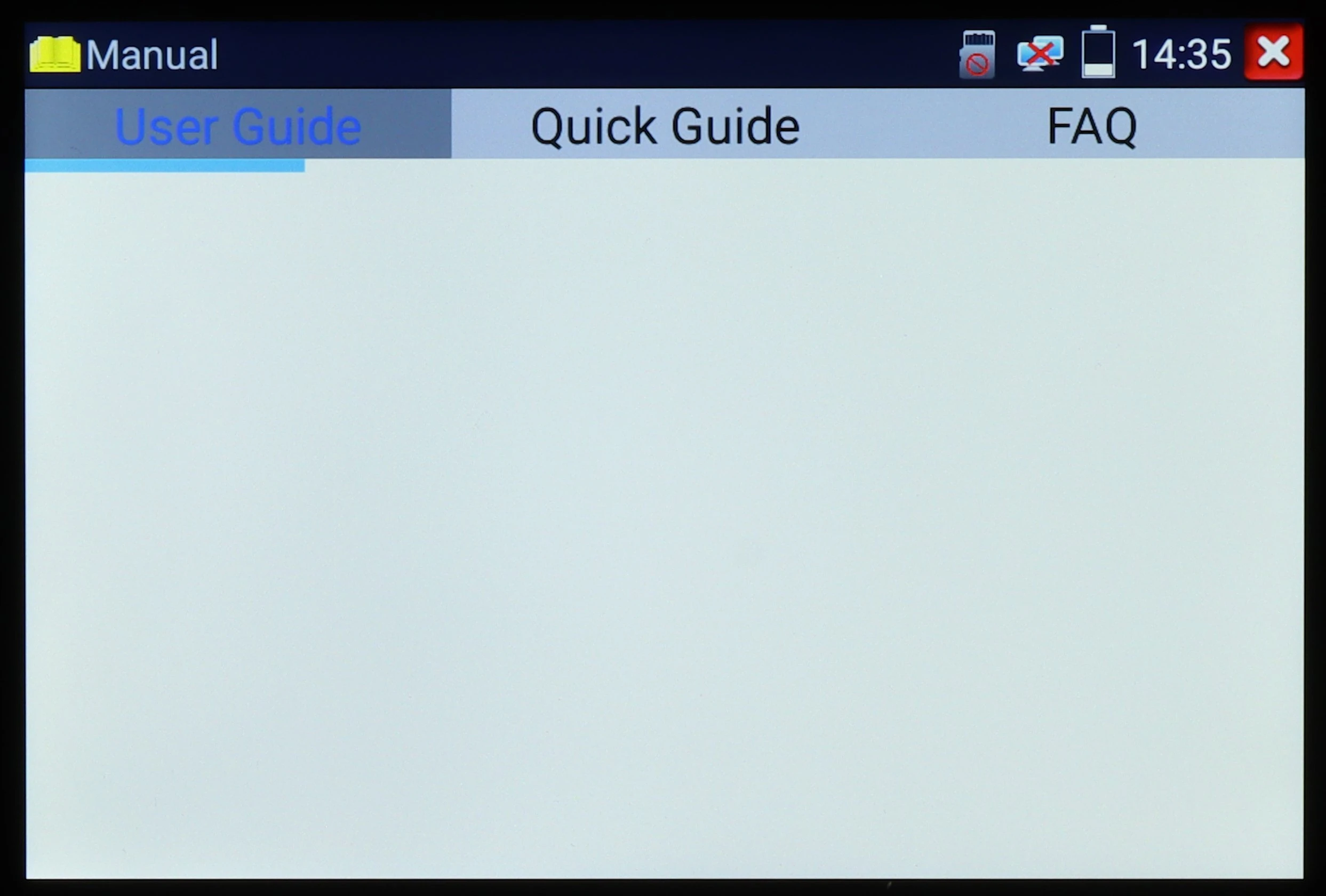
The image shows a digital screen displaying a menu with options for "User Guide," "Quick Guide," and "FAQ" under the "Manual" section. The interface is simple, with a blue highlight on the "User Guide" tab and icons for notifications and settings at the top right corner.
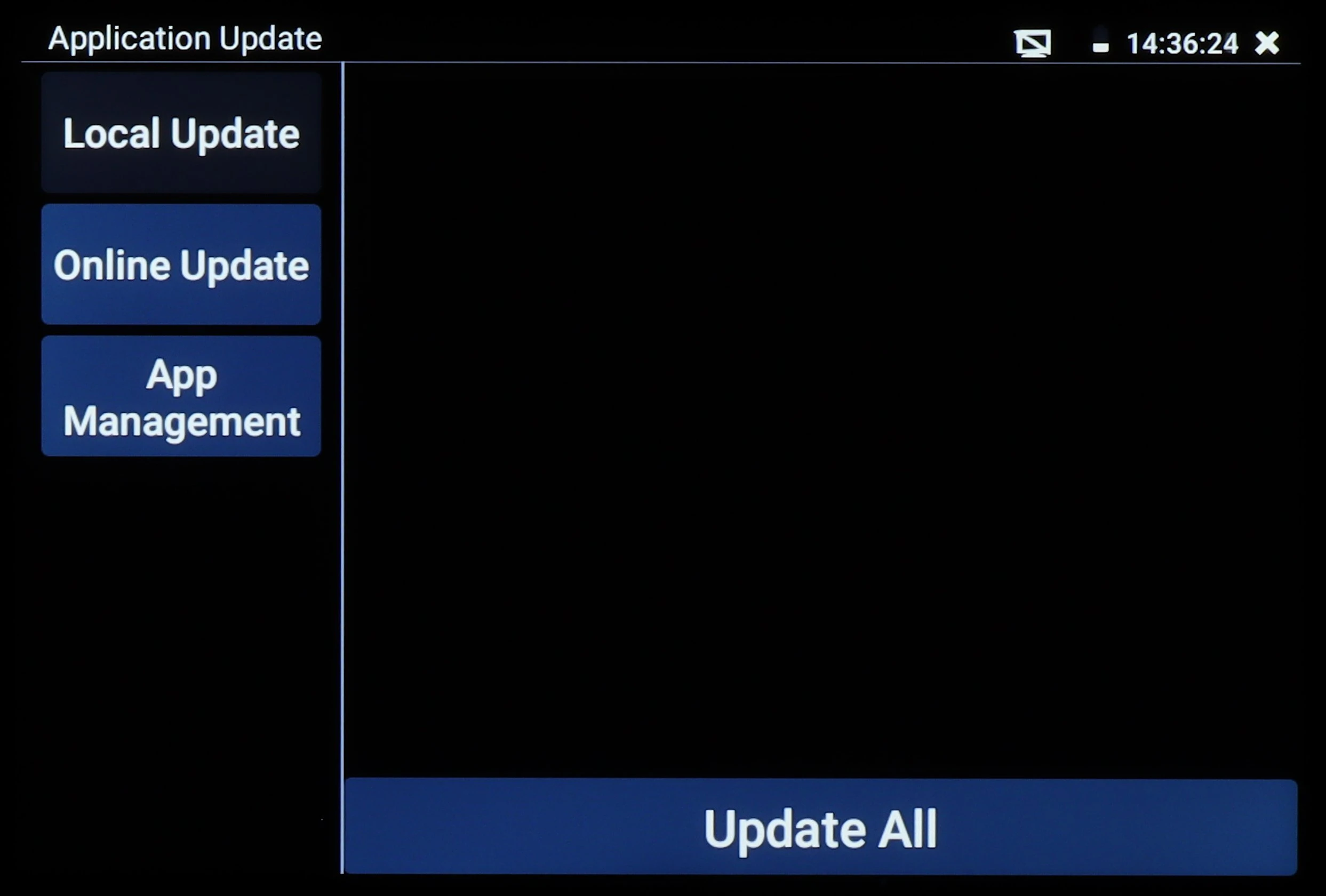
The image shows a digital interface for application updates, featuring options for Local Update, Online Update, and App Management on the left side. A prominent "Update All" button is displayed at the bottom, indicating a streamlined process for updating applications.
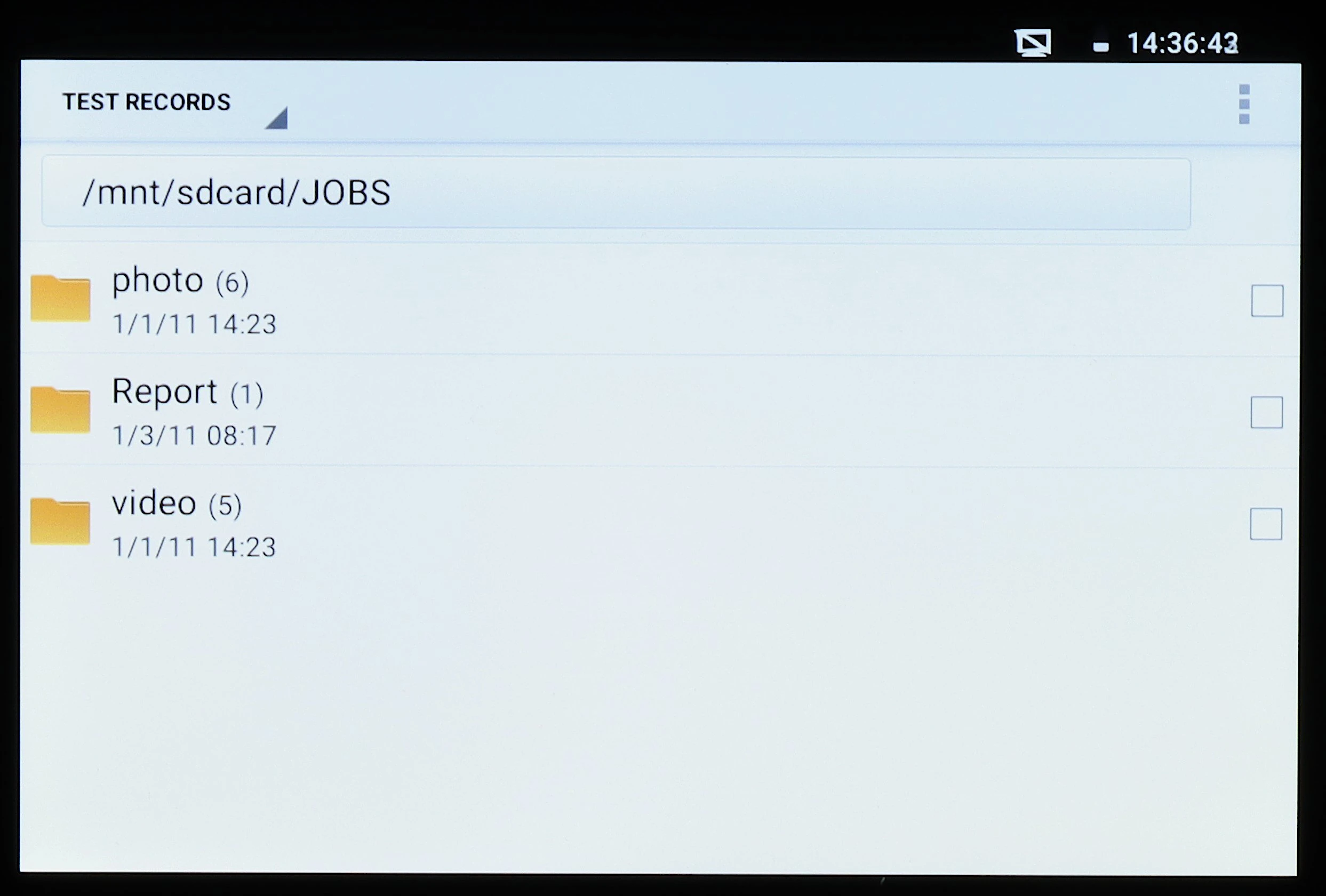
A digital screen displays a file directory with folders labeled "photo," "Report," and "video," each with a date and time stamp. The interface shows a navigation path at the top and a checkbox option next to each folder.
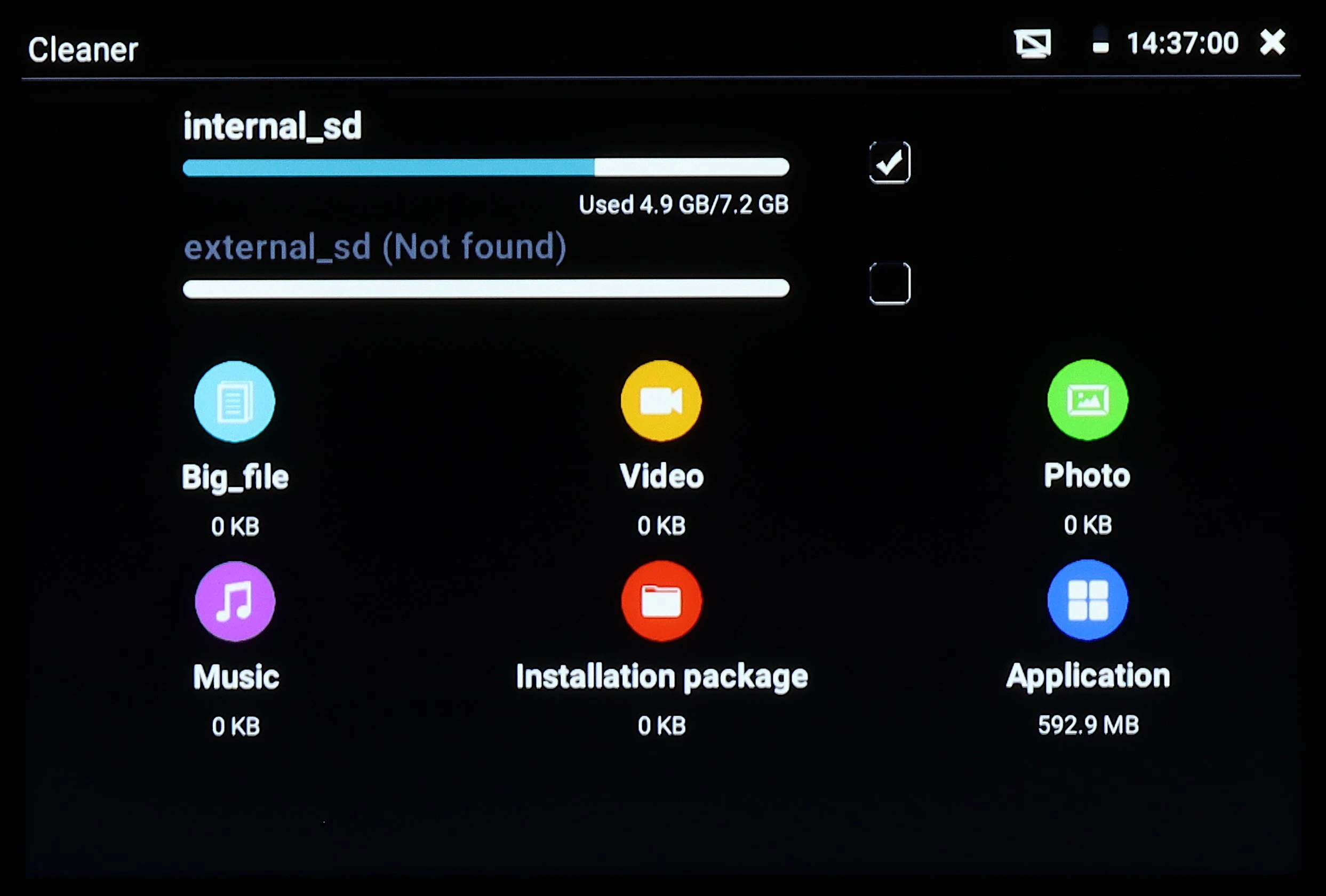
The image displays a digital interface of a storage cleaner application, showing internal and external storage status with various file categories like Big_file, Video, Photo, Music, Installation package, and Application. The internal storage is partially used, while the external storage is not found, and the application icons indicate zero kilobytes for most categories except Applications.
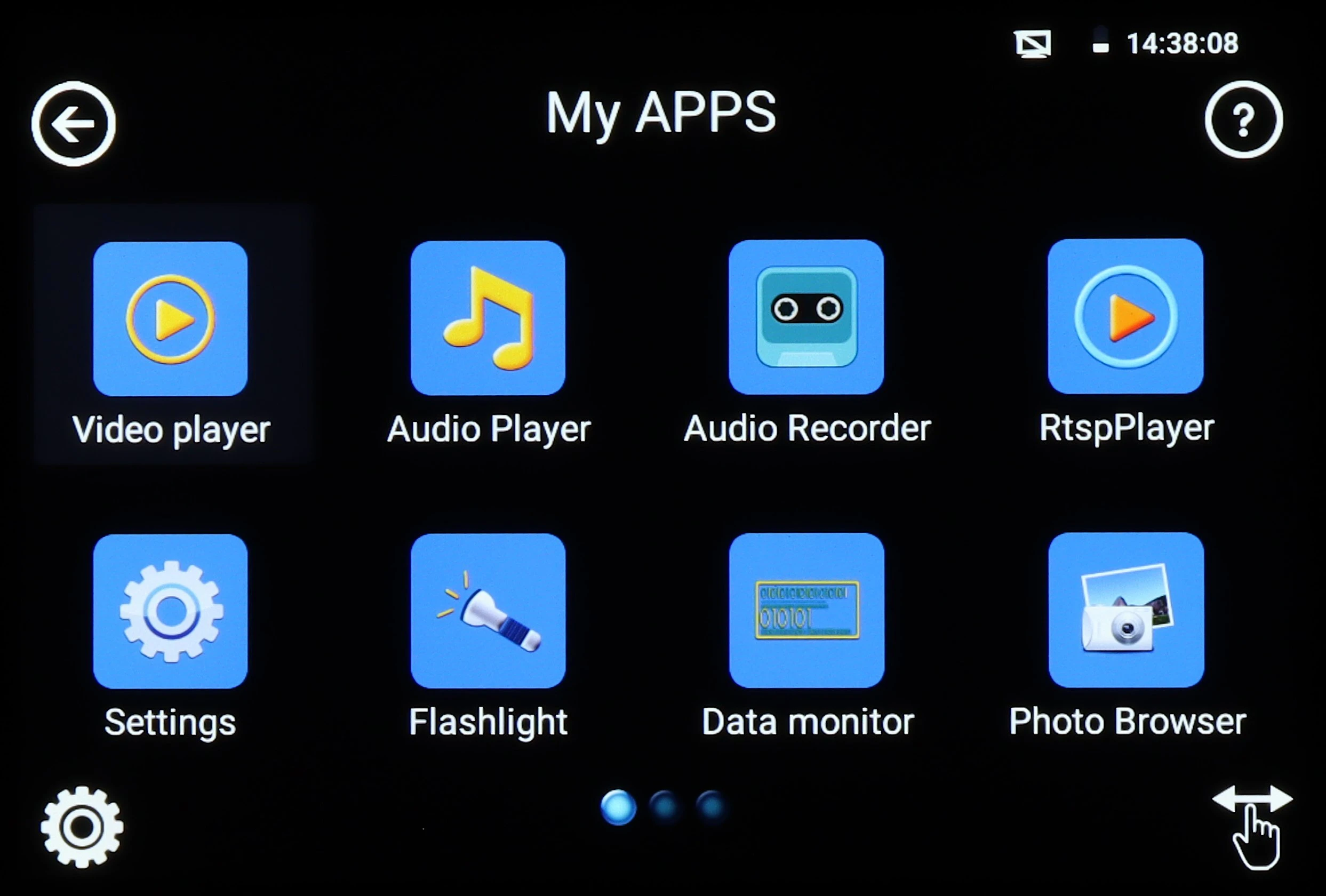
The image displays a digital interface with various app icons, including Video Player, Audio Player, Audio Recorder, and more, set against a black background. The screen also shows the time and battery status in the top right corner.
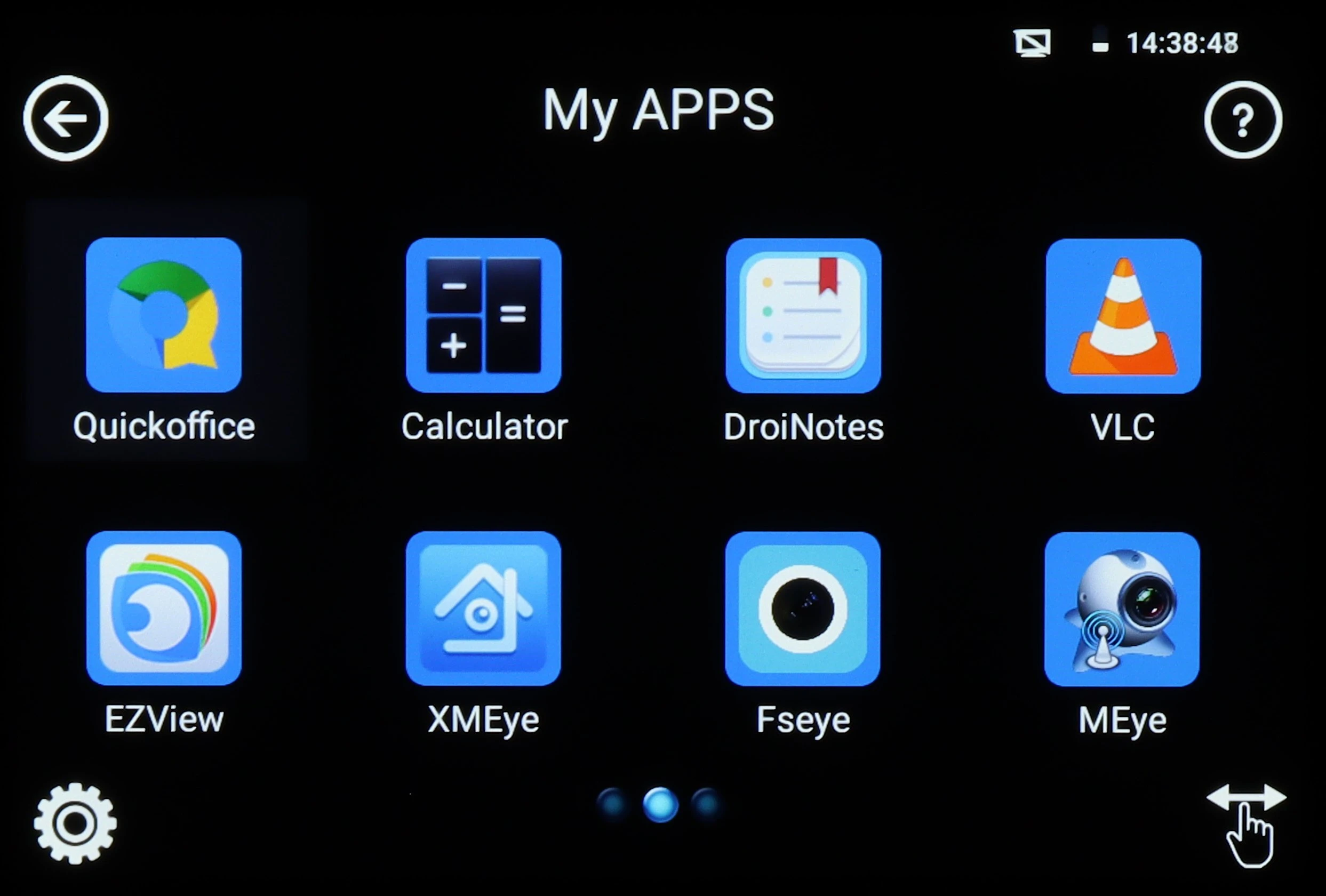
The image shows a digital interface displaying a selection of app icons, including Quickoffice, Calculator, and VLC, on a black background. The screen is part of a user-friendly application menu with a clear layout for easy navigation.
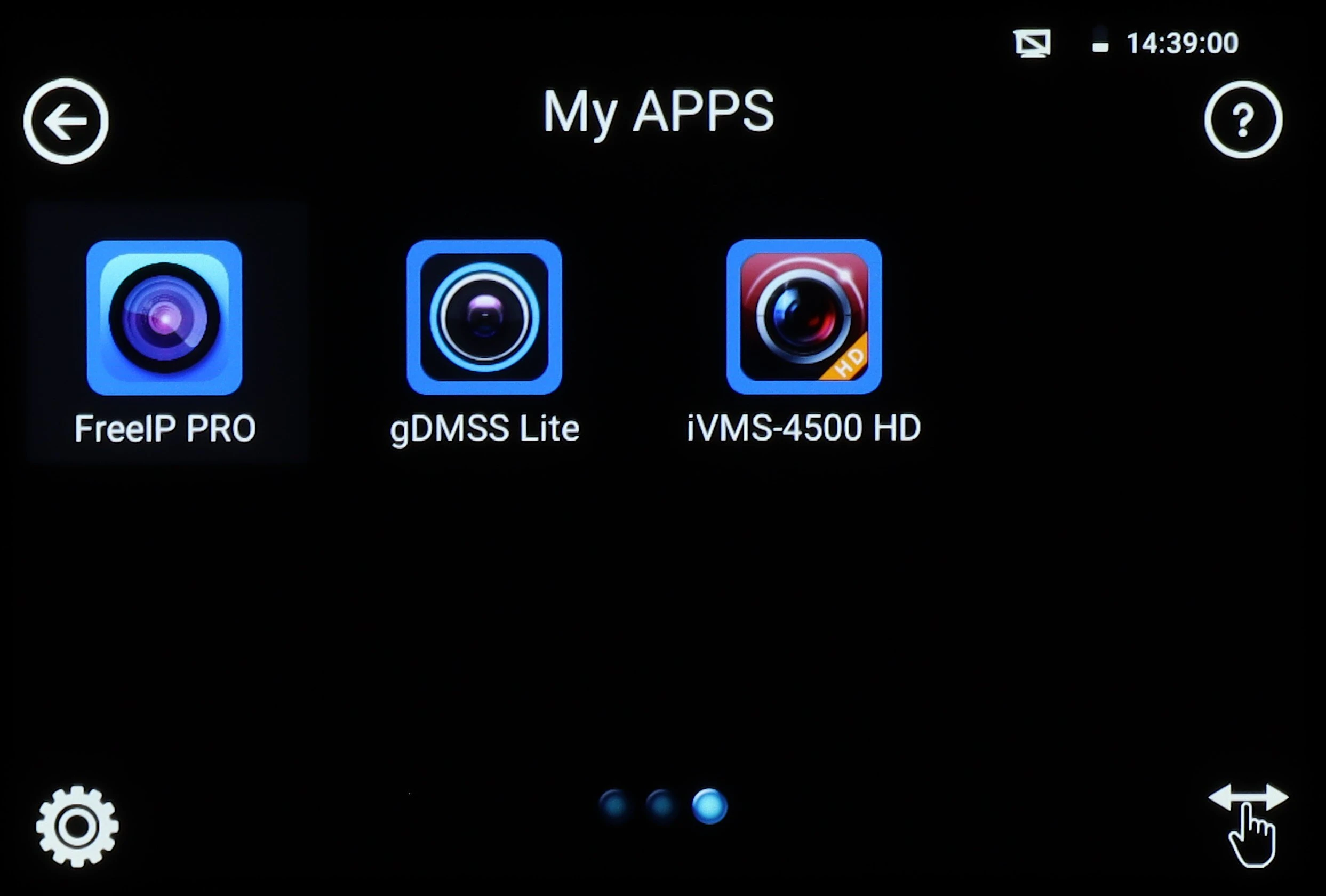
The image displays a digital interface featuring three app icons: FreeIP PRO, gDMSS Lite, and iVMS-4500 HD, each represented by a camera lens graphic. The screen is set against a black background with navigation options at the bottom.
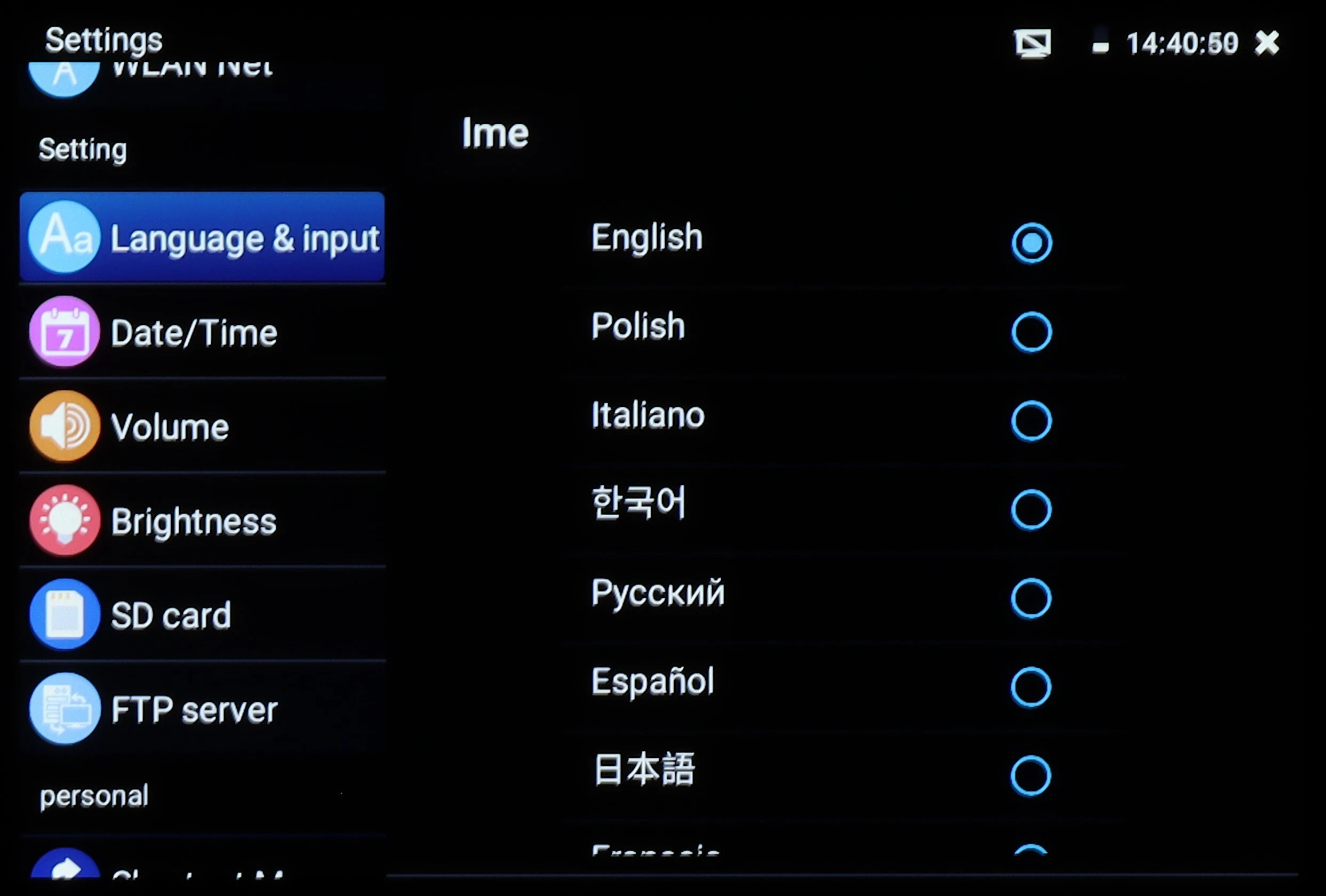
The image shows a settings menu on a digital device screen, highlighting the "Language & input" section with various language options such as English, Polish, and Italian. The interface is displayed in a dark theme with white text and blue selection circles.
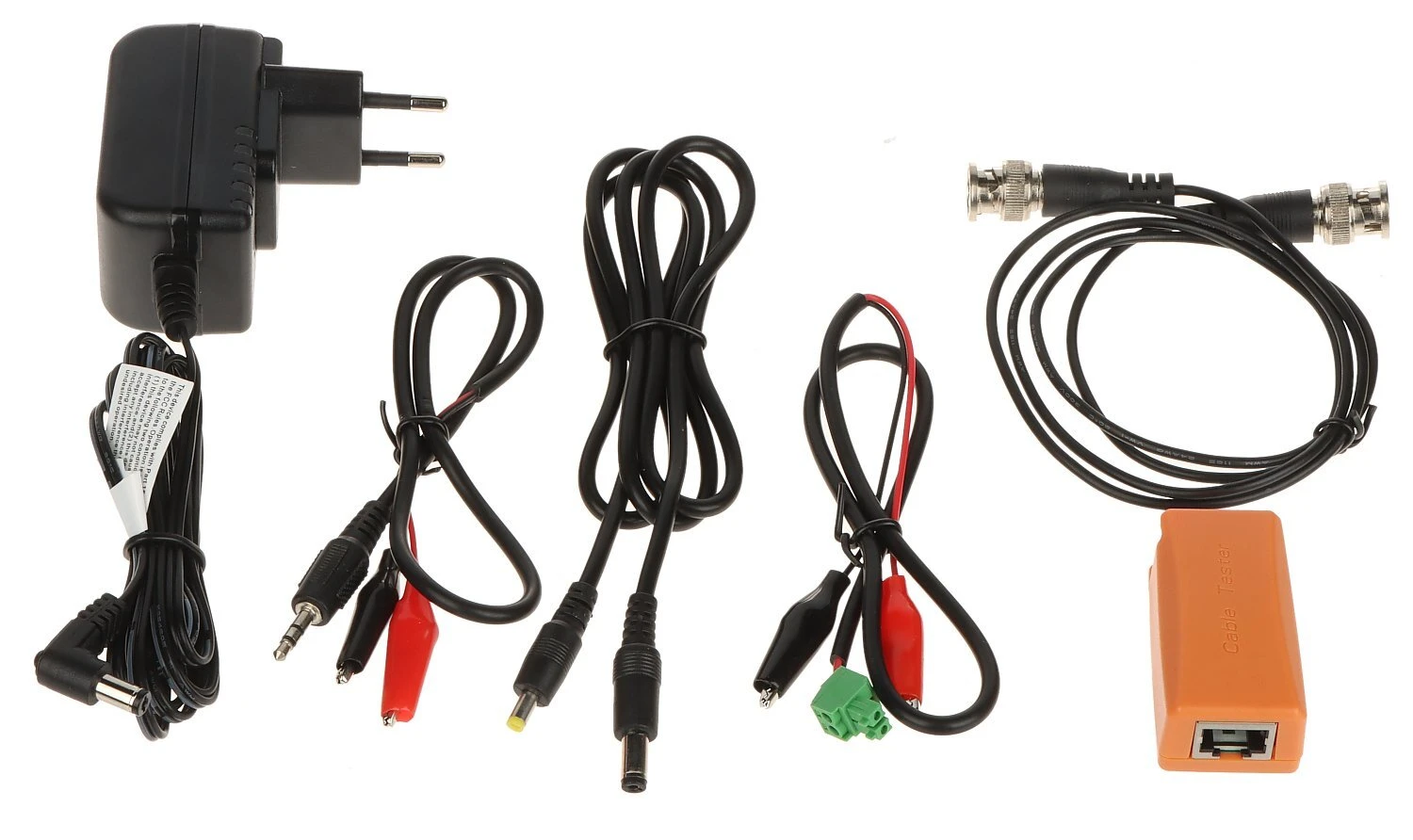
The image displays a set of electronic accessories, including a power adapter, various connecting cables with different connectors, and an orange network adapter. These components are suitable for setting up or maintaining electronic devices and systems.
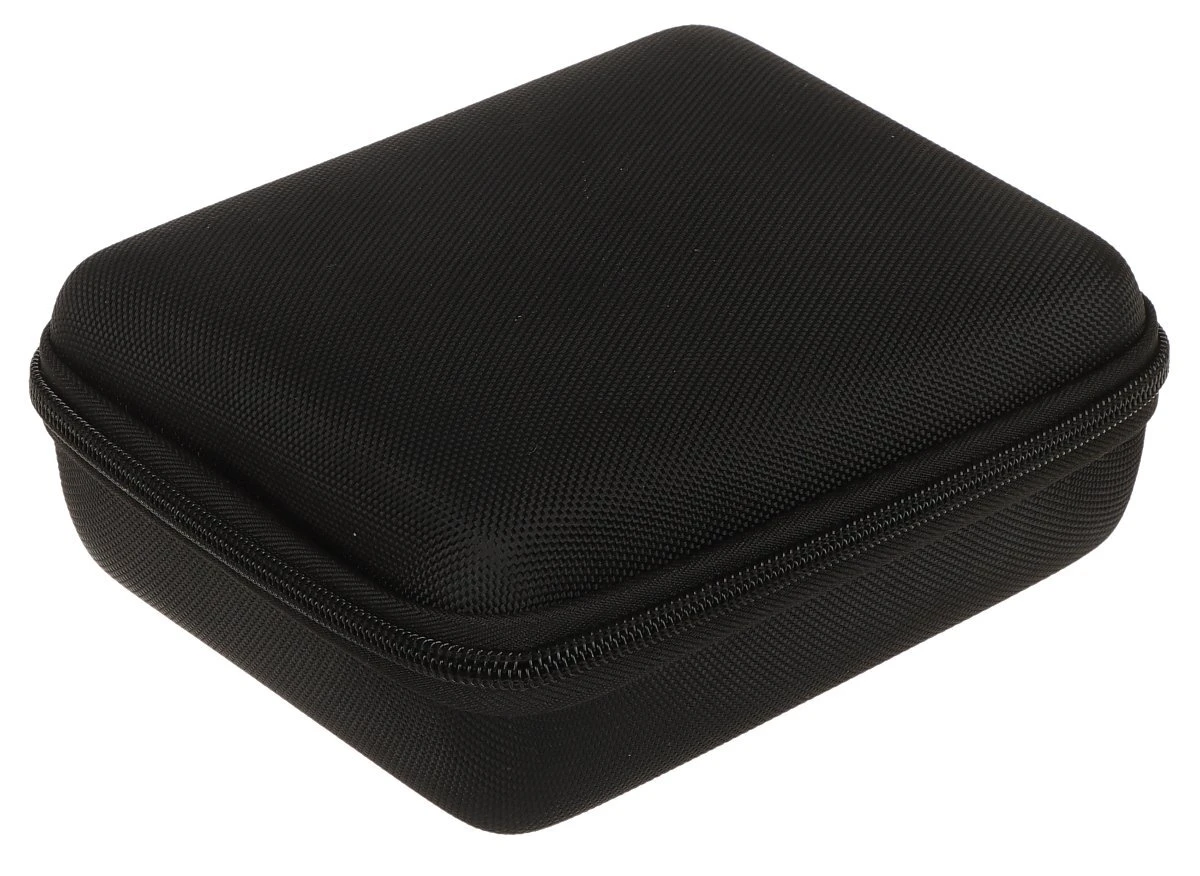
A compact, black protective case with a textured surface and a sturdy zipper closure. Ideal for safeguarding small electronic devices or accessories during travel.
  • Product Code

    CS-HB-45H


Ask about this product show form

Files attached to the product show files

  • Availability: in stock Shipping 24/48h

Price (Incl. VAT):

353,28 €

Add to Watchlist

Najniższy koszt dostawy: 12,98 zł

Do you represent a budgetary unit?
Check out the deferred payment option.

CA Raty

Related products

Product Description

Main features:


  • Video standard: AHD - 8 Mpx, HD-CVI - 8 Mpx, HD-TVI - 8 Mpx, TCP/IP - 8K, CVBS - PAL / NTSC
  • Display: 4 " - capacitive touch screen - 960 x 640 px
  • Video input: 1 pcs. AHD / HD-CVI / HD-TVI / CVBS - BNC socket
  • LAN port: 2 pcs. - Cooperation with PoE cameras and switches
  • Serial ports: RS-485
  • Protocols: Pelco-D, Pelco-P
  • Wi-Fi module: 2.4 GHz ;
  • Supported image compression methods: H.265, H.264
  • We have everything integrated in one small, universal device.
  • Capital when starting up and setting up surveillance installations.
  • Very small size of the device.

Multifunctional tester for AHD, HD-CVI, HD-TVI, IP, analog cameras, Speed Dome (PTZ) cameras, equipped with many additional functions, necessary when starting a CCTV installation.


Technical specifications:


Video standard:
  • AHD - 8 Mpx,
  • HD-CVI - 8 Mpx,
  • HD-TVI - 8 Mpx,
  • TCP/IP - 8K,
  • CVBS - PAL / NTSC
Display: 4 " - capacitive touch screen - 960 x 640 px
Video input: 1 pcs. AHD / HD-CVI / HD-TVI / CVBS - BNC socket
Video Output: No
LAN port: 2 pcs. - Cooperation with PoE cameras and switches
Audio input: 1 pcs. Mini Jack
Audio output: No
Video level meter: No
Video signal generator: No
Serial Ports: RS-485
Protocols: Supports over 30 RS485 protocols Pelco-D, Pelco-P, YAAN, YAAN-O, YAAN-1, SAMSUNG, PANASONIC, Lilin-FAST, Lilin-MLP2, MOLYNX, MINKING A01, Fastrax, CBC, LC-NEW, WV-CS850, SONY-EVI, LG-MULTIX, DAT-SD, VICON, Vcltp, DH-YTC 06, Santachi, Bosch OSRD, TeleEye DM2, HD 600, Hikvision, KALATEL ASC, AD 168(M-B), SAMSUNG SPD, Siemens, MINKING B01, ALEC
Transmission speed: 150, 300, 600, 1200, 2400, 4800, 9600, 19200, 38400, 115200 b/s
Twisted-pair or telephone line test: Test connection of UTP or telephone cables, terminated with RJ-45 plug.
RS-485, RS-232 line test: Testing data from a control device (commands are displayed hexadecimally)
Wi-Fi module: 2.4 GHz
Identification of the wire in the bundle: No
Audio test: Yes
Digital Multimeter: No
Optical power measurement: No
VLS (VFL) visual fiber fault locator: No
TDR Reflectometer: Detection and location of cable break location (UTP only)
Operation as power source:
  • 12 V DC / 3 A
  • 48 V (PoE, LAN), 25.5 W.
Battery power supply:
  • Li-Poly rechargeable battery 7.4 V / 2600 mAh
  • 12 V DC / 1 A (power adapter included)
Estimated operating time on battery: max. 9 hrs.
Operation: Graphical menu - touch control + Touch control buttons
Selected functions:
  • Test of AHD cameras
  • Test of HD-CVI cameras
  • Test of HD-TVI cameras
  • Test of PAL/NTSC cameras
  • Test of IP cameras - Supported image compression methods : H.265, H.264
  • Support : 5 Mpx, 16 : 9 HD-CVI, Dahua
  • Search and preview of Onvif compliant IP cameras
  • Virtual IPC
  • Bitrate calculator
  • DH test tool
  • Hik test tool
  • UNV test tool
  • HuaWei tool
  • TP-Link tool
  • Control of PTZ and PTZ (speed dome) cameras
  • IP camera viewing with built-in applications - iVMS-4500 HD, EZView, gDMSS HD Lite, XMEye, MEye, FreeIP PRO, Safire EasyView, Fseye, HW tool, Tiandy tool
  • Built-in web browser - Google Chrome
  • LAN connection monitoring
  • IP address scanner
  • PING - link testing using ICMP packets
  • Detection of connected port in switch
  • Twisted pair cable tester
  • Cooperation with PoE cameras and switches
  • PoE power meter
  • DC 12V / 48V power source
  • Data monitor - RS-485 serial port monitor
  • Audio tester
  • Hotspot - Wi-Fi
  • Video recording to micro SD card with playback (not included)
  • Tester Play - screen projection: simultaneously tester, cell phone and computer
  • Playback of recordings
  • Calculator
  • Built-in flashlight
Operating temperature: -10 °C ... 50 °C
Permissible relative humidity: 30 % ... 90 %
Weight: 0.37 kg
Dimensions: 161 x 101 x 45 mm
Supported languages: Polish, English, Bulgarian, Czech, French, Spanish, German, Portuguese, Russian, Serbian, Turkish, Italian.

Szczegóły dotyczące zgodności produktu z przepisami: Osoba odpowiedzialna za produkt

Similar products in this category

The image shows a red and black voltage and phase sequence indicator with two probes and a coiled black cable. The device features a digital display and is designed for electrical testing and troubleshooting.

in stock Shipping 24/48h

Voltage and phase sequence indicator UT-15C

  • Sound signaling
  • Built-in flashlight
  • Aesthetic and robust design
  • Voltage tester function

44,60 €

pcs.

Add to Watchlist

A yellow voltage tester with a flathead tip and multiple function buttons for detecting voltage and continuity. The device features a clip for easy attachment and is designed for convenient handheld use.

in stock Shipping 24/48h

Voltage tester FAZER-777-SUNCO

  • AC voltage range: Max. 500 V.
  • DC voltage range: 2.5 V ... 60 V.
  • Continuity test: Max. 1 MΩ.
  • Operating frequency: 50 Hz.
  • Tip width: 3 mm.

10,15 €

pcs.

Add to Watchlist

The image shows a handheld infrared thermometer with a blue and white design, featuring an ergonomic grip for easy handling. The device displays a temperature range on its side, suitable for measuring temperatures from 32°C to 42°C.

Product temporarily unavaliable

Temperature meter UT-300H

  • Display time of the last measurement: 8s
  • Audible indication when the reading value is higher than 37.2°C
  • Automatic switching to sleep mode after 8s of inactivity
  • Low battery indicator

10,15 €

pcs.

No product

Add to Watchlist

The image shows a red and black digital multimeter with a clear LCD display and a rotary dial for selecting various measurement functions. The device is designed for measuring voltage, current, and resistance, and features a compact, ergonomic design with a stand for easy use.

Product temporarily unavaliable

Universal meter UT-33A+ UNI-T

  • Large, easy-to-read LCD display with backlighting
  • Freeze last display
  • Low battery alarm
  • Aesthetic and robust design

17,94 €

pcs.

No product

Add to Watchlist

A digital multimeter with a red and black casing, featuring a large LCD screen and multiple function buttons. It includes a rotary switch for selecting various measurement modes and ports for test leads.

Product temporarily unavaliable

Universal meter UT-71E UNI-T

  • Freeze the last indication
  • Freeze the highest or lowest indication
  • Save peak value
  • REL - relative measurement mode

283,43 €

pcs.

No product

Add to Watchlist

The image shows a red and black digital multimeter with a large LCD screen and various measurement settings, including voltage, current, and resistance. It features a sturdy stand for hands-free use and is designed for professional electrical testing.

in stock Shipping 24/48h

Universal meter UT-195DS UNI-T

  • Freeze last indication
  • Test and phase sequence identification for three-phase motor: 600 V
  • Recording of MAX / MIN values
  • REL - relative measurement mode

225,85 €

pcs.

Add to Watchlist

A red and black voltage and phase sequence indicator with dual probes and a coiled black cable. The device features a digital display and is designed for electrical testing.

in stock Shipping 24/48h

Voltage and phase sequence indicator UT-15B UNI-T

  • Audible signaling
  • Over voltage indicator
  • Low battery indicator
  • Built-in flashlight

41,06 €

pcs.

Add to Watchlist

The image shows a green and black cable locator set, featuring a transmitter and a receiver with digital displays and control buttons. The devices are designed for identifying and tracing wires or cables within a group without damaging the insulation.

in stock Shipping 24/48h

MS-6818 Cable Tester

  • Detection of wire in the wall and underground at a depth of up to 2m
  • Capable of working under mains voltage and in a circuit without voltage
  • 8 transmission codes set on the transmitter and distinguished by the receiver
  • Built-in buzzer allows you to operate the device without looking at the screen

313,87 €

pcs.

Add to Watchlist

A digital multimeter with a large LCD screen and a rotary dial for selecting various measurement functions. The device features multiple input ports and a sturdy black casing with red accents.

in stock Shipping 24/48h

Universal meter UT-52 UNI-T

  • Large, easy-to-read LCD display
  • Low battery alarm
  • Aesthetic and robust design

39,41 €

pcs.

Add to Watchlist

The image shows a UNI-T multi-function electrical installation tester with a large digital display and a robust red and black casing. It features multiple function buttons and a rotary dial for various testing modes.

in stock Shipping 24/48h

Multifunctional electrical installation meter UT-593 UNI-T

  • Large, easy-to-read LCD display with backlighting
  • Buzzer
  • Automatic shutdown
  • Low battery indicator

561,43 €

pcs.

Add to Watchlist

Quick online quote

Use our calculators for a quote. Fill in the form - Our consultants will prepare a dedicated offer


Our recommendations